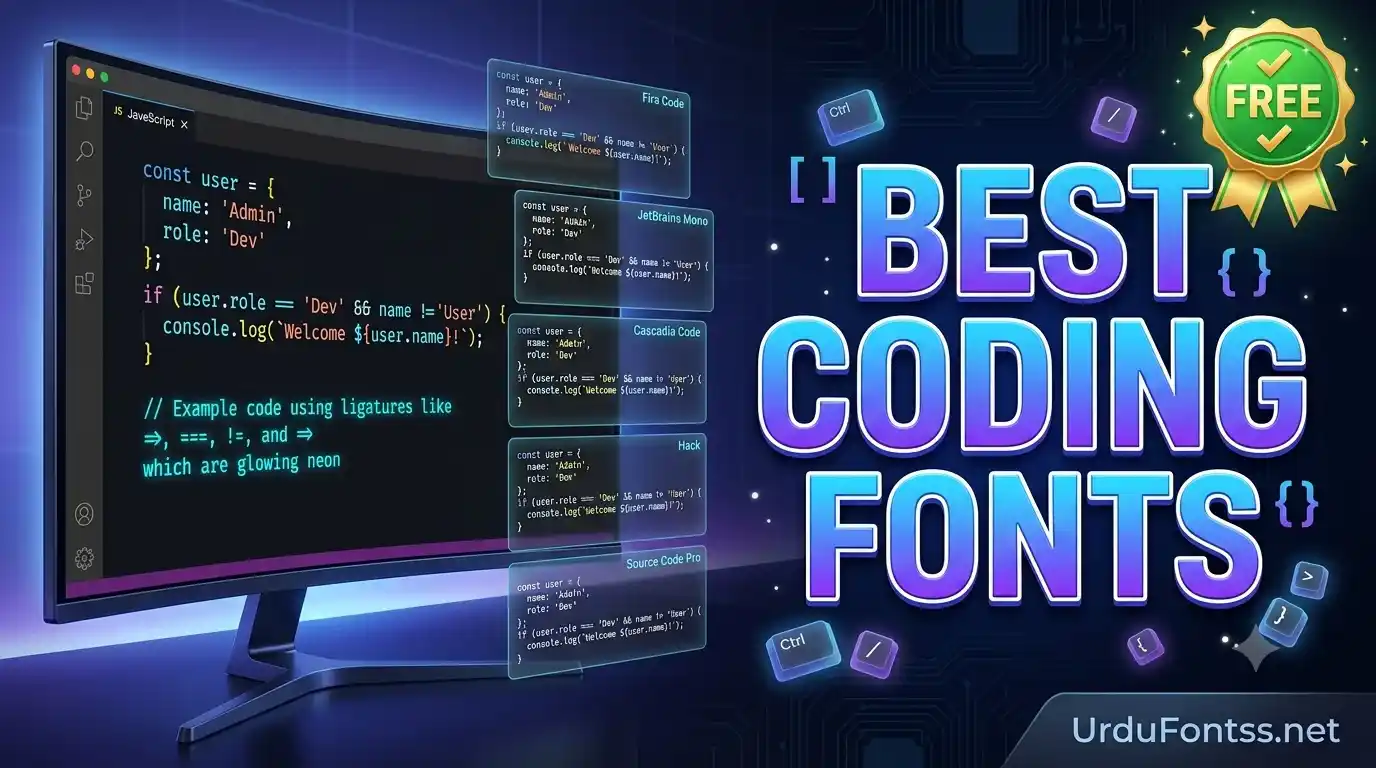
Best Coding Fonts

The best free coding fonts for most developers are Fira Code (for ligatures), JetBrains Mono (for JetBrains IDEs), Cascadia Code (for Windows and terminals), Source Code Pro (for a clean minimal look), and Hack (for terminals and Linux). A good coding font is monospaced, keeps similar characters distinct (0 vs O, 1 vs l vs I), and — if you like them — renders programming ligatures. This guide compares the top picks, links the official downloads, and shows how to install them in VS Code and JetBrains IDEs.
Table of Content
Table of Contents
Quick Comparison Table
| Font | Best For | Ligatures | Price |
|---|---|---|---|
| Fira Code | Overall — most developers | Yes | Free (OFL) |
| JetBrains Mono | JetBrains IDEs | Yes | Free (OFL) |
| Cascadia Code | Windows & terminals | Yes | Free (OFL) |
| Source Code Pro | Clean minimal look | No | Free (OFL) |
| Hack | Terminals & Linux | No | Free |
Detailed Reviews
1. Fira Code — the overall best coding font
Fira Code is the default recommendation for a reason: its programming ligatures (arrows, comparisons, and operators rendered as single glyphs) make code easier to scan, and its character distinction is excellent. Free under the SIL Open Font License — download from the official Fira Code GitHub repository.
2. JetBrains Mono — best for JetBrains IDEs
Designed by JetBrains for their own IDEs, with taller x-height for readability and its own ligature set. It is the natural match for IntelliJ, PyCharm, and WebStorm — download it from the official JetBrains Mono page.
3. Cascadia Code — best for Windows & terminals
Microsoft's coding font, built for Windows Terminal with ligatures and powerline symbols — the smoothest choice on Windows. Get it from the official Cascadia Code GitHub repository.
4. Source Code Pro — best clean minimal font
Adobe's open-source coding font: no ligatures, just clean, highly legible letterforms. For developers who find ligatures distracting, this is the calm alternative — download from the official Source Code Pro GitHub repository.
5. Hack — best for terminals & Linux
A no-nonsense workhorse with big, clear glyphs that stay readable at small terminal sizes. No ligatures — just dependable rendering. Download from the official Hack font page. For terminal extras like icons, see Nerd Fonts, which patches these fonts with icon glyphs.
Where to Download the Best Coding Fonts
Always download from the official sources linked above — never from random "free font" bundles, which sometimes ship modified files. GitHub repositories give you the latest release as a ZIP; extract it, and install the TTF or OTF files.
How to Install Coding Fonts in VS Code
- Install the font on your system — double-click the TTF/OTF and click Install (Windows) or open in Font Book and click Install (Mac). VS Code uses system fonts.
- Open VS Code settings (Ctrl+, or Cmd+, on Mac) and search for "Font Family".
- Set the font family — put the font name first, e.g.
"Fira Code", Consolas, monospace. - Enable ligatures (Fira Code, JetBrains Mono, Cascadia Code only): search for "Font Ligatures" and tick it.
- Restart VS Code so the new font loads everywhere.
How to Install Coding Fonts in JetBrains IDEs
- Install the font on your system as above — JetBrains IDEs also read system fonts.
- Open Settings/Preferences → Editor → Font.
- Choose the font from the dropdown (JetBrains Mono ships with recent IDE versions, so it may already be there).
- Enable ligatures if your font supports them — the checkbox is in the same Font panel.
What Makes a Great Coding Font
- Distinct similar characters: 0 vs O, 1 vs l vs I must be unmistakable — the single biggest readability factor.
- True monospacing: every character the same width so code columns align.
- Ligatures (optional): combined glyphs for
=>,!=,===— loved by many, distracting to some. Try Fira Code to see which camp you're in. - Good hinting at small sizes: terminals often run at 11–13pt — the font must stay crisp there.
Pro Tips for Choosing Your Coding Font
- Live with one for a week before judging — font changes feel wrong at first and right later.
- Match the font to the environment: ligature fonts for the editor, plain fonts for the terminal.
- Don't chase novelty: the five fonts above are the five for a reason — each has years of real-world testing behind it.
- Pair with a comfortable size: 13–15pt in the editor, 12–13pt in the terminal is the common sweet spot.
Common Problems & Solutions
| Problem | Solution |
|---|---|
| Ligatures don't show in VS Code | Enable "Font Ligatures" in settings — and confirm the font actually has ligatures (Source Code Pro and Hack don't) |
| Font missing after install | Restart the editor — it reads the font list at launch; confirm the font installed for all users if the IDE runs elevated |
| Boxes in the terminal | The terminal font lacks the glyph — switch to a full-coverage font or add a Nerd Fonts variant |
| Text looks blurry | Check the editor's font rendering/antialiasing setting and your display scaling — some fonts need a size bump on HiDPI screens |
Final Words
Start with Fira Code if you want ligatures, JetBrains Mono for JetBrains IDEs, or Cascadia Code on Windows — you can always switch later. Install from the official sources, set it in your editor, and give it a week. And if your work ever needs Urdu text in code comments or documentation, the Urdu fonts category on this site has the same quality-first approach for Urdu typefaces.
Frequently Asked Questions (FAQs)
What is the best coding font for VS Code?
Fira Code is the most popular choice for its ligatures and character clarity; JetBrains Mono and Cascadia Code are strong alternatives. Enable font ligatures in VS Code settings to use them.
What is the best coding font for JetBrains IDEs?
JetBrains Mono — designed for those IDEs, with tall x-height and its own ligature set. Recent IDE versions often ship it, so check the font dropdown first.
Are coding fonts with ligatures better?
Most developers find ligatures easier to scan, but some find them distracting. Try Fira Code for a week — if it bothers you, switch to a plain font like Source Code Pro or Hack.
What is the best coding font for terminal?
Hack for a dependable plain terminal font, Cascadia Code on Windows Terminal, or a Nerd Fonts variant if you need icon glyphs in your prompt.
Are premium coding fonts worth it?
The free fonts above match or beat most paid options in testing — start free and only pay if you find a specific paid face you genuinely prefer.
How do I fix fonts showing boxes in my editor?
Boxes mean the font lacks that glyph — switch to a full-coverage font, or use a Nerd Fonts patched variant for terminal icons. The font must be installed system-wide and the editor restarted.
Can I use these fonts for commercial projects?
All five fonts reviewed here are free under open licences (SIL Open Font License or similar) — check each font's licence page for the exact terms before commercial use.