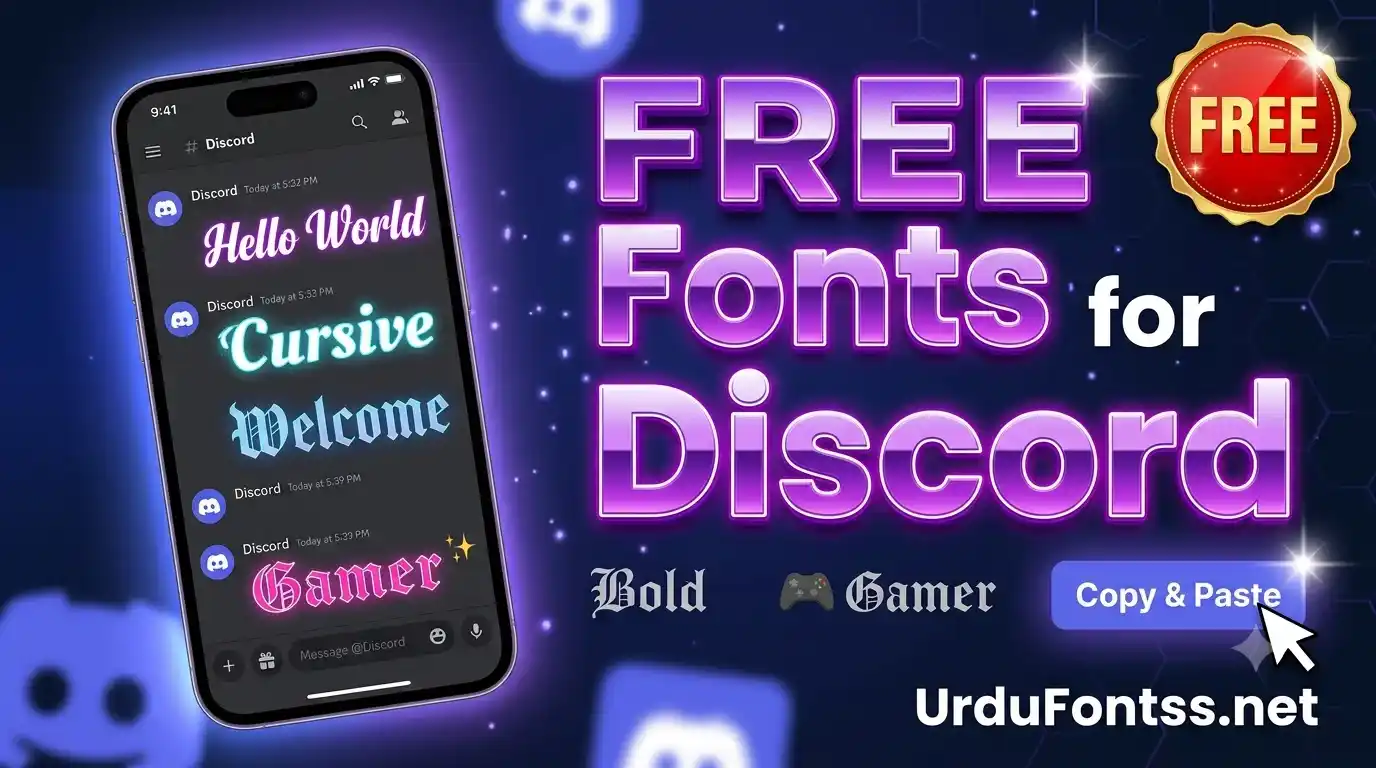
Fonts for Discord

Fonts for Discord styles your text instantly: type in the tool above, pick from bold, fancy, script, small and upside-down Unicode styles, and copy-paste the result into your Discord username, bio, server name or messages. Discord has no built-in font setting, so styled Unicode text is the way everyone does it. Free, no signup, works on desktop and mobile.
Table of Content
Table of Contents
Fonts for Discord — Style Your Text Instantly
Type your text below. Every style updates live. Click any card to copy — then paste directly into Discord, Instagram, Facebook, or anywhere. ✨ 0+ Font Styles
Press Enter to refresh • Click any style to copy instantly
💡 Click any font card to update all previews instantly
Quick Answer — What Are the Best Fonts for Discord?
Discord does not let you change fonts, so “Discord fonts” means Unicode text styles that look like different fonts: bold serif, script/calligraphy, small caps, upside-down and fancy decorative alphabets. The best ones for usernames are short and readable — bold and small-caps styles; for bios and “about me” sections, script and fancy styles stand out without hurting readability.
How to Use Fonts for Discord — Step by Step
- Type your text in the generator’s input box at the top of this page.
- Pick a style — bold, script, fancy, small or upside-down — from the outputs.
- Click to copy the styled text to your clipboard.
- Paste it in Discord: open Discord → User Settings → Profiles → paste into your display name or “About Me”; or paste into a message, server name, or channel topic.
What Types of Fonts for Discord Are Available?
- Bold styles: heavy serif/sans bold alphabets — the most readable, best for usernames.
- Calligraphy & script styles: flowing cursive letters — elegant for bios and about-me sections.
- Fancy styles: decorative double-struck and circled letters for a standout look.
- Small styles: small-caps and superscript-style text — compact and clean for server names.
- Upside-down & reverse: flipped text for jokes and attention-grabbing messages.
- Emoji styles: letters paired with symbols for playful nicknames.
Where to Use Styled Text in Discord
- Display name: User Settings → Profiles — the first thing people see; keep it short and readable.
- About Me / bio: more room here — script and fancy styles work well.
- Server names and channel topics: small-caps and bold styles read best at a glance.
- Messages and embeds: one styled line per message; whole paragraphs in fancy styles are hard to read.
Why Do Some Fonts Not Work on Discord?
Discord renders text with its own font stack, and a few Unicode styles fall back to boxes or plain letters on some devices. Script alphabets (mathematical script characters) are the most likely to break on older phones; bold and small-caps styles are the safest everywhere. This is different from Discord bots — bots format messages with code blocks and embeds, while this generator changes the characters themselves, which works in usernames too.
Pro Tips for Using Fonts for Discord
- Test on both platforms: a style that looks fine on desktop Discord can break in the mobile app — check both.
- Keep usernames readable: people need to mention and search you; save the wildest styles for bios.
- Don’t overdo it: one styled element per profile is a statement; five is noise.
- Server names stay plain-ish: bold or small-caps read at a glance; script styles don’t.
Other Free Tools on UrduFontss.net
- Live Urdu Font Previews tool — preview your Urdu text in every font before downloading.
- Freaky Font Generator — scary, creepy and cursed text styles.
- Cute Fonts text generator — cute and aesthetic text styles.
- Fancy Text generator — stylish text for bios and designs.
Frequently Asked Questions (FAQs)
What are fonts for Discord?
Styled Unicode text that looks like different fonts — bold, script, fancy, small and upside-down alphabets. Discord has no font setting, so this is how everyone styles their text there.
How do I use fonts for Discord?
Type in the generator above, pick a style, copy it, and paste it into your Discord display name (User Settings → Profiles), bio, server name or a message.
Are fonts for Discord free?
Yes — the generator and all styles are free, with no signup.
Why don’t some fonts work on Discord?
Some Unicode styles (especially script alphabets) don’t render on older devices and show as boxes. Bold and small-caps styles work almost everywhere — test your pick in the Discord app before committing.
Can I use fonts for Discord on mobile?
Yes — copy from the generator in your mobile browser and paste into the Discord mobile app. Styles you set on desktop sync to mobile automatically.
What is the best font style for Discord server names?
Bold or small-caps styles — they read at a glance in the server list. Script styles look elegant but are harder to scan.
Is this different from Discord bots?
Yes. Bots format messages with code blocks and embeds; this generator changes the characters themselves, so the styled text also works in usernames, bios and server names where bots can’t reach.
Final Words
Discord won’t give you a font menu, but it doesn’t need to: one copy-paste from the generator above restyles your name, bio or server in seconds. Pick a readable style, test it on mobile, and you’re done — no bots, no plugins, no signup.