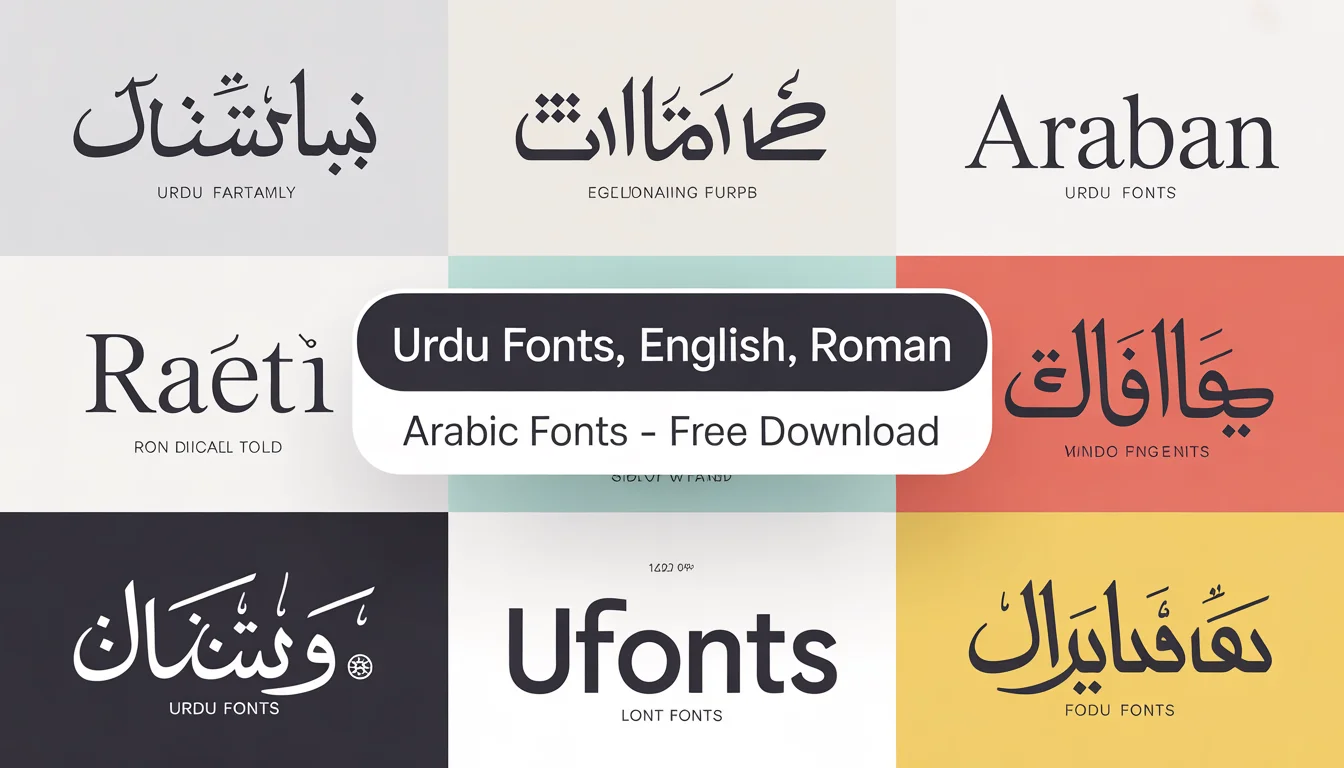
Urdu Fonts Free Download

Type your Urdu text in the tool above and see it in 22 Urdu fonts at once. Change the size, colour and background, copy your text, or export the preview as an image. If you are new to Urdu Fonts, this preview tool is the fastest way to pick the right style before you download a single file.
Browse Urdu Fonts by Category
Nastaliq
Naskh
Arabic & Quranic
Calligraphy
Headings / Display
Categories keep the library easy to explore: Nastaliq for traditional reading, Naskh for screens, Arabic and Quranic fonts for religious text, and bold display fonts for posters and thumbnails. Every category page links back to our Urdu Fonts library so you can jump between styles without losing your place.
Find Fonts by Type — Urdu, Arabic and English
Not sure where to start? Pick a script family first. Whether you need Urdu Fonts for Nastaliq writing, Arabic fonts for Quranic text, or clean English fonts for headings, each collection below opens the full library for that type.
Urdu Fonts
Nastaliq and Naskh fonts for books, poetry, YouTube videos and everyday Urdu writing.
Arabic Fonts
Quranic and Arabic calligraphy fonts for Islamic books, lessons and designs.
English Fonts
Stylish English and display fonts for logos, thumbnails, posters and headings.
Free Urdu Tools
- Live Preview Tool
- Unicode to InPage Converter
- InPage to Unicode Converter
- Cute Fonts Text Generator
- Billboard Preview Tool
These tools are free and run in your browser — no software to install. Convert InPage text for the web, style text for social media, or preview a billboard at full size, then return to Urdu Fonts Download to grab the matching font files.
Guides & Tutorials — Step-by-Step Help
New to installing fonts? These step-by-step guides show you exactly how to download, install and use fonts on every device. Follow a guide, then come back to Download Urdu Fonts and put your new font to work.
Install Fonts on PC (Windows)
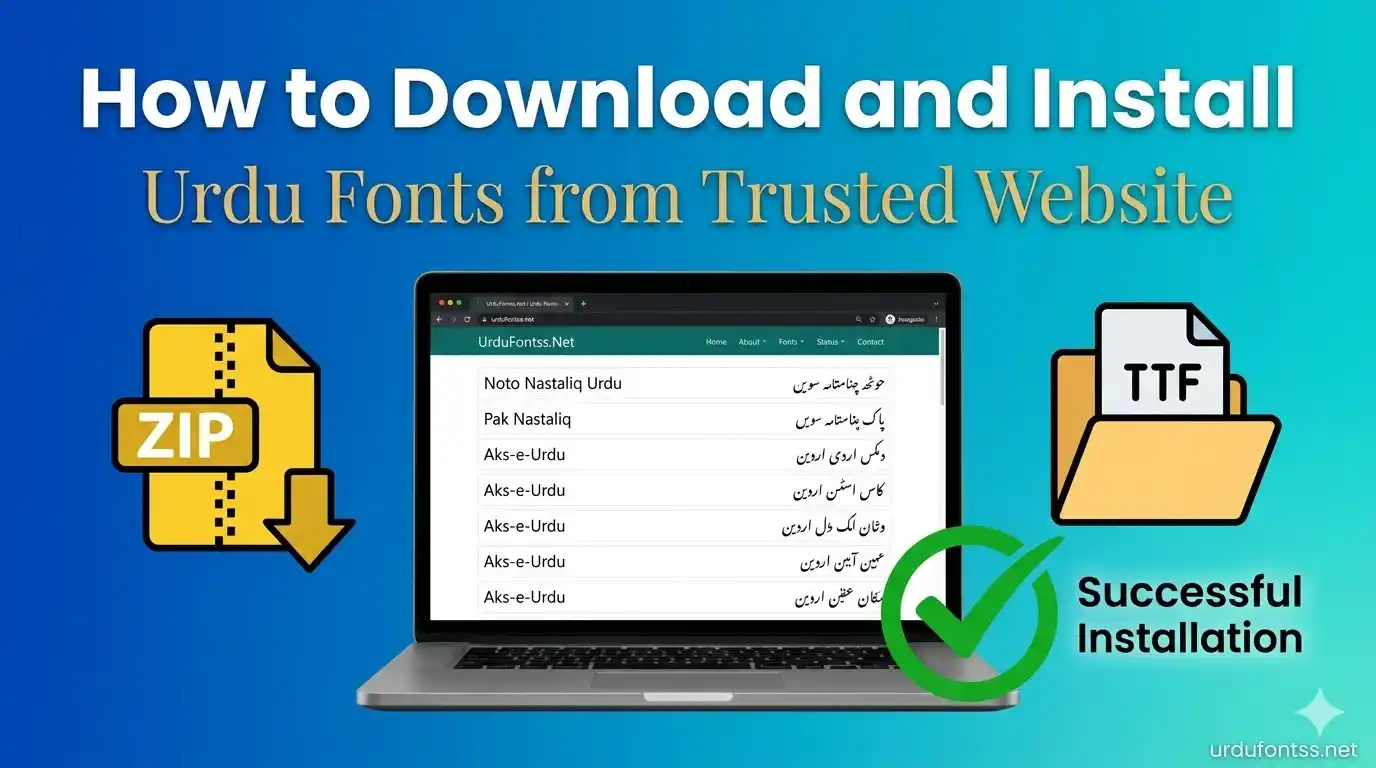
Install Urdu Fonts on Android
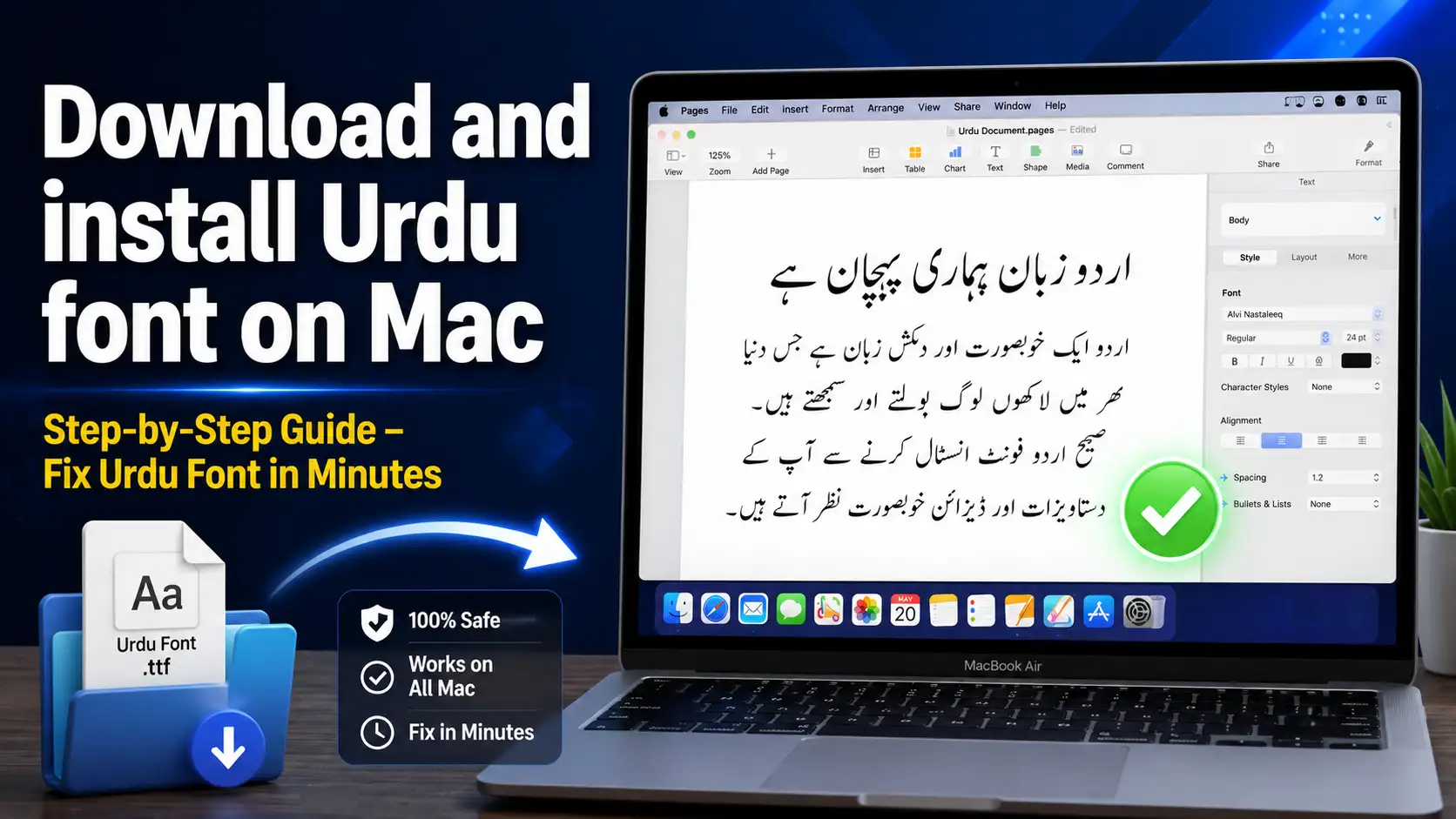
Install Urdu Fonts on Mac
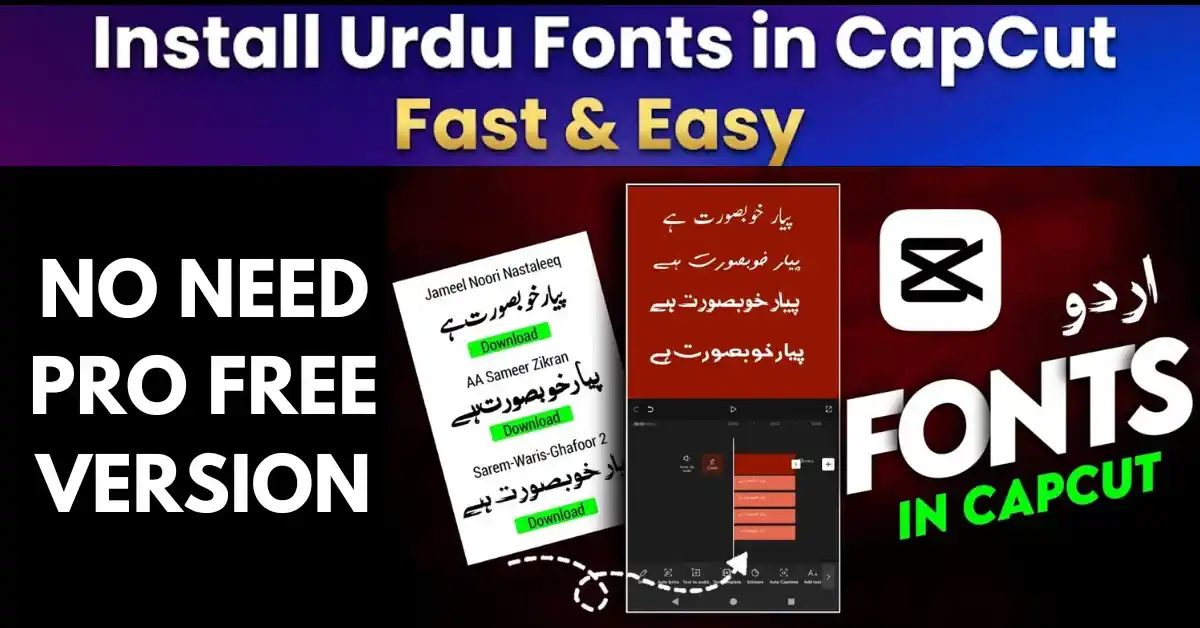
Use Urdu Fonts in CapCut
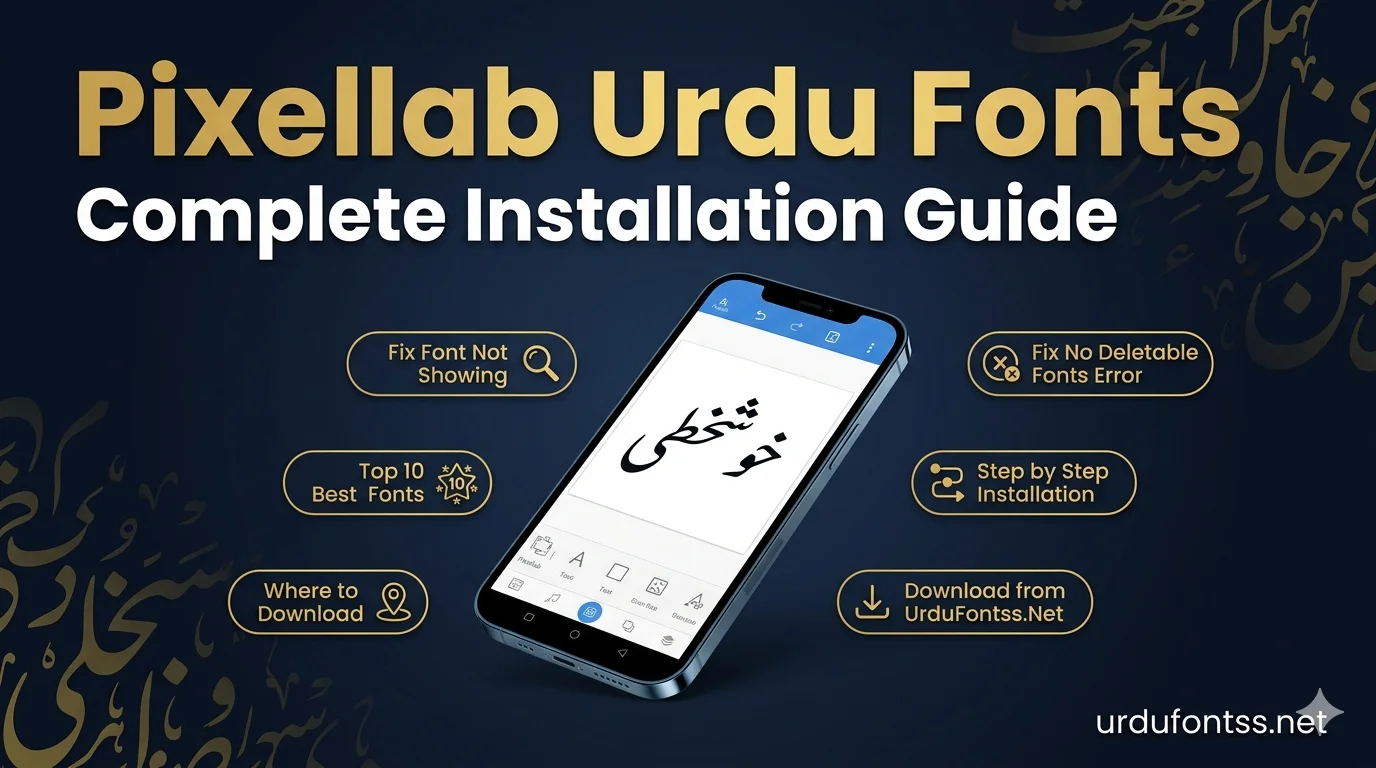
Use Urdu Fonts in PixelLab

Urdu Keyboard for PC
Frequently Asked Questions (FAQs)
How can I download Urdu fonts free?
Open any font page on UrduFontss.net, press the Download button, extract the ZIP if needed, and install the TTF file. No sign-up or payment is needed.
How do I download Jameel Noori Nastaleeq font?
Go to the Jameel Noori Nastaleeq font page, choose Regular or Kasheeda, press Download, and install it on Windows, Mac or Android using the steps on that page.
Which is the best Urdu font for daily use?
Jameel Noori Nastaleeq is the most popular choice for reading and publishing; Naskh fonts are better for screens and apps.
Can I use these Urdu fonts in CapCut and PixelLab?
Yes. Install the TTF on your phone or add it inside the app, then select it from the font list. Our CapCut guide explains both Android and iPhone.
Do Urdu fonts work on Android phones?
Yes, inside apps like PixelLab, CapCut and Canva. Android does not change the whole system font on most phones, so use the font inside your design app.
What is the difference between Nastaliq and Naskh?
Nastaliq is the slanted, flowing traditional style used for Urdu books and poetry. Naskh is a straighter, simpler style that reads better on small screens.
How do I convert InPage text to Unicode?
Paste your InPage text into our InPage to Unicode Converter, copy the Unicode result, and use it on websites and social media.
Are these fonts free for commercial use?
Many are free to use, but licences differ per font. Check the licence note on each font page before using a font in a paid commercial project.