Fancy Text & Urdu Stylish Text – Free Generators for Bios and Designs

Fancy text is ordinary text restyled with special characters so it stands out — in an Instagram bio, a YouTube channel name or a gaming nickname. For Urdu users, the important choice is between Latin fancy text (stylish Unicode letters for English-script names) and Urdu stylish text (decorated Urdu writing). Both are free to make, but they work on different apps — this guide covers both, starting with the Urdu options.
Table of Content
Table of Contents
Urdu Fancy Text: What Actually Works
Most fancy-text generators only restyle Latin letters — they cannot transform Urdu script, because Urdu’s joining letters and diacritics do not map to the Unicode trick characters those tools use. Real “Urdu fancy text” comes from three things instead:
- Stylish Urdu fonts: display faces such as the cute and stylish fonts on this site give headings and bios a decorated Urdu look — the font does the styling, so the text stays real, searchable Urdu.
- Decorative framing: pairing plain Urdu with symbols, lines and emoji-style dividers (❁ • ─ ✦) for bios and captions — works everywhere Urdu text works.
- Image text: setting Urdu in a designed graphic with the Live Urdu Font Previews tool and exporting it as an image for thumbnails and posters.
How to Make Urdu Stylish Text
- Pick your purpose: a bio line, a thumbnail title and a poetry caption need different treatments — short lines take the boldest styling.
- Choose a display font: open the Cute Text Generator tool or browse the Urdu fonts category for a display face, and set your exact words in it.
- Frame it lightly: add one pair of dividers or a symbol at each end — restraint reads as style, excess reads as clutter.
- Check readability: shrink it to thumbnail size and read it on a phone; if it is hard to read at small size, simplify.
Where to Use Fancy Text
- Instagram & TikTok bios: one styled line as the headline; keep the rest of the bio plain so it stays searchable.
- YouTube thumbnails and channel art: big styled Urdu titles over images — set them large with a readable display font.
- Gaming nicknames: Latin fancy text works here; Urdu nicknames work wherever the game accepts Unicode.
- WhatsApp statuses and captions: short decorated lines perform best; long decorated paragraphs are hard to read.
- Posters and invitations: combine a display font with the font guides on this site — the YouTube fonts guide and Instagram fonts guide pick faces by medium.
Fancy Text Generator Options
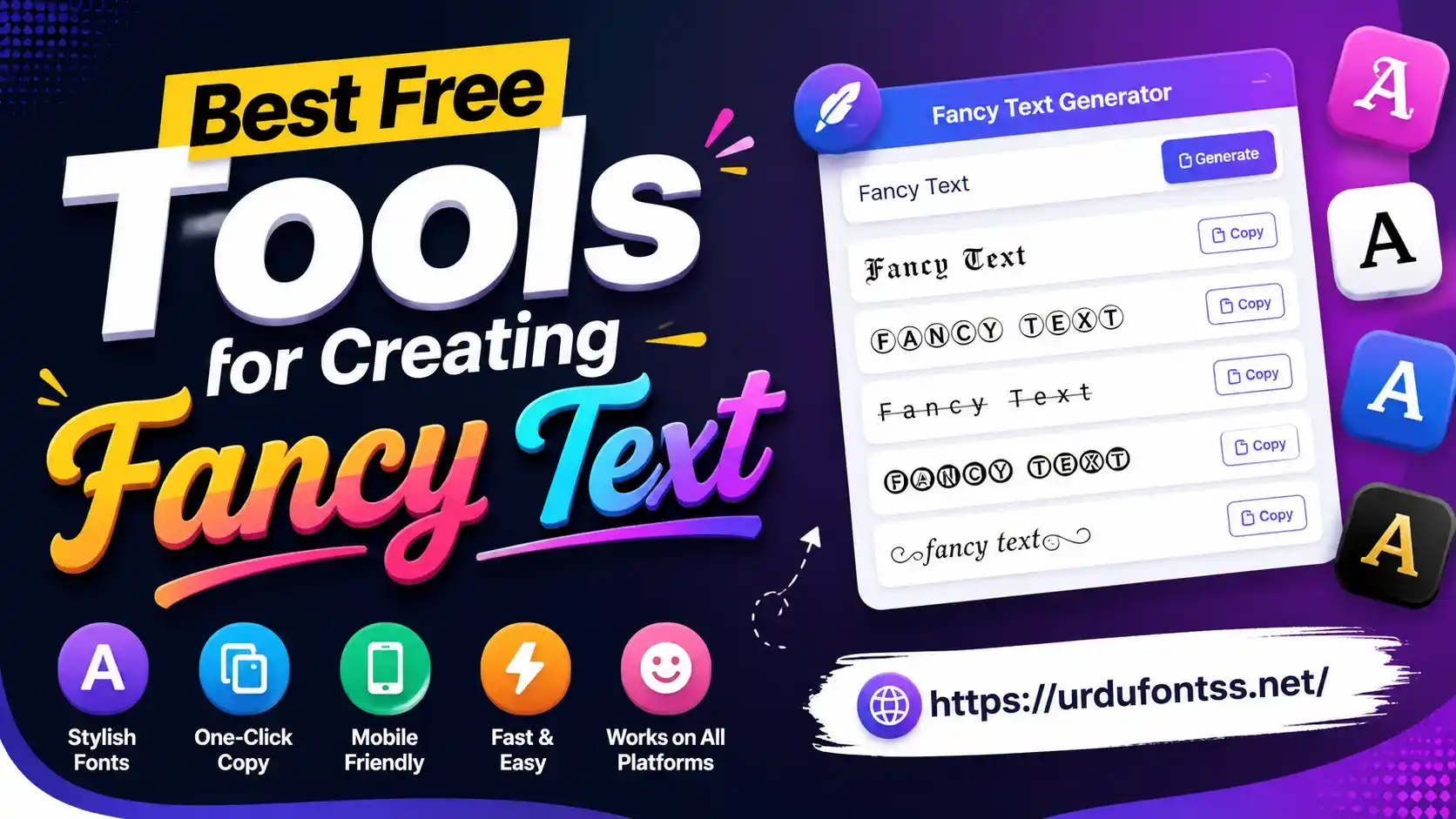
For Urdu styling, use the site’s own tools and fonts above — they keep your text as real Urdu. For Latin-script stylish text (English nicknames, brand names), the common free options are LingoJam’s Fancy Text Generator, YayText, CoolSymbol, FontSpace’s text generator and YazıStilleri: type your text, pick a style, copy it. Use these for Latin names only — they do not produce styled Urdu.
Tips for Using Fancy Text Well
- Keep it readable: styling that cannot be read at a glance fails at its only job — test on a phone before publishing.
- Do not over-decorate: one styled line per bio or thumbnail is plenty; decorating everything makes nothing stand out.
- Mind accessibility: screen readers read Unicode trick characters letter-by-letter, so heavy Latin fancy text is hostile to blind users — keep important information in plain text nearby.
- Match the brand: playful styles for personal profiles, restrained ones for businesses and channels.
Common Problems & Solutions
| Problem | Solution |
|---|---|
| Fancy text shows as boxes on some phones | The device lacks the Unicode trick characters — use simpler styles or plain text for that audience |
| Urdu name looks unchanged in a generator | Normal — Latin generators do not restyle Urdu script; use a display Urdu font instead |
| Styled text not searchable on the platform | Expected for Unicode-styled Latin text; keep a plain-text version in the bio for search |
| Text breaks when pasted into an app | The app strips special characters — simplify the styling or set it as an image |
Final Words
For Urdu, skip the Latin generators and style with display fonts and light framing — your text stays real, readable Urdu. For English-script nicknames, any of the free generators above does the job in seconds. Keep one styled line per design, test it small, and let the plain text do the talking everywhere else.
Frequently Asked Questions (FAQs)
What is fancy text?
Regular text converted into stylish Unicode characters. It is used on social bios, gaming profiles and messaging apps to make text look distinctive — but the common generators only restyle Latin letters, not Urdu script.
Can I make fancy text in Urdu?
Yes, but not with Latin generators — they cannot restyle joining Urdu letters. Use a decorative Urdu display font (like the cute fonts on this site), light symbolic framing, or designed image text instead.
Are fancy text generators free?
Yes — the common generators (LingoJam, YayText, CoolSymbol and similar) work in the browser with no signup, and the Urdu styling tools on this site are free too.
Where can I use fancy text?
Instagram and TikTok bios, YouTube channel names and thumbnails, gaming nicknames, WhatsApp statuses and posters — anywhere short lines need to stand out.
Does fancy text work on all devices?
Mostly, but older phones may show boxes for rare Unicode styling characters. Urdu set in a proper font works everywhere the font is installed.
Can I copy and paste fancy text anywhere?
Usually, but some apps strip special characters. If a paste breaks, simplify the styling or render it as an image.
Is heavy fancy text bad for accessibility?
It can be — screen readers spell out Unicode-styled Latin letters one by one. Keep key information in plain text and reserve heavy styling for decoration.