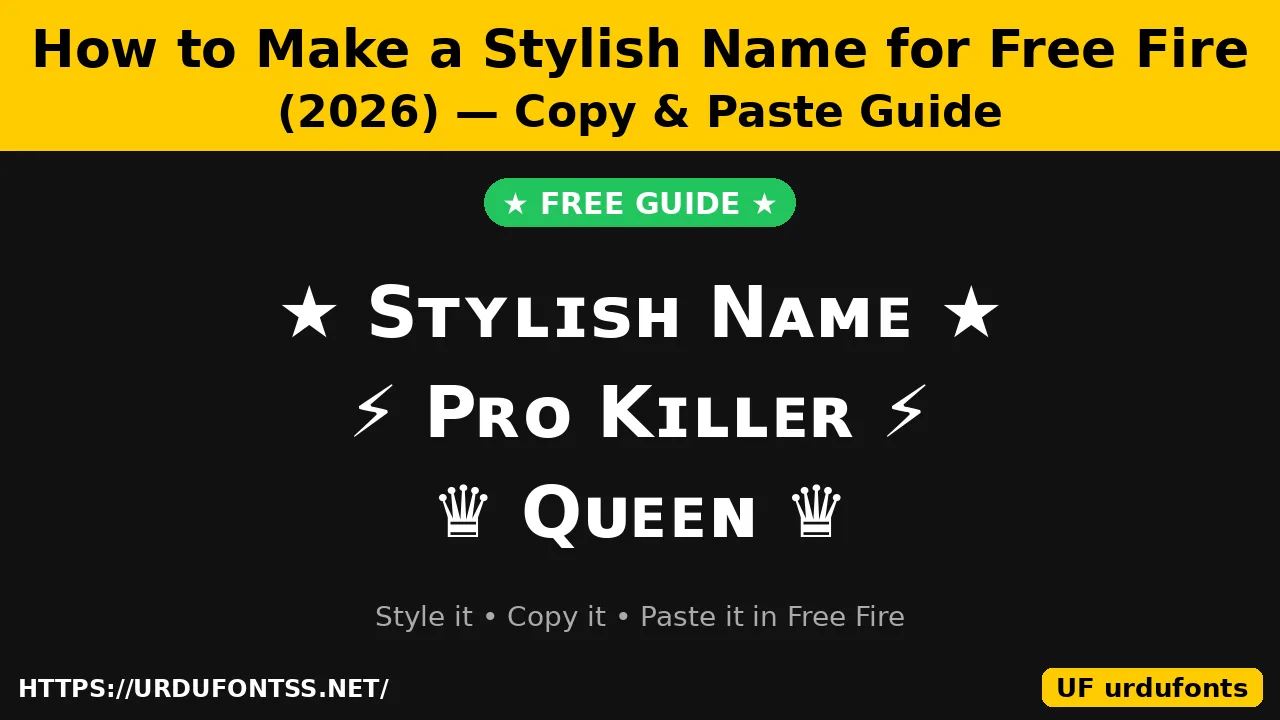
How to Make a Stylish Name for Free Fire (2026) — Copy & Paste Guide

A stylish name in Free Fire is a nickname written with Unicode letters and symbols — bold, small caps, script or framed with characters like ★ and ♛ — that you copy from a generator and paste into the game. Free Fire has no font menu of its own, so every stylish name is made outside the game and pasted in. This guide shows you how to make one in about two minutes, what fits inside the game’s limits, what a rename costs, and which styles actually display correctly.
Table of Content
Table of Contents
What Is a Stylish Name in Free Fire?
A stylish Free Fire name is your normal nickname restyled with special Unicode characters. The letters themselves change shape — small caps, bold, script or gothic — and symbols are added around them. Because these are real Unicode characters and not a font installation, the styled name travels with your profile and shows up in the lobby, the friends list and the kill feed. It does not change the game’s interface, and it costs nothing to create — the only cost is the rename itself, covered below.
The important thing to understand is that a stylish name is text, not a font. You cannot install a font into Free Fire. You build the name in a generator, copy the finished text, and paste it into the rename box.
How to Make Your Stylish Name
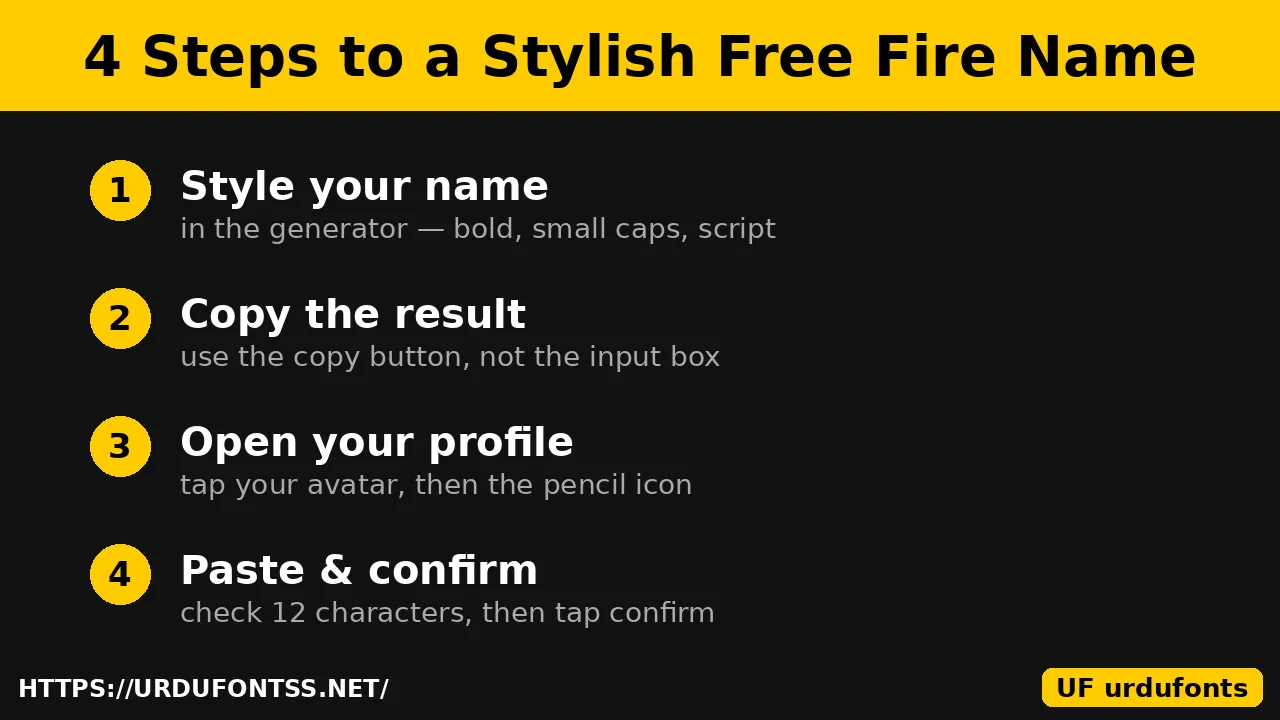
Four steps, about two minutes:
- Pick a short base name. A short word or alias leaves room for styling — remember the 12-character limit below. One strong word beats a long sentence.
- Style it in a generator. Type your name into the Urdu Font Generator or the Cute Text Generator and compare the styles: bold, small caps, script, gothic and framed versions. Pick the one that still reads clearly at a glance.
- Copy the result. Use the copy button beside the style you chose — copying from the input box only copies the plain text, not the styled version.
- Paste it in Free Fire. Open your profile, tap the pencil icon next to your name, paste, check the length, and confirm. The full in-game steps are below.
Best Styles and Symbols That Work
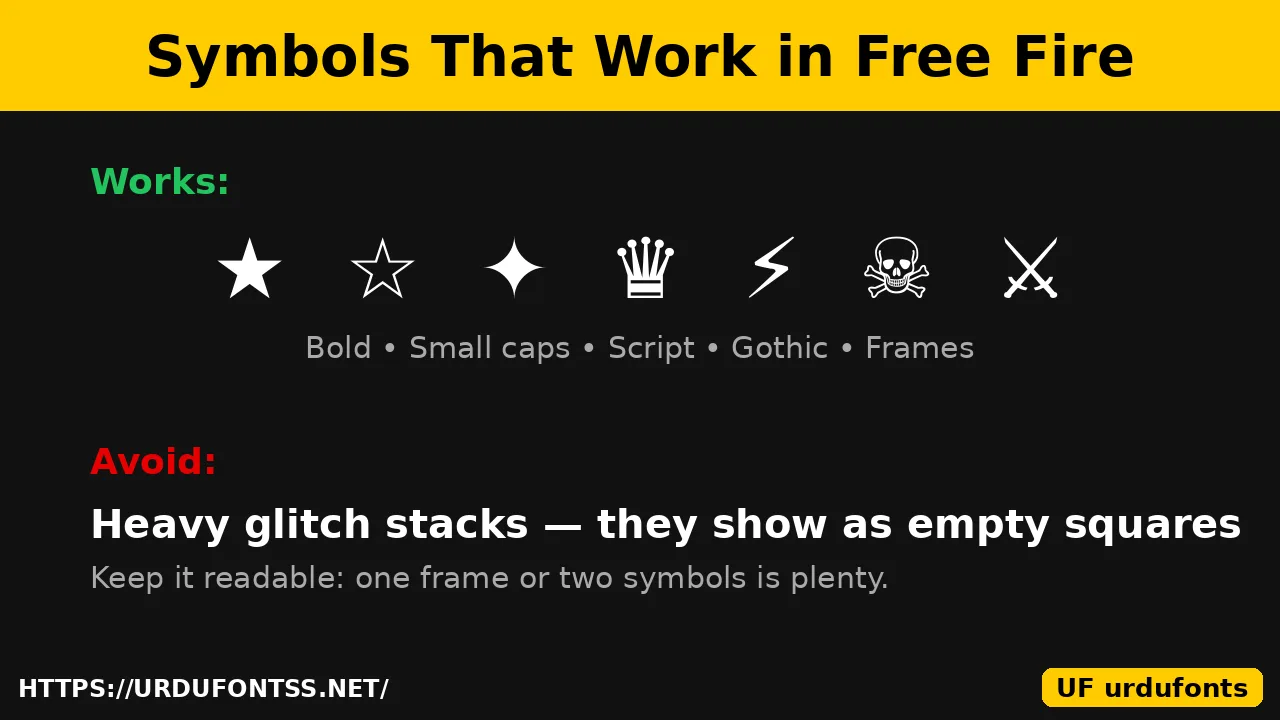
The safest styles are the ones that only change the letter shapes: bold, small caps, script and gothic. They display correctly on almost every phone because they are ordinary Unicode letters. One or two symbols around a strong word usually look better than a name buried in decoration — and teammates can still read and remember it.
Symbols that commonly work in Free Fire include ★ ☆ ✦ ♛ ⚡ ☠ ⚔ and frames such as 『 』. Try the fancy text guide for more styles, or the Freaky Generator for horror-style lettering — but use heavy glitch effects with care: stacked marks above and below letters often break in Free Fire and show up as empty squares instead of the style you picked.
The same trick works beyond Free Fire: the Discord fonts guide shows how styled text behaves on other platforms, where the same readability rules apply.
The 12-Character Limit
Free Fire accepts nicknames of up to 12 characters, and every symbol, bracket and decorative mark counts as one character — the same as a regular letter. Some Unicode symbols count as two. That means a heavily decorated name runs out of room fast: keep the base word short and leave space for one frame or a couple of symbols.
Before you confirm, paste your finished name into a messaging app or a character counter first. If it is over 12 characters, the game will cut it off and the name will look broken rather than stylish. If the game rejects a name, remove a symbol from one end and try again.
How to Change Your Name in Free Fire
- Open Free Fire and tap your profile avatar in the top-left corner of the lobby.
- Tap the pencil / rename icon next to your current name.
- Clear the old name, then long-press the field and paste your stylish name.
- Preview it if your game version shows a preview, then tap OK / Confirm to apply it.
There is no undo. The moment you confirm, your old name is gone, so double-check the spelling and the length before you tap confirm.
How Much Does It Cost to Change Your Name?
New accounts usually get one free rename. After that, changing your name costs 390 diamonds or a Name Change Card. Name Change Cards can sometimes be earned free through events, the Royale Pass or login rewards, so it is worth checking those before spending diamonds. Prices can change with game updates, so the rename screen itself shows the current cost before you confirm.
How to Make an Invisible Name in Free Fire
A blank or invisible name is made by pasting an invisible character into the rename box. The old trick — the Hangul Filler character (U+3164) — has been blocked since the OB43 update and no longer works. The character that still works is the no-break space (U+00A0): copy it and paste it into the rename box as your name.
Urdu Stylish Names for Free Fire
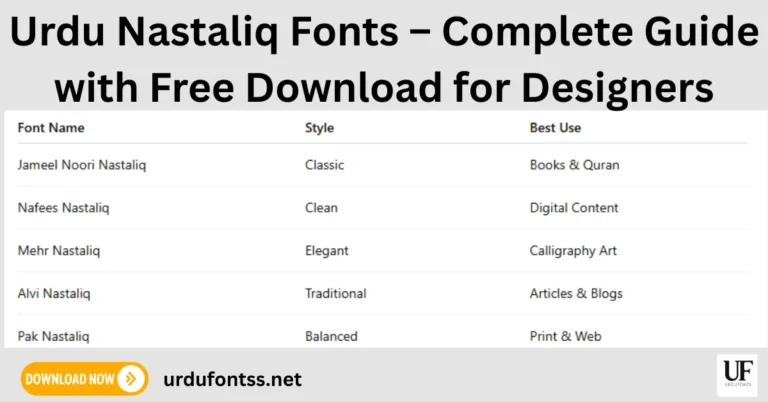
Urdu-script nicknames are popular with Pakistani players, and they work wherever the game accepts Unicode text. The catch is the same as with any Urdu font: Latin generators cannot restyle Urdu letters, because Urdu’s joining letters do not map to the Unicode trick characters those tools use. For a stylish Urdu name, set your words in a decorative Urdu font instead — the Urdu Font Generator previews your text in real Urdu fonts, and classic faces such as Jameel Noori Nastaleeq give an Urdu nickname the familiar newspaper Nastaliq look. Browse the Urdu fonts category for more display faces, or start from the Nastaliq fonts guide if you want the full list of Nastaliq styles first.
Pro Tips
- Keep it readable: if teammates cannot read your name at a glance in the lobby, the styling has failed at its only job.
- Do not over-decorate: one frame or two symbols is plenty — a name buried in decoration is hard to remember and harder to type.
- Test on a second device: the same styled text can look different on another phone, and some characters may show as boxes there.
- Never share your Garena login or password with any name generator or styling site. A real name tool never asks for your account access.
- Check the rules: names must not be offensive, impersonate Garena staff or contain personal information — those can be reported and force-reset.
Final Words
Making a stylish name for Free Fire is simple once you know the shape of it: pick a short base name, style it in a generator, copy it, and paste it into your profile — inside 12 characters, with one frame or a couple of symbols at most. Start with the Urdu Font Generator, test the result on a second phone if you can, and only then spend the diamonds on the rename.
Frequently Asked Questions (FAQs)
How do I make a stylish name in Free Fire?
Type your name in a stylish-text generator, pick a style, and copy the result. Then open Free Fire, tap your profile avatar, tap the pencil icon next to your name, paste the styled name, and confirm.
What is the character limit for a Free Fire name?
12 characters. Every symbol, bracket and decorative mark counts as one character, and some Unicode symbols count as two — so keep the base name short and leave room for styling.
How much does it cost to change my name in Free Fire?
New accounts usually get one free rename. After that it costs 390 diamonds or a Name Change Card, which can sometimes be earned free through events, the Royale Pass or login rewards.
How do I make an invisible name in Free Fire?
Copy the no-break space character (U+00A0) and paste it into the rename box. The older Hangul Filler trick (U+3164) has been blocked since the OB43 update and no longer works.
Why does my stylish name show as boxes in Free Fire?
Heavy glitch styles and rare Unicode characters do not render on every device. Use simpler styles — bold, small caps, script or gothic — and test the name on a second phone before confirming the rename.
Can I use an Urdu name in Free Fire?
Yes, Urdu-script nicknames work wherever the game accepts Unicode text. Latin generators cannot restyle Urdu letters, so set Urdu words in a decorative Urdu font — the Urdu Font Generator on this site previews your text in real Urdu fonts.
Is it safe to use a Free Fire name generator?
Yes, as long as it only styles text in your browser. Never enter your Garena login, password or any account details into a name tool — no real generator asks for them.