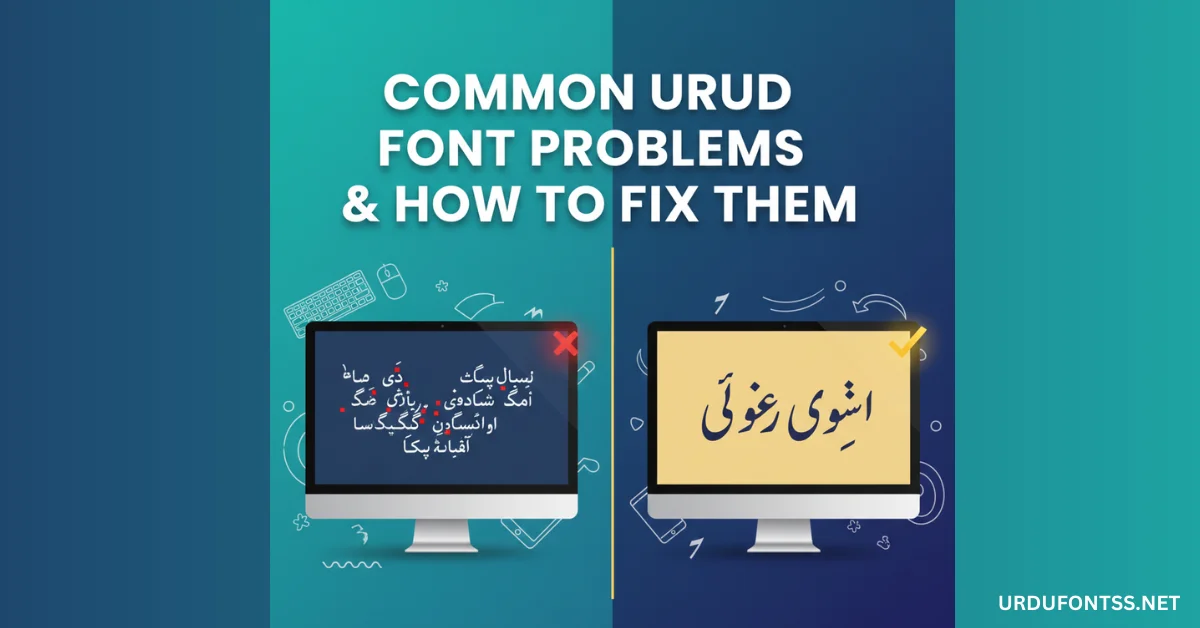
Common Urdu Font Problems & How to Fix Them

Table of Content
Table of Contents
Introduction
Are you facing Common Urdu Font Problems like Urdu font not working, not showing, or letters not joining properly? Do not worry. In this complete beginner-friendly guide, you will learn how to fix every major Urdu font issue step by step.
Many users face problems when using Urdu fonts in Canva, Photoshop, MS Word, Windows, Android, or other mobile apps. This article explains why these problems happen and how you can solve them easily.
· Discover the top 10 best Urdu fonts for designers.
https://urdufontss.net/top-10-best-urdu-fonts-for-designers/
What Are Common Urdu Font Problems?
Common Urdu font problems include:
- Urdu font not installing
- Urdu font not showing in software
- Urdu letters not joining correctly
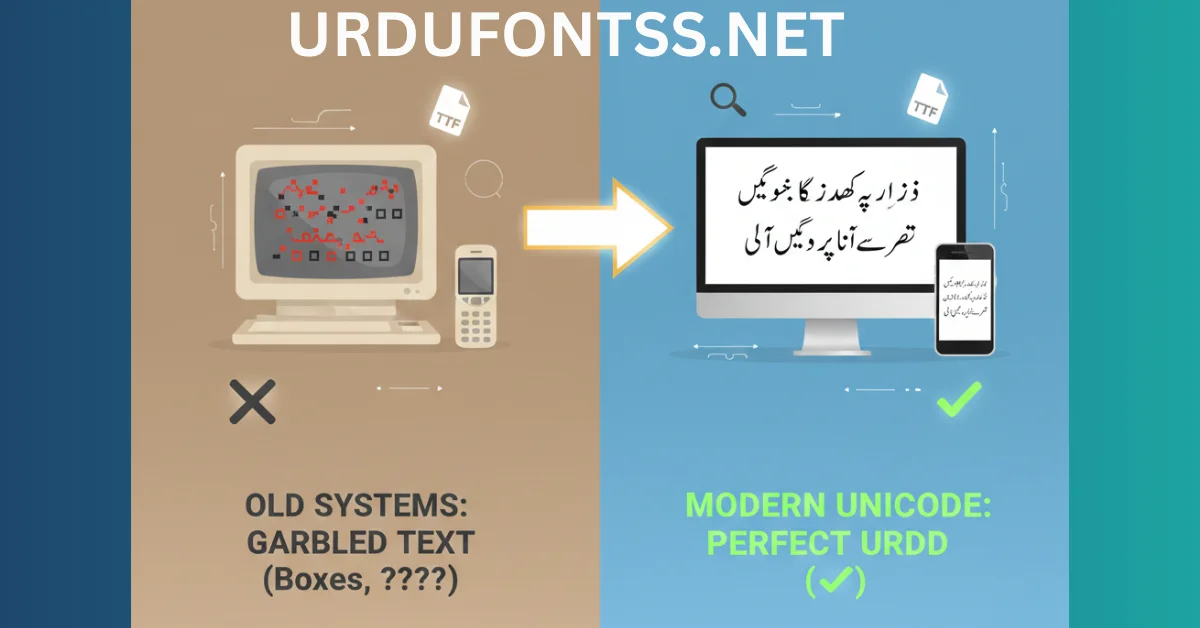
- Urdu text displaying boxes or squares
- Urdu typing problem in MS Word
- Urdu font not working in Canva
- Urdu font compatibility issues
These issues usually happen due to:
- Wrong file format
- Missing language settings
- RTL (Right-to-Left) settings disabled
- Unicode compatibility problems
· Explore the best Islamic calligraphy Urdu fonts.
https://urdufontss.net/best-urdu-islamic-fonts-calligraphy-urdu-fonts/
Why Urdu Font Problems Happen
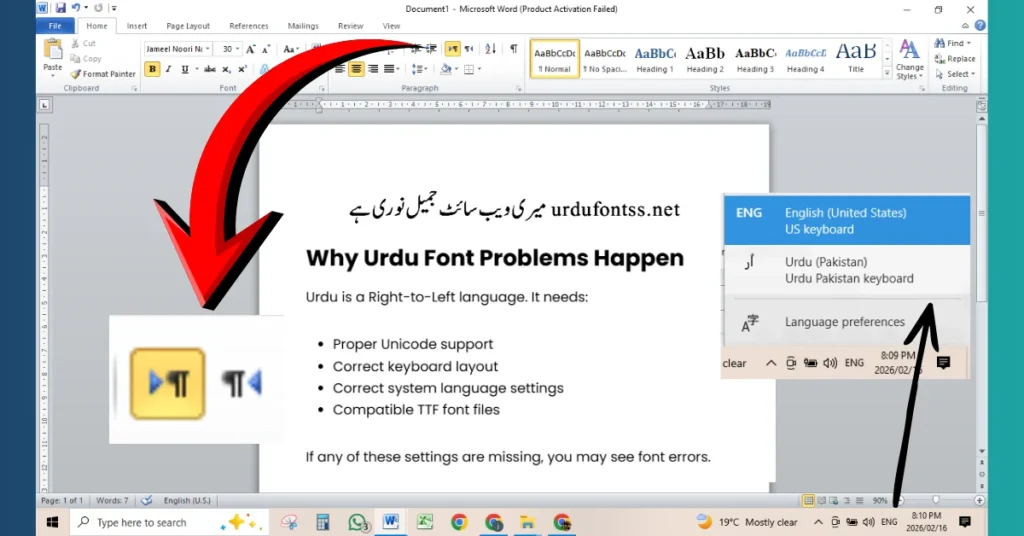
Urdu is a Right-to-Left language. It needs:
- Proper Unicode support
- Correct keyboard layout
- Correct system language settings
- Compatible TTF font files
If any of these settings are missing, you may see font errors.
· Check out the best Urdu fonts for YouTube thumbnails.
https://urdufontss.net/best-free-urdu-fonts-for-youtube-thumbnails/
Step-by-Step Guide to Fix Urdu Font Problems
Step 1: Check the Font File Format
Make sure the font file is:
- .TTF (TrueType Font)
- Not corrupted
- Fully extracted from ZIP
You can download properly tested TTF fonts from:
· Learn how to add Urdu fonts in Canva here.
https://urdufontss.net/how-to-add-urdu-fonts-in-canva/
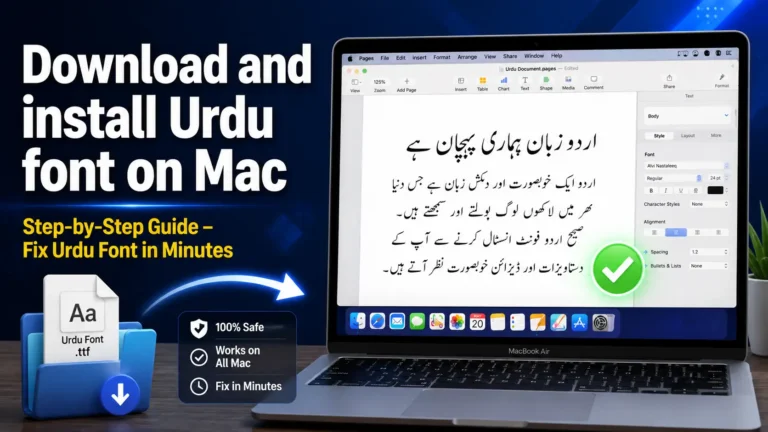
Step 2: Install Urdu Font Correctly (Windows)
- Right-click the TTF file
- Click Install
- Restart your computer
- Open software again
If Urdu font not installing, try:
- Running as administrator
- Checking Windows language settings
· Explore this stylish Zoya Urdu Font.
https://urdufontss.net/zoya-zoya-free-urdu-font-download/
Step 3: Enable Urdu Language in Windows
- Go to Settings
- Click Time & Language
- Click Language
- Add Urdu
- Enable Urdu keyboard
This fixes many Urdu typing problems.
· Try this smooth Zohra Unicode Font.
https://urdufontss.net/zohra-unicode-free-urdu-font/
Step 4: Fix Urdu Letters Not Joining
If Urdu letters are not joining:
- Enable Right-to-Left (RTL) text
- Use Unicode Urdu font
- Turn on complex script support
In MS Word:
- Go to File
- Click Options
- Go to Advanced
- Enable RTL editing
· Check out this beautiful Zohar Unicode Font.
https://urdufontss.net/zohar-unicode-urdu-font-download/
Use Cases: Fixing Urdu Font Issues in Different Software
Urdu Font Not Working in Canva
- Canva free version does not support custom fonts
- Canva Pro allows font uploads
- Make sure TTF format is used
If Urdu font not showing in Canva:
- Refresh browser
- Re-upload font
- Check file size
· Explore this elegant Zafar Urdu Font.
https://urdufontss.net/zafar-zafar-urdu-font-download/
Urdu Font Problem in Photoshop
If Urdu text not displaying correctly:
- Enable Middle Eastern settings
- Use Paragraph panel
- Switch text direction to RTL
Urdu Font Not Working in Illustrator
- Install font before opening Illustrator
- Enable RTL support
- Use Unicode fonts
Urdu Font Issue in MS Word
Common issues:
- Boxes instead of Urdu text
- Letters not connecting
Solution:
- Enable Urdu language pack
- Use Unicode font
- Change default encoding
Urdu Font Not Working on Mobile
On Android:
- Install font app like zFont
- Apply font system-wide
- Restart phone
On iPhone:
- Use compatible apps
- Use third-party font managers
· Try this bold X Zar Heavy Urdu Font.
https://urdufontss.net/x-zar-heavy-urdu-font-download/
Common Problems and Solutions
Problem 1: Urdu Font Not Showing
Fix:
- Restart software
- Check installation
- Confirm font format
Problem 2: Urdu Font Not Installing
Fix:
- Extract ZIP file
- Use TTF file
- Run as administrator
Problem 3: Urdu Letters Not Connecting
Fix:
- Enable RTL
- Use proper Urdu keyboard
- Update software
Problem 4: Urdu Text Showing Boxes
Fix:
- Install Unicode Urdu font
- Enable language pack
· Check out this stylish Xebec Unicode Font.
https://urdufontss.net/xebec-unicode-free-urdu-font-download/
Expert Tips to Avoid Urdu Font Problems
- Always download fonts from trusted source like https://urdufontss.net/
- Use Unicode-compatible Urdu fonts
- Keep software updated
- Restart system after installation
- Use latest Windows or macOS version
· Try this classic Urdu Nastaliq Unicode Font.
https://urdufontss.net/urdu-nastaliq-unicode-regular-free-urdu-font/
Conclusion
Common Urdu font problems are very easy to fix when you understand the real cause. Whether it is Urdu font not working in Canva, Photoshop, MS Word, or mobile apps, the solution usually involves correct installation, enabling RTL, and using Unicode fonts.
For tested and safe Urdu fonts, visit:
This ensures fewer compatibility issues and better performance.
· Explore this professional Urdu Emad Nastaliq Font.
https://urdufontss.net/urdu-emad-nastaliq-regular-free-urdu-font-download/
FAQs Common Urdu Font Problems
Why is my Urdu font not working?
Usually due to missing RTL settings or incorrect installation.
How do I fix Urdu font not showing in Canva?
Use Canva Pro and upload TTF font again.
Why are Urdu letters not joining?
RTL support is not enabled.
How to fix Urdu typing problem in MS Word?
Enable Urdu language pack and RTL editing.
Can Windows 11 support Urdu fonts?
Yes, after enabling Urdu language settings.
What format should Urdu font be?
TTF format is recommended.
Why Urdu font showing boxes?
Unicode support is missing.
How to install Urdu fonts on Android?
Use a font installer app.
Can Photoshop support Urdu fonts?
Yes, with Middle Eastern settings enabled.
Where to download safe Urdu fonts?
· Try this outline version of UrduLife Italic Font.
https://urdufontss.net/urdulife-italic-outline-regular-urdu-font-download/

19 Comments