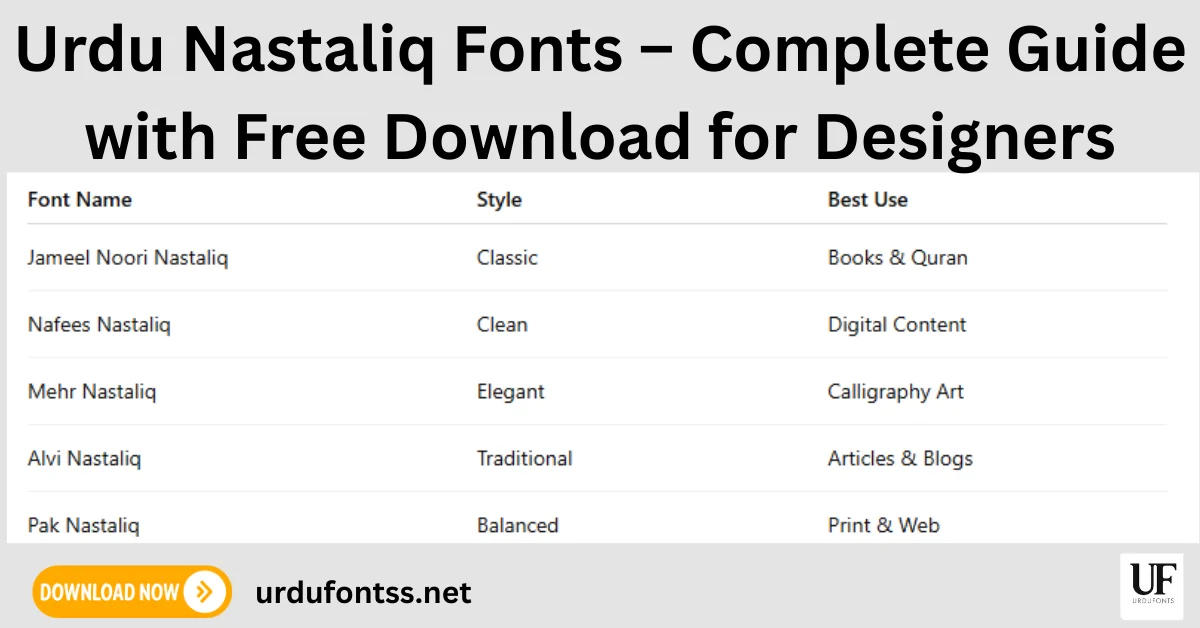
Urdu Nastaliq Fonts – Complete Guide with Free Download

Urdu Nastaliq fonts are the classic sloped, flowing typefaces used for Urdu books, newspapers, poetry and websites. This guide is the download list: every Nastaliq font below links to its own page on urdufontss.net, where you can preview it and download the TTF file free. If you only need Islamic and calligraphy styles, see our Islamic and calligraphy fonts guide instead; if you are a designer choosing workhorse fonts, our top 10 fonts for graphic designers is the better list.
Table of Content
Table of Contents
What Are Urdu Nastaliq Fonts?
Nastaliq is the traditional calligraphic script of Urdu, developed from the Persian Naskh and Taʿliq styles. Its letters hang from a sloping baseline and join in stacked ligatures, which is why Nastaliq looks so different from the flatter Naskh style used for Arabic. In Pakistan, Nastaliq is the standard script for Urdu newspapers, books, poetry and religious publishing — readers expect it, and Urdu text set in Nastaliq feels native in a way no substitute does.
Modern Nastaliq fonts are Unicode-based, so the text stays editable, searchable and copyable — unlike the old image-based or non-Unicode workflows. That is the only kind we list here. (For the full story of the script, from Mir Ali Tabrizi to digital fonts, read our history of Urdu Nastaliq fonts.)
Best Urdu Nastaliq Fonts to Download
These are the Nastaliq fonts you can download from this site. Open a font’s page to see its preview, details and download button:
| Font Name | Style | Best For |
|---|---|---|
| Jameel Noori Nastaleeq | Classic Nastaliq | Books, newspapers, long reading |
| Jameel Noori Nastaleeq Kasheeda | Stretched Nastaliq | Headings, titles, justified text |
| Urdu Nastaliq Unicode Regular | Clean Nastaliq | Long articles, books, web text |
| Nafees Nastaleeq | Clean Nastaliq | Digital content, blogs, screens |
| Emad Nastaliq | Nastaliq | Professional and print projects |
| SF Visakh | Modern Nastaliq | Headings and display text |
| Tehreer | Smooth Nastaliq | Articles and everyday writing |
| Talat Unicode | Unicode Nastaliq | Stylish text and design work |
Not sure how a font will look with your own words? Type your text into the Live Urdu Font Previews tool and compare these fonts side by side before you download anything.
Which Nastaliq Font Should You Choose?
- Books and long reading: Jameel Noori Nastaleeq is the publishing standard; Urdu Nastaliq Unicode Regular is the lighter, cleaner alternative — note it is a different font from Jameel, not a version of it.
- Headings and titles: the Kasheeda version of Jameel Noori stretches words elegantly across a line, and SF Visakh gives a more modern display look.
- Websites and blogs: pick a Unicode font with clean rendering at small sizes, such as Nafees Nastaleeq, and always use real text — never images of text.
- Printing: fonts with proper ligatures and spacing (Jameel Noori, Urdu Nastaliq Unicode Regular) hold up best in long printed paragraphs.
How to Download and Install Nastaliq Fonts
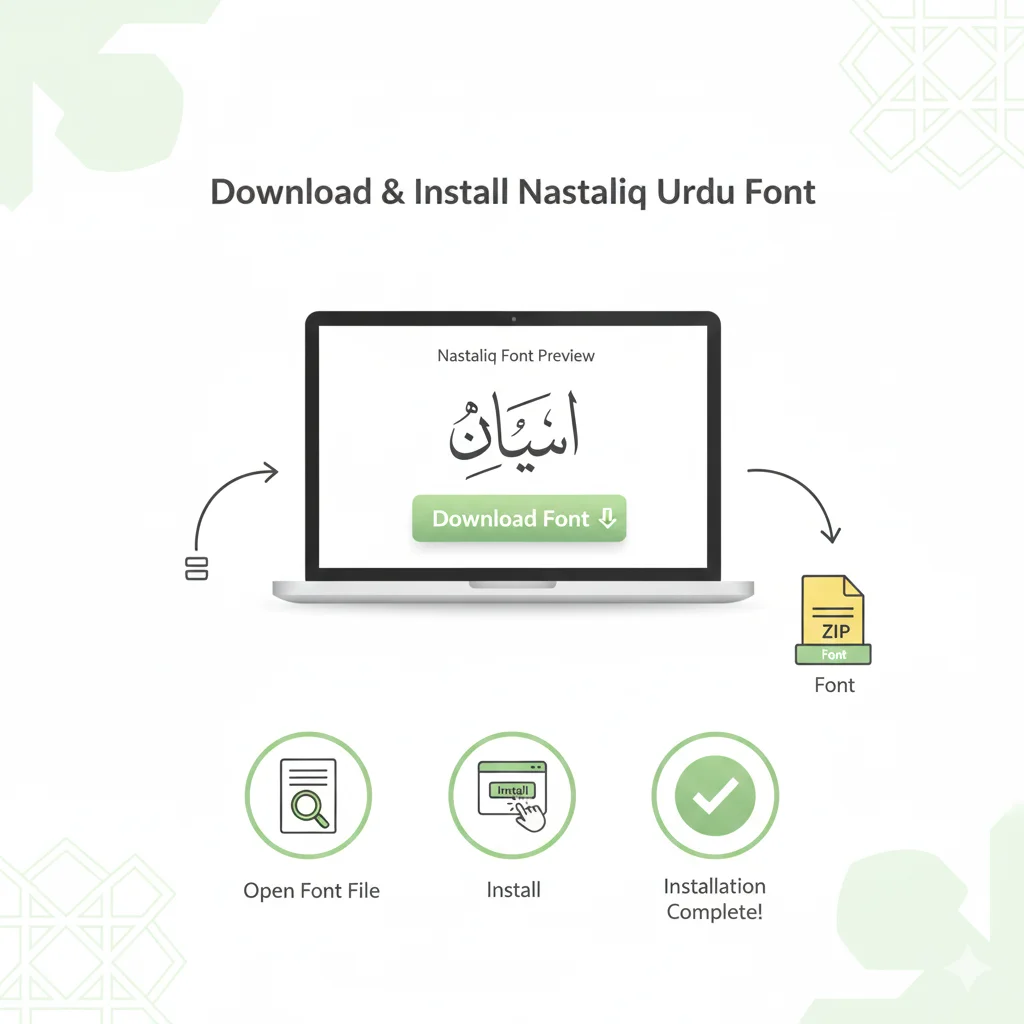
- Open the font page from the list above.
- Check the preview — or test your own text in the Live Urdu Font Previews tool.
- Click the Download button on the font page and save the ZIP file.
- Extract the ZIP, then install the TTF file.
- Restart your app (Word, InPage, Photoshop) so the new font appears.
For the full walkthrough with screenshots, follow our PC install guide for Urdu fonts on Windows, or the Android install guide if you are working on a phone.
Using Nastaliq Fonts on Websites
Unicode Nastaliq fonts work well on websites: search engines can read and index real Urdu text, and readers can copy and search it. Two things matter in practice — line height (Nastaliq needs more vertical room than Latin text, or the stacked ligatures clip) and loading (a full Nastaliq font file is heavy, so subset or preload it where you can). If your Urdu text renders as separated letters or boxes in the browser, our browser font rendering fixes walk through the causes.
Common Mistakes to Avoid
- Using Nastaliq at very small sizes — the stacked ligatures become hard to read; increase size and line height instead.
- Mixing too many Urdu fonts in one design — one Nastaliq for body text and at most one display font for headings is enough.
- Using a non-Unicode font on a website — the text breaks for search engines and for copy-paste.
- Confusing similar fonts — Jameel Noori Nastaleeq, its Kasheeda version, and Urdu Nastaliq Unicode Regular are three different fonts; each has its own page and file above.
Final Words
Start with Jameel Noori Nastaleeq for books and long text, Kasheeda for headings, and Nafees Nastaleeq for screens — then preview your own words before downloading. Browse the complete collection in our Urdu fonts category when you need more styles.
Frequently Asked Questions (FAQs)
What are the best Urdu Nastaliq fonts for beginners?
Start with Jameel Noori Nastaleeq — it is the most widely supported Nastaliq font in Pakistan — and Nafees Nastaleeq for clean on-screen reading. Both are linked in the download list above.
Are Urdu Nastaliq fonts free to download?
The Nastaliq fonts listed on urdufontss.net are free to download. Each font’s own licence decides how you may use it, so check the licence note on the font’s page before using it in commercial work.
Which Nastaliq font is best for long Urdu articles and books?
Jameel Noori Nastaleeq is the publishing standard for books and newspapers. Urdu Nastaliq Unicode Regular is a lighter, clean alternative designed for lengthy text — it is a separate font, not a Jameel variant.
What is the difference between Jameel Noori Nastaleeq and its Kasheeda version?
They are two different fonts. The standard version is made for body text and long reading; the Kasheeda version stretches words horizontally, which suits headings, titles and justified lines. Each has its own download page.
Do Nastaliq fonts work on Windows and Android?
Yes. On Windows you install the TTF once and use it in every app. On Android, modern phones cannot change the system font freely, so you use the TTF inside apps such as PixelLab, CapCut or Canva — our Android install guide explains the process.
Can I use Nastaliq fonts in Photoshop and InPage?
Yes. Once a Unicode Nastaliq font is installed on your computer, it appears in Photoshop, InPage, Word and other desktop apps — restart the app after installing so it picks up the new font.
How can I preview a Nastaliq font before downloading it?
Use the Live Urdu Font Previews tool on urdufontss.net: type your own Urdu text once and see it rendered in each font, so you only download the styles you actually like.



13 Comments