Proper Unicode Support: Fix Urdu Font Issues complete guide

Table of Content
Table of Contents
Introduction
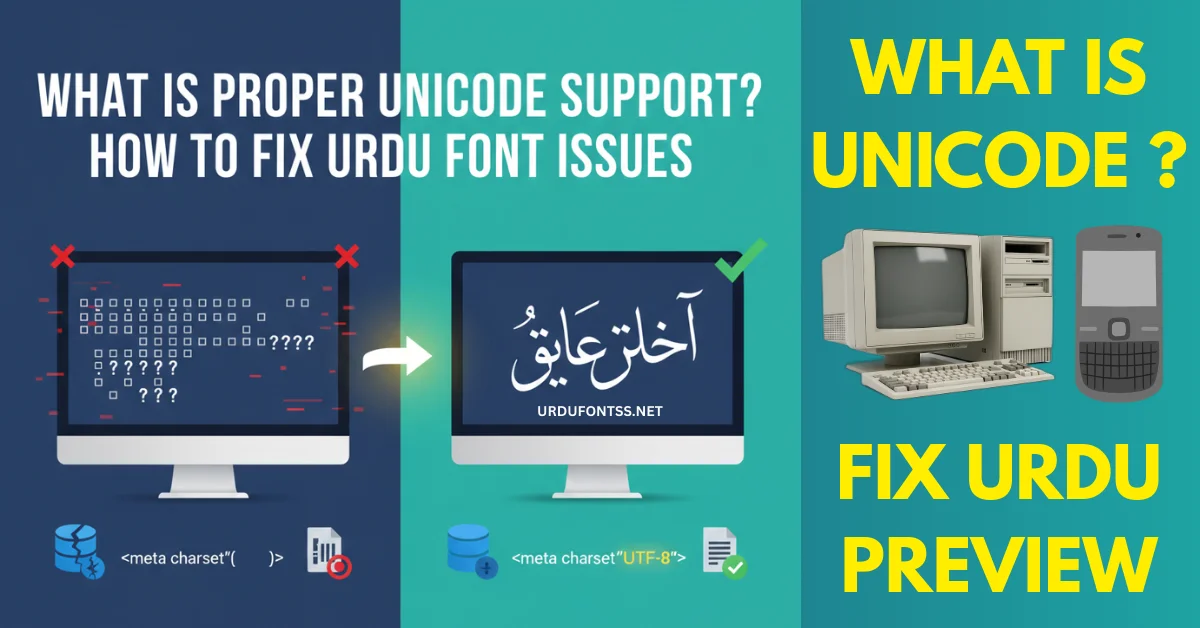
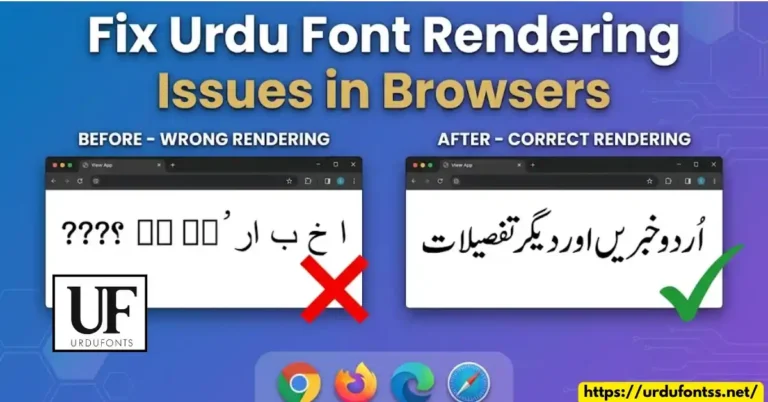
If your Urdu text is showing boxes, question marks, broken letters, or strange symbols, the main reason is missing Proper Unicode Support.
Many beginners, students, bloggers, designers, and developers face Urdu font issues because of incorrect character encoding, wrong database settings, or non-Unicode fonts.
In this complete solution guide, you will learn:
- What Proper Unicode Support means
- Unicode vs UTF-8 difference
- Why Urdu text shows incorrectly
- How to fix Urdu font problems
- How to solve Unicode rendering issues
- How to enable UTF-8 encoding in WordPress
- How to fix old devices
- Unicode vs InPage difference
- How Unicode affects Urdu SEO
This guide is beginner-friendly and globally applicable.
· Try this smooth Tehreer Regular Font.
https://urdufontss.net/tehreer-regular-font-download/
What Is Unicode ?
In simple words, Unicode is a universal system that gives every letter and symbol in the world its own special number. You can think of it like giving every character a unique ID card. Because of this ID, computers know exactly which letter they are supposed to show, no matter where the text is opened.
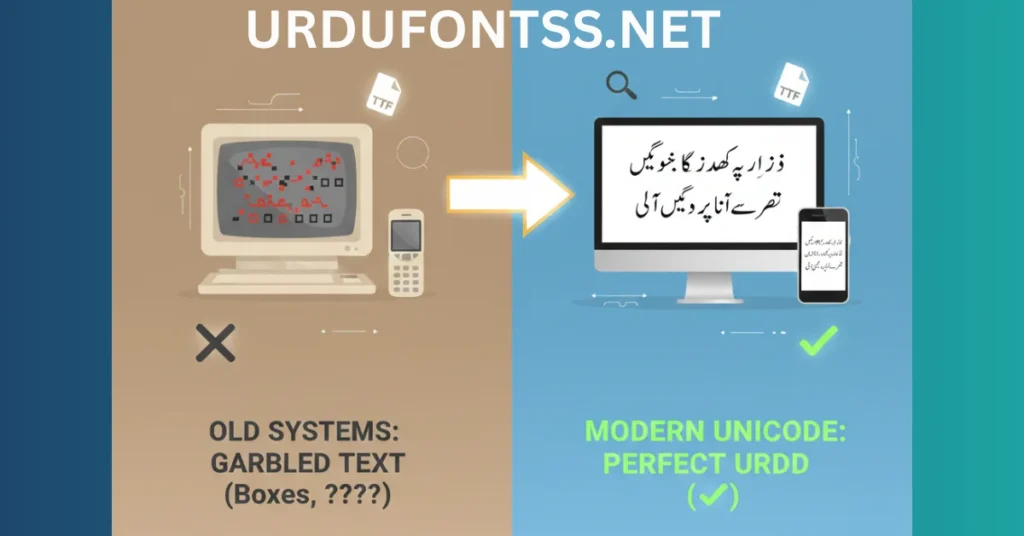
Before Unicode existed, things were very confusing. Different companies used different encoding systems to store text. That meant if you wrote Urdu on one computer, it might not look the same on another computer. Instead of proper Urdu letters, you would see empty boxes, question marks, or strange symbols. This happened because the second computer did not understand the “language” used to save the text.
Unicode fixed this big global problem by creating one common standard for everyone. Now all modern devices understand the same character codes. Because of Proper Unicode Support, Urdu works smoothly on Windows, Mac, Android phones, iPhones, websites, social media platforms, and even search engines like Google. That is why today you can type Urdu, share it online, and read it on different devices without any issues.
· Explore this stylish Talat Unicode Font.
https://urdufontss.net/talat-unicode-talat-unicode-free-urdu-font/
4 Important Points to Understand Unicode
1. Global Identity for Every Urdu Letter
Unicode assigns a unique code to every Urdu letter like:
- Alif = A
- Bay = B
- Pay = P
No matter which device you use, that code is recognized globally.
That is why Unicode made Urdu an international internet language.
· Check out this modern SF Visakh Regular Font.
https://urdufontss.net/sf-visakh-regular-font-free-download/
2. Why Do Boxes (□□□) Appear?
Boxes appear when the system can understand the Unicode code of a letter, but it does not have the correct Unicode font installed to display its shape. In simple words, the computer knows what the letter is, but it does not know how it should look.
You can understand it like this: Unicode is the data or hidden information behind the letter, and the font is the design or visual style of that letter. Unicode tells the system, “This is the Urdu letter Alif.” But the font shows how that Alif should appear on the screen.
If the font is missing or not compatible, the system cannot draw the letter properly. So instead of showing the correct Urdu character, it displays empty boxes, squares, or question marks. That is why installing a proper Unicode Urdu font usually solves the problem immediately.
· Try this clean SF Koonj Regular Font.
https://urdufontss.net/sf-koonj-regular-font-free-download/
3. Unicode vs InPage
Old InPage software did not use Unicode.
Because of that:
- You could not copy-paste Urdu to Facebook
- Google could not index it properly
- Text appeared broken
Now Unicode Urdu allows:
- Google search indexing
- Social media posting
- Website blogging
- SEO ranking
If you have old InPage (.inp) files, you must convert them to Unicode before uploading online.
· Explore this beautiful Scheherazade Regular Font.
https://urdufontss.net/scheherazade-regular-font-free-download/
4. Unicode vs Font – Clear Difference
Unicode tells the system:
“This is the letter Alif.”
Font tells the system:
“Show this Alif in Jameel Noori Nastaleeq style.”
Both are required for proper Urdu display.
· Check out this readable Tafseer Regular Font.
https://urdufontss.net/tafseer-regular-font-free-download/
Unicode vs UTF-8 – What Is the Difference?
Many people get confused between UTF-8 and Unicode because they sound similar, but they are not the same thing.
Unicode is a character standard. It gives every letter, symbol, and emoji in the world a unique number. For example, every Urdu letter like Alif, Bay, or Pay has its own special code in Unicode. This code is the same everywhere in the world.
UTF-8, on the other hand, is an encoding method. It is a way to store and transmit those Unicode numbers inside files, websites, and databases. In simple words, Unicode creates the ID number for each character, and UTF-8 safely saves and sends that number so computers can read it correctly.
For Urdu websites, you should always use UTF-8 encoding. In your website’s HTML file, you must add this line inside the head section:
<meta charset="UTF-8">
This line tells the browser that the page is using UTF-8 encoding. When this is set correctly, the browser understands that the content contains Unicode characters, including Urdu. As a result, your Urdu text will display properly without boxes, question marks, or broken letters.
· Try this strong Trad Arabic Bold Unicode Font.
https://urdufontss.net/trad-arabic-bold-unicode-trad-arabic-bold/
Why Proper Unicode Support Matters for Urdu Websites
1. Correct Display
Urdu text shows correctly on all devices.
2. Better SEO
Google reads Unicode content properly.
Wrong encoding can:
- Hurt rankings
- Break indexing
- Reduce SEO performance
3. Multilingual Support
Unicode allows global compatibility.
4. Professional Typography
Design tools render Urdu properly.
· Follow this guide to install fonts easily.
https://urdufontss.net/how-to-download-and-install-fonts/
Step-by-Step: How to Fix Urdu Font Issues
Step 1: Fix HTML Encoding
Add inside <head>:
<meta charset="UTF-8">
Step 2: Fix WordPress Settings
In wp-config.php:
define('DB_CHARSET', 'utf8mb4');Make sure database collation is:
utf8mb4_unicode_ci
Step 3: Install Unicode Urdu Fonts
Download modern Unicode TTF fonts from:
Explore free fonts here:
https://urdufontss.net/category/free-urdu-fonts
Avoid legacy non-Unicode fonts.
Step 4: Fix CSS
body {
  font-family: 'Jameel Noori Nastaleeq', serif;
  direction: rtl;
}
Unicode Support on Old Devices – Complete Practical Guide
1. Windows & Mac Computers
If Urdu shows boxes:
Solution:
✔ Install Unicode Urdu fonts
✔ Add Urdu keyboard
✔ Restart system
Your system will fully support Urdu.
· Explore this elegant Balmoral Font for creative design.
https://urdufontss.net/download-balmoral-font/
2. Old Android Phones
Very old Android versions had broken Urdu rendering.
Possible solution:
- Root device
- Replace fallback fonts
Modern phones already support Unicode.
· Try this smooth Shifa Italic Unicode Font for stylish text.
https://urdufontss.net/shifa-italic-unicode-font-free-download/
3. Websites & Apps
If Urdu not displaying correctly:
✔ Use UTF-8 charset
✔ Fix database encoding
✔ Use Unicode fonts
✔ Enable RTL
4. Feature Phones
Button phones often use closed OS.
Unicode upgrade is usually impossible unless official update exists.
Can Every Device Be Fixed?
No. If hardware is extremely old and memory is limited, it may not support complex Urdu scripts like Nastaleeq. Urdu requires advanced shaping engine support.
Converting Old InPage Files to Unicode
Old InPage files are not Unicode.
They:
- Cannot rank on Google
- Cannot be indexed properly
- Break when copy-pasted
Solution:
Use Unicode converter tools.
Convert text before publishing.
Use Cases: Unicode in Design Software
Canva
Upload Unicode TTF fonts.
Photoshop
Enable Middle Eastern text engine.
Illustrator
Activate complex script support.
MS Word
Save file as UTF-8.
Mobile Apps
Update OS and use Unicode keyboard.
Common Problems & Solutions
| Problem | Solution |
|---|---|
| Urdu boxes issue | Install Unicode font |
| Garbled Urdu text | Fix encoding |
| Broken letters | Enable RTL |
| Website not ranking | Use Unicode content |
| Copy-paste issue | Convert InPage to Unicode |
Expert Tips for Perfect Unicode Support
✔ Always use UTF-8 encoding
✔ Use utf8mb4 database
✔ Avoid legacy fonts
✔ Convert InPage files
✔ Test on multiple devices
✔ Keep WordPress updated
✔ Use modern Unicode Urdu TTF fonts
FAQs Proper Unicode Support
What is proper Unicode support?
It means your system correctly displays all Unicode characters including Urdu.
Why is my Urdu text showing boxes?
Because UTF-8 encoding is not enabled or font is not Unicode.
How do I fix Urdu encoding problems?
Enable UTF-8 in HTML and database.
What is the difference between UTF-8 and Unicode?
Unicode is a standard. UTF-8 is an encoding format.
How to enable UTF-8 in WordPress?
Set DB_CHARSET to utf8mb4 and use proper collation.
Why is Urdu not displaying correctly in HTML?
Missing <meta charset="UTF-8">.
How to solve Unicode rendering issues?
Fix charset, database, and use Unicode fonts.
Which encoding is best for Urdu websites?
UTF-8 encoding.
Does Unicode affect SEO?
Yes. Incorrect encoding can affect indexing and ranking.
Can mobile devices show Unicode Urdu fonts?
Yes, if the app and font support Unicode.
Can old devices support Unicode?
Some can, very old hardware cannot fully support Nastaleeq.
· Check out this outline style UL Amjad Outline Font.
https://urdufontss.net/ul-amjad-outline-regular-urdu-font-download/


16 Comments