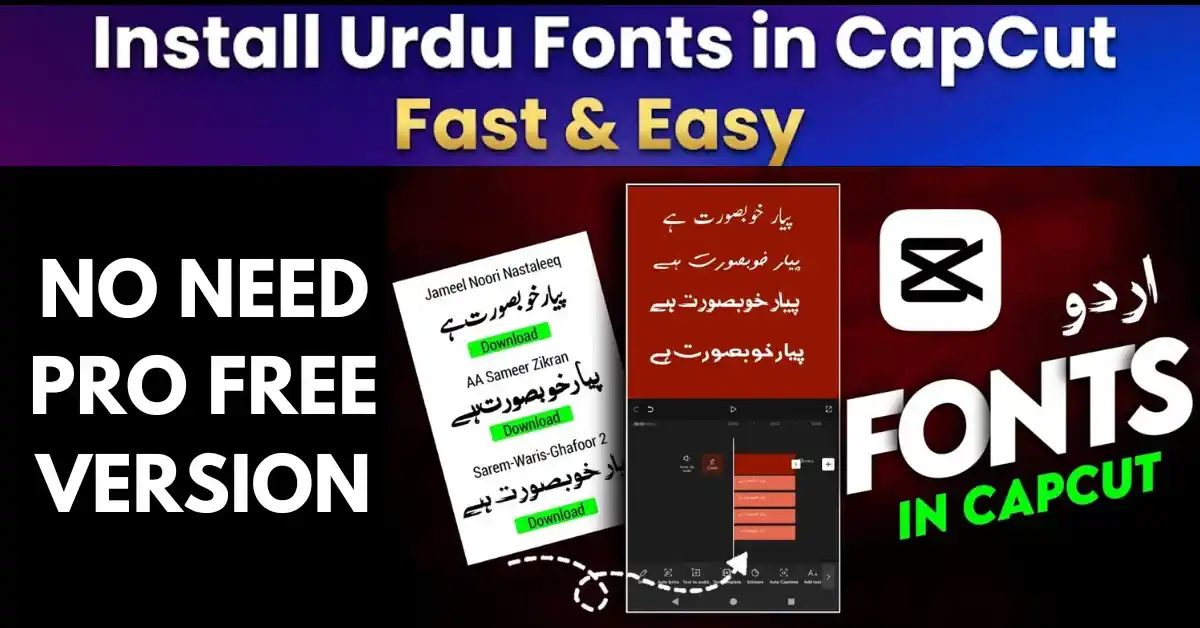
Install Urdu Fonts in CapCut Fast & Easy – Complete 2026 Pro Guide

CapCut does not come with Urdu fonts, but it does let you bring your own — and the method depends on your device. On Android and iPhone you import the font file inside CapCut itself; on a PC, CapCut uses the fonts installed in Windows or macOS. This guide covers all three, plus the fixes for the two problems almost everyone hits: the font not appearing, and Urdu text rendering broken.
Table of Contents
- What You Need Before You Start
- Step 1: Download and Extract the Urdu Font
- Method 1: CapCut on Android (Import Inside the App)
- Method 2: CapCut on iPhone
- Method 3: CapCut on PC or Mac (Desktop)
- Typing Urdu Text Correctly (RTL and Keyboards)
- Best Urdu Fonts for CapCut
- Common Problems and Fixes
- Frequently Asked Questions (FAQs)
What You Need Before You Start
- CapCut updated to the latest version on your device (older versions hide the font import).
- An Urdu font as a .ttf file — fonts here download as ZIP files, so extract the TTF first (Step 1).
- An Urdu keyboard for typing: Gboard’s Urdu layout on phones, the built-in Windows Urdu keyboard on PC.
- A Unicode font. Legacy (non-Unicode) fonts render broken in CapCut — every font recommended below is Unicode.
Step 1: Download and Extract the Urdu Font
Open the Urdu fonts category, pick a font, and use the download button on its page — the same collection is also mirrored on our sister site, the Jameel Noori fonts collection. The download is a ZIP file.
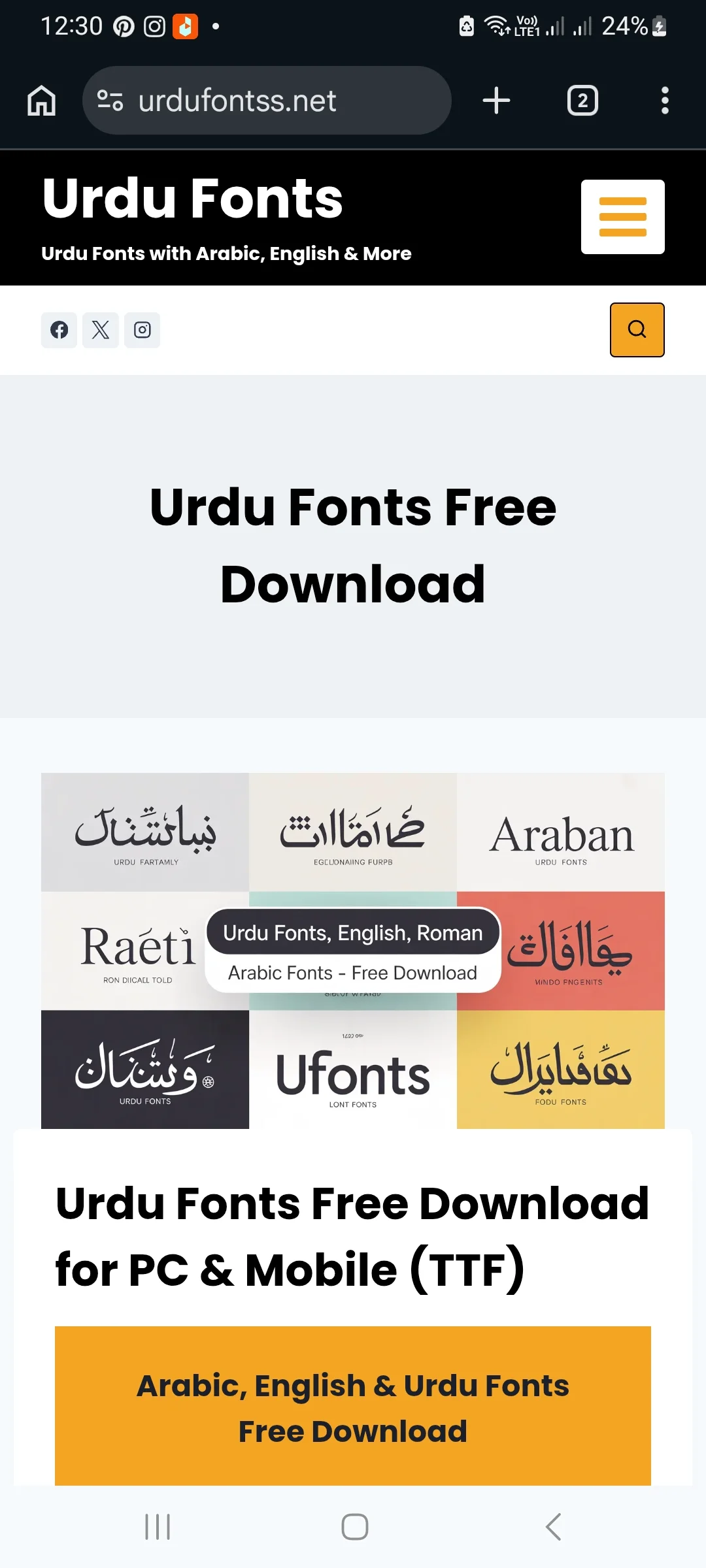
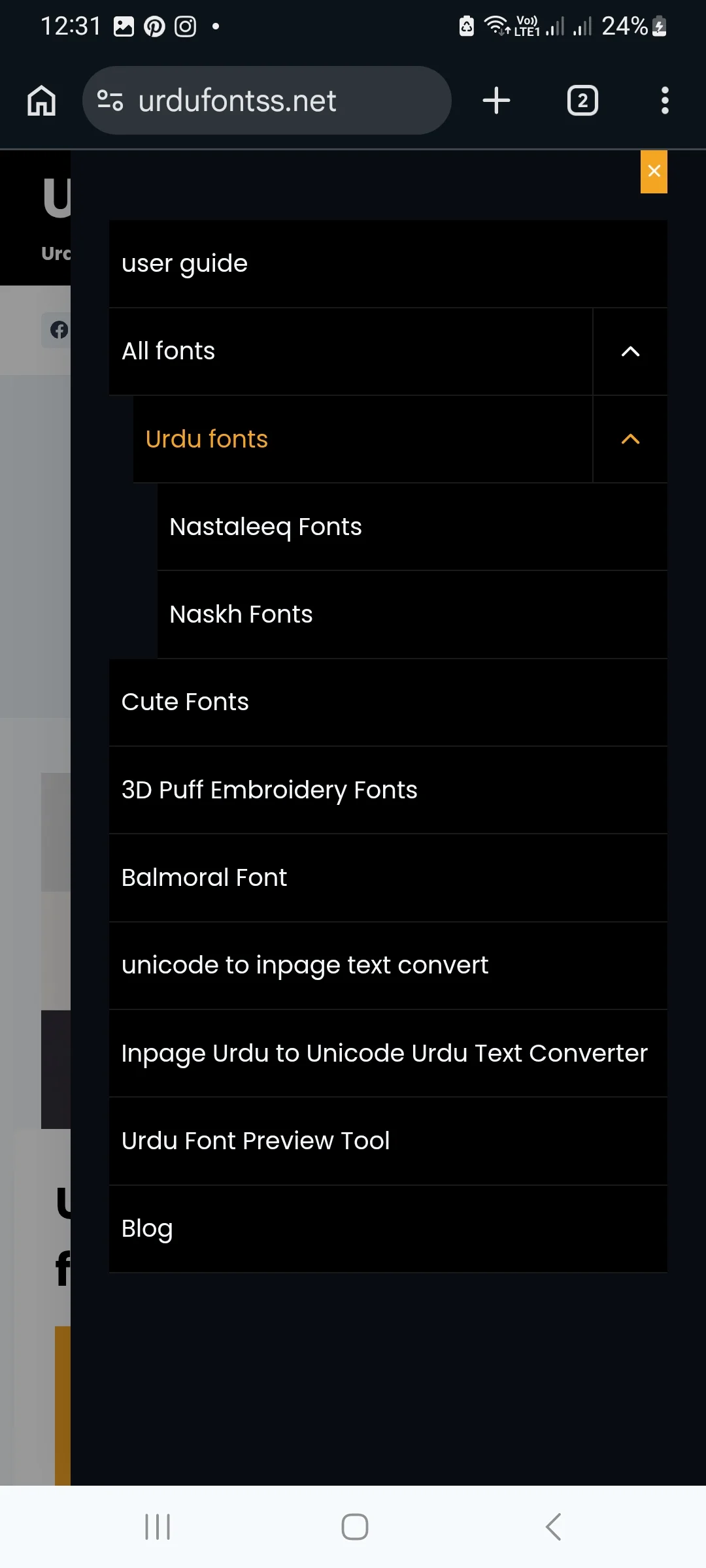
On your phone, open the Downloads folder and extract the ZIP (most file managers have an Extract option; otherwise use any ZIP extractor app). You need the .ttf file inside — CapCut cannot use the ZIP itself.


Method 1: CapCut on Android (Import Inside the App)
This is the reliable Android method — no system font changer apps are needed, because CapCut keeps its own font library inside the app.
- Open CapCut and start a New video project (or open an existing one).
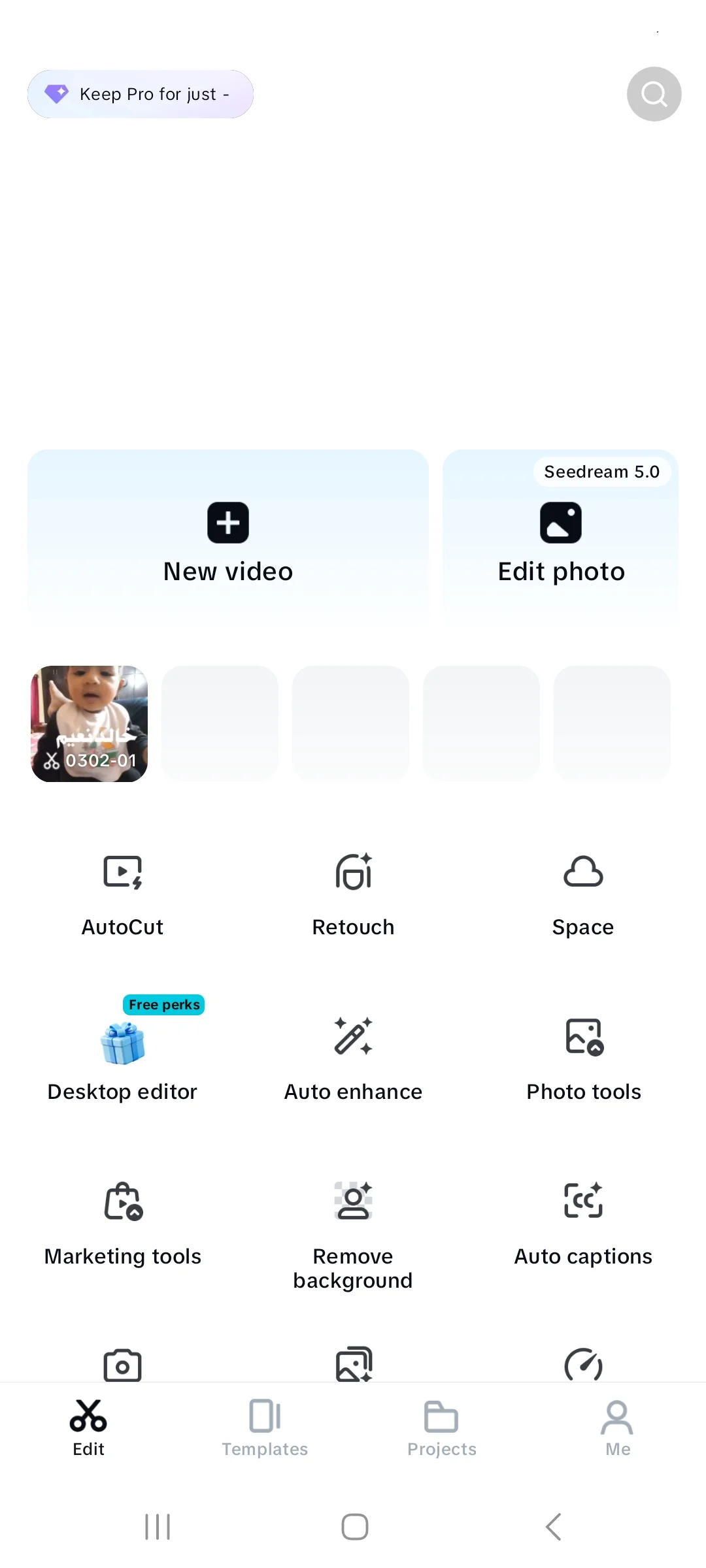
- Tap Text > Add text, type any text, and keep the text selected.
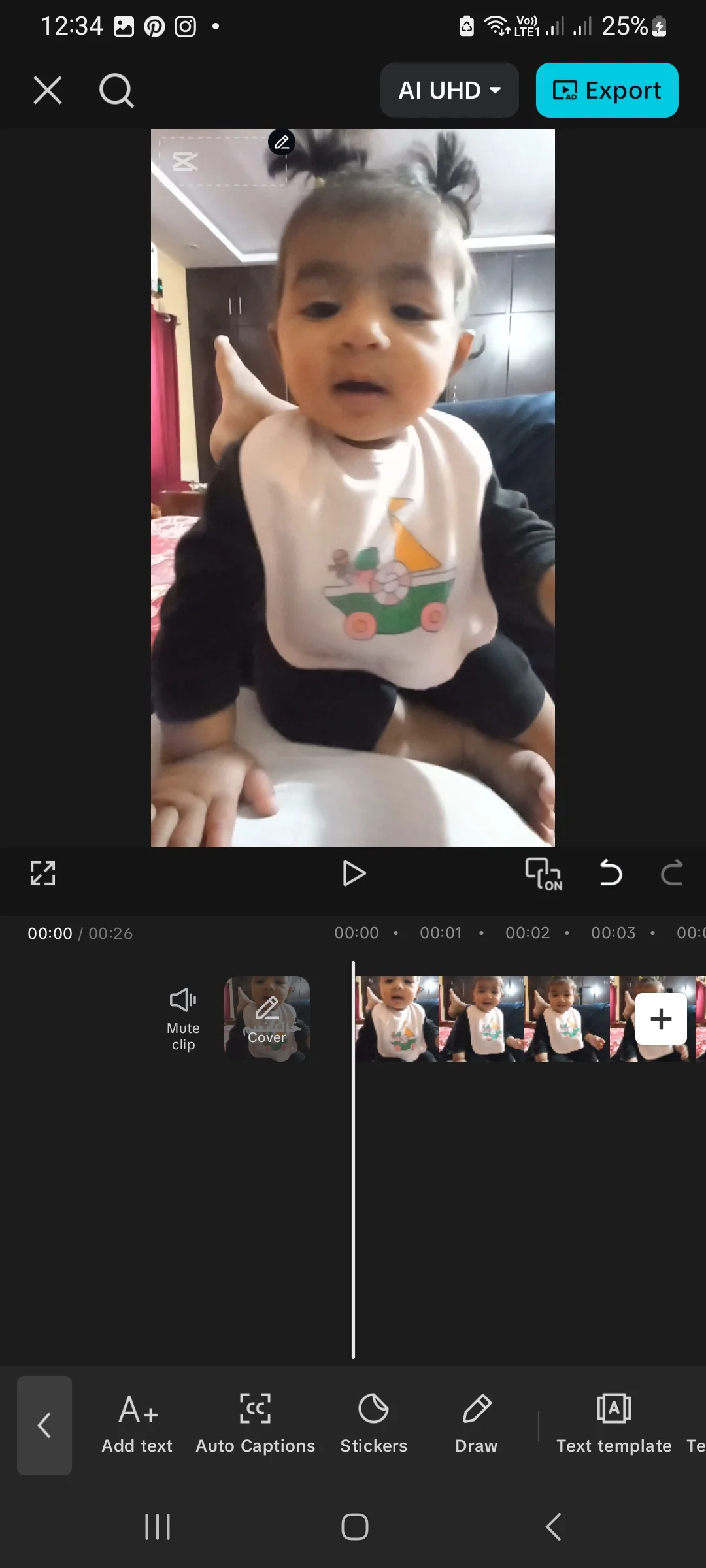
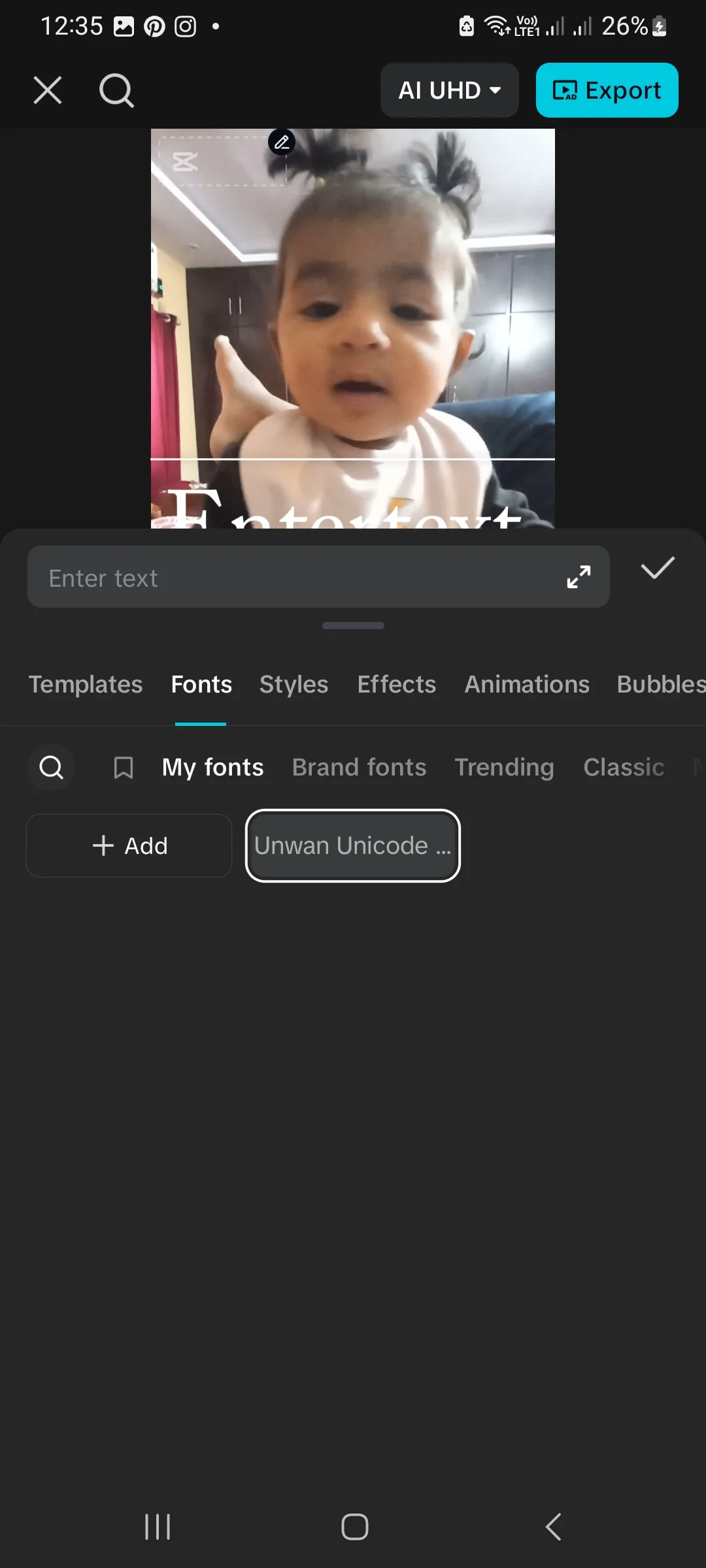
- Open the Fonts tab, switch to My fonts, and tap + Add.
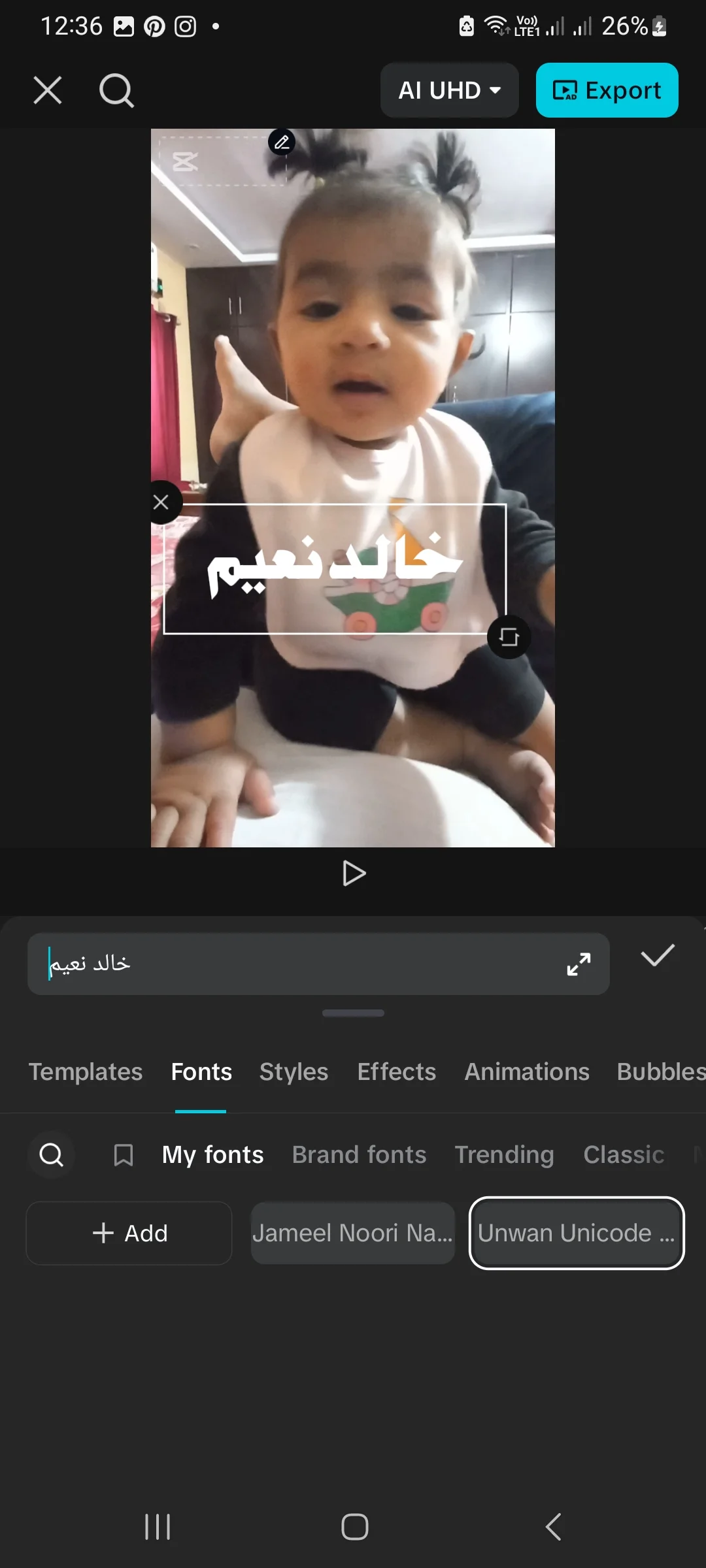
- Browse to the extracted .ttf file (usually in Downloads) and select it. The font is added to My fonts.
- Tap the font to apply it, then replace the placeholder text with your Urdu text.
Method 2: CapCut on iPhone
- Get the TTF onto the phone first: download the font ZIP in Safari, then extract it in the Files app (tap the ZIP to unpack it), or transfer the extracted TTF via iCloud Drive.
- In CapCut, follow the same route as Android: Text > Add text > Fonts > My fonts > + Add, then pick the TTF from Files.
- If your CapCut build does not show the Add option, the fallback is a font-installer app from the App Store, which installs the font through a configuration profile (Settings > General > VPN & Device Management to approve it), after which CapCut may list it with the system fonts. Menu names vary a little between iOS and CapCut versions — the in-app import in step 2 is the first thing to try.
One thing to avoid: tapping a TTF inside the Files app does not install it — iOS has no such shortcut. Either CapCut’s own import or a profile-based installer is required.
Method 3: CapCut on PC or Mac (Desktop)
The desktop CapCut reads the fonts installed in your operating system, so there is no import button to look for:
- Download the font and extract the TTF (Step 1).
- Install it in the system: on Windows, right-click the TTF and choose Install (full walkthrough in our PC font installation guide); on Mac, open the TTF in Font Book and choose Install Font.
- Fully close CapCut if it was open, then restart it — it builds its font list at launch.
- Add a text layer and pick your font from CapCut’s font dropdown; installed fonts appear in the list alongside the built-in ones.
Typing Urdu Text Correctly (RTL and Keyboards)
- Use a real Urdu keyboard. On Android, add Urdu in Gboard (Settings > Languages > Add keyboard > Urdu); on iPhone, add the Urdu keyboard in Settings > General > Keyboard. On PC, use the built-in Windows Urdu keyboard.
- CapCut renders Unicode Urdu in order. Type the text naturally; do not reverse letters manually. If text shows unjoined or broken, the font is usually legacy — switch to a Unicode font from the table below.
- Preview before exporting. Nastaliq fonts are tall; increase line spacing in the text settings if lines crowd each other.
Best Urdu Fonts for CapCut
| Font Name | Style | Best For |
|---|---|---|
| Jameel Noori Nastaleeq | Nastaliq | Poetry, quotes, classic titles |
| Urdu Khush Khati | Calligraphy | Stylish titles and overlays |
| Unwan Unicode | Bold Naskh | Thumbnails and bold captions |
| Zohra Unicode | Clean Naskh | Subtitles and longer text |
| Xebec Unicode | Dotted | Kids’ content and playful videos |
| Urdu Emad Nastaliq | Oblique Nastaliq | Traditional, wedding-style text |
Not sure which style fits your video? Type your actual title into our live Urdu font preview tool and compare fonts before downloading.
Common Problems and Fixes
| Problem | Solution |
|---|---|
| “Add” / import option missing | Update CapCut to the latest version, then look under Text > Fonts > My fonts |
| Font imported but not showing | Force-stop CapCut and reopen it; check you imported the .ttf, not the ZIP |
| PC font not in CapCut’s list | Install the font in Windows/macOS first, then fully restart CapCut |
| Urdu text appears broken or unjoined | Use a Unicode font (table above) and type with an Urdu keyboard — do not reverse letters by hand |
| Nothing happens after selecting the file | Re-extract the ZIP; a corrupt TTF imports silently nowhere — download the font again |
| Problem is not CapCut-specific | Work through our general Urdu font problems and fixes guide |
Editing in other apps too? The same fonts work in KineMaster and PixelLab with their own in-app imports.
Frequently Asked Questions (FAQs)
How do I add an Urdu font to CapCut on Android?
Extract the TTF from the downloaded ZIP, then in CapCut open a project, tap Text > Add text, open the Fonts tab, switch to My fonts and tap + Add. Select the TTF file and it joins your My fonts list, ready to apply to any text.
Why is my imported font not showing in CapCut?
Usually the ZIP was imported instead of the extracted TTF, or the app needs a restart. Force-stop CapCut, reopen it, and check My fonts again. On PC, the font must be installed in Windows or macOS before CapCut is launched.
Can I use Urdu fonts in CapCut on iPhone?
Yes. Extract the TTF in the Files app, then use CapCut’s own import (Text > Fonts > My fonts > Add) and pick the file. If your version has no Add option, a font-installer app that installs a configuration profile is the fallback. Tapping the TTF in Files alone does not install it.
Why does Urdu text look broken in CapCut?
Broken or unjoined letters almost always mean a legacy (non-Unicode) font, or text typed without an Urdu keyboard. Switch to a Unicode font such as Jameel Noori Nastaleeq or Zohra Unicode and type with Gboard’s Urdu layout — do not reverse the letters manually.
Which Urdu fonts work best in CapCut?
Jameel Noori Nastaleeq for classic titles and poetry, Unwan Unicode for bold thumbnail text, Zohra Unicode for readable subtitles, and Urdu Khush Khati for decorative headings. All are Unicode TTFs, so they render correctly in CapCut.
Do I need zFont or another font-changer app for CapCut?
No. CapCut keeps its own font library, and its My fonts import adds any TTF directly. System font changers are unreliable with CapCut and are not needed — use the in-app import described in this guide.
Can I use the same Urdu fonts in CapCut on PC?
Yes — the same TTF files work. Install the font in Windows (right-click the TTF > Install) or in Font Book on a Mac, restart CapCut, and the font appears in its font list. Desktop CapCut has no import button because it reads the system fonts.


12 Comments