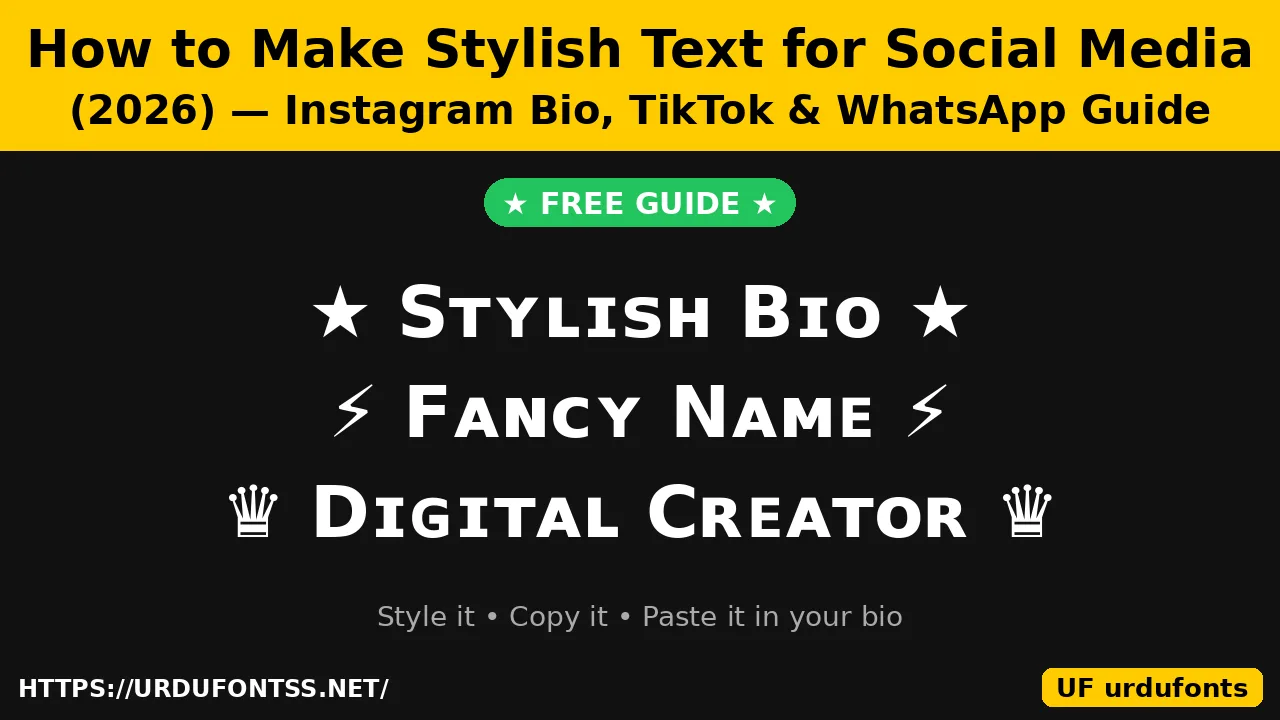
How to Make Stylish Text for Social Media (2026) — Instagram Bio, TikTok & WhatsApp Guide

Instagram, TikTok and WhatsApp have no font button — there is no bold or italic setting for your bio. Yet you see profiles with bold, script and small-caps names everywhere. The secret is simple: those are not fonts at all. They are different Unicode characters that already look styled, copied from a generator and pasted into the bio. This guide shows you how to make stylish text for social media in about a minute — for your Instagram bio, TikTok name, WhatsApp bio and more — plus the glitch effect and the best tools for iPhone and Android.
Table of Content
Table of Contents
How Stylish Text Actually Works
Unicode — the standard that gives every character a number — includes full sets of styled Latin letters, originally defined so mathematicians could write bold vectors and script variables. A generator swaps each of your letters for its styled twin: bold, italic, script, gothic, small caps, circled or full-width. The result is ordinary text, so it copies and pastes anywhere text is accepted. You are not changing the font and you are not installing anything — you are copying different characters that happen to look like a font.
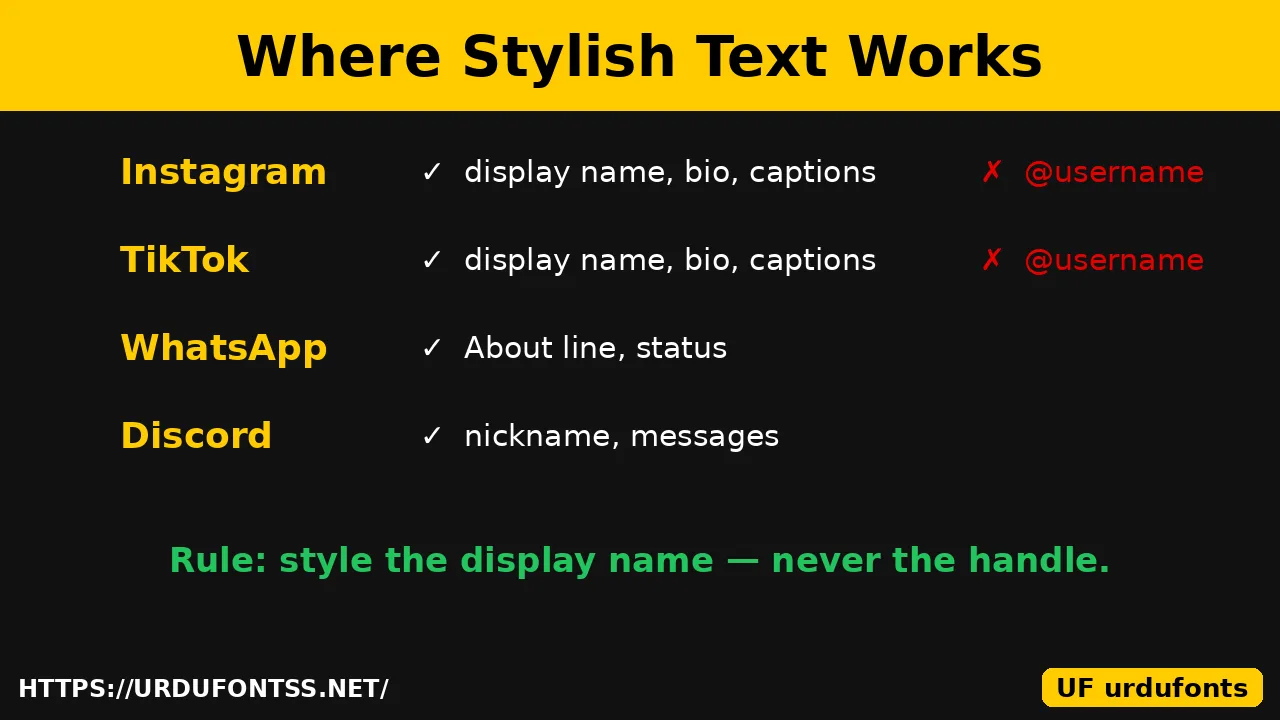
That is also why there is one hard rule: handles and @usernames cannot be styled. On Instagram, TikTok and every other platform, the @ name accepts only plain letters, digits, periods and underscores. The style always goes in the display name or the bio — never in the handle.
How to Make Stylish Text
The same four steps work on every platform:
- Type your text in a generator. Open the Urdu Font Generator or the Cute Text Generator and type the words you want — your name, a job title or one bio line.
- Pick a style. Compare bold, small caps, script and gothic. For a bio, bold or sans-serif bold reads best at small size; script suits one short headline line.
- Copy the style. Tap the copy button beside the style you chose. Copying from the input box only copies the plain text, not the styled version. For a bio with two styled lines, do one line at a time.
- Paste it into the app. Open the profile field for the platform below, paste, and save. Then check your profile — if a character shows as an empty box, pick a simpler style.
Instagram Bio: Change the Font Style
Instagram has no font setting, so you paste styled text instead:
- Make your styled line in a generator and copy it.
- Open Instagram, go to your profile and tap Edit profile.
- Tap the Bio field, long-press and paste.
- Save, then open your profile and read the bio as a visitor would.
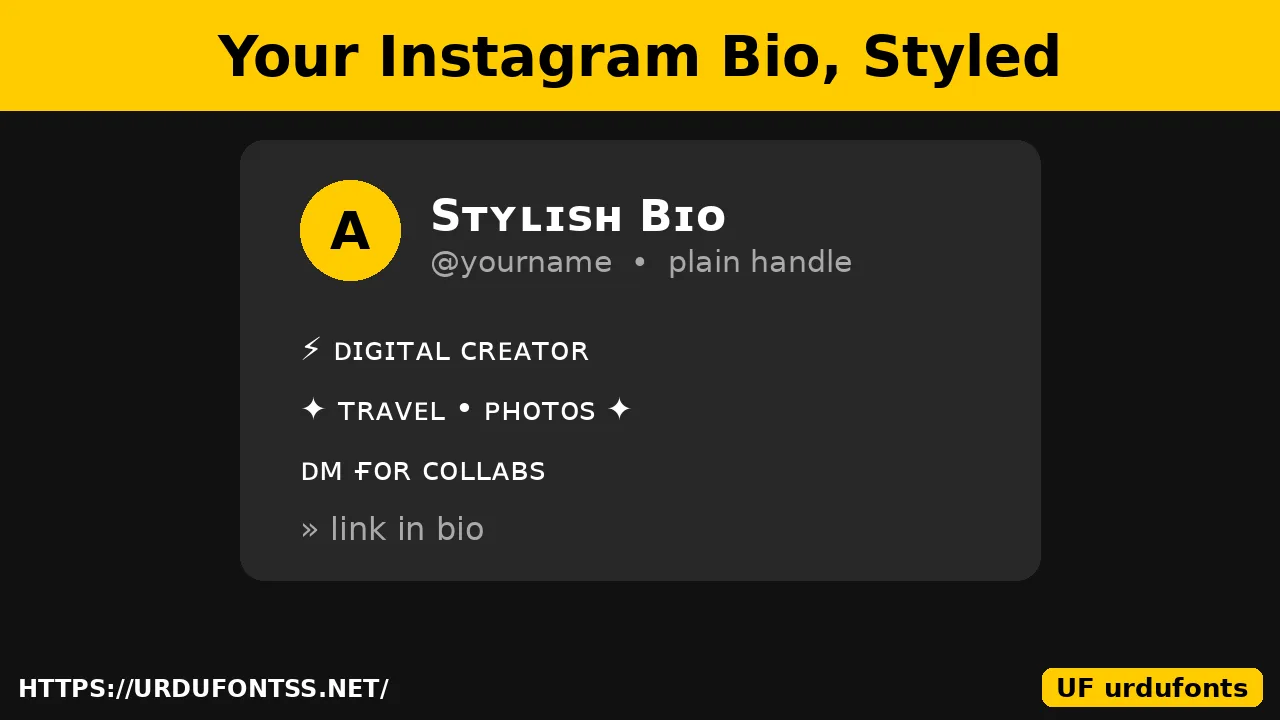
Two limits to remember. First, the bio allows 150 characters, and some apps count styled letters as more than one character — leave a little room. Second, styled text also works in the Name field, captions, comments and story text, but never in the @username. If you want font ideas for the visual side of your posts, the Instagram fonts guide picks display faces for stories and posts.
TikTok Name and Bio
On TikTok, styled text works in your display name, your bio and your captions. Copy a style from the generator, open your profile, tap Edit profile, then paste it into the Name or Bio field and save. Your @username follows the same plain-characters rule as Instagram — letters, numbers, underscores and periods only — so the fancy style belongs in the display name. Names and bios are short, so pick a readable style such as bold or sans bold rather than a heavy decoration.
WhatsApp Bio and Status
WhatsApp accepts styled text in your About line (your bio) and in status text. The method is the same: generate, copy, open your profile, paste into About and save. One styled line as the headline works best — keep the rest plain so it stays searchable and readable. The same styled text also pastes into Facebook posts, X posts and most messaging apps, because it is plain Unicode text.
Glitch Text Effect
Glitch text — also called Zalgo text — stacks combining marks above and below your letters until the text looks corrupted or haunted. It is made the same way as any other style: type your text in a generator that offers a glitch or Zalgo option, copy the result and paste it. The Freaky Generator on this site makes horror-style lettering in the same spirit.
Use it lightly. Heavy glitch text breaks on some phones and shows as boxes, and screen readers spell it out character by character, which makes it hostile to blind readers. One glitched word as a headline is a style choice; a whole glitched bio is unreadable. The same warning applies to gaming nicknames — the Free Fire stylish name guide explains why heavy glitch styles fail in games too.
Best Tools for iPhone and Android
You do not need to download an app. The best fancy-text tools for iPhone and Android are the ones that run in your mobile browser: type, pick a style, tap copy, switch to Instagram or TikTok and paste. The Urdu Font Generator and the Cute Text Generator both work this way on phones — no signup and nothing to install. The fancy text guide compares more generator options if you want a second opinion, and the Discord fonts guide covers the same copy-paste method for Discord nicknames and messages.
Urdu Stylish Text for Social Media
Latin generators cannot restyle Urdu script — Urdu’s joining letters do not map to the Unicode trick characters those tools use. Real Urdu stylish text for a bio comes from a decorative Urdu font instead: set your words in a display face and use the result as image text for your bio picture, story or thumbnail. The Urdu Font Generator previews your exact words in real Urdu fonts, classic faces such as Jameel Noori Nastaleeq give a bio the familiar newspaper Nastaliq look, and the Nastaliq fonts guide lists the full range of Nastaliq styles. Browse the Urdu fonts category for more display faces. For a plain-text Urdu bio line, light symbolic framing (❁ • ─ ✦) around ordinary Urdu text works everywhere Urdu text works.
Pro Tips
- One styled line per profile: a styled display name or one bio headline is plenty — decorating everything makes nothing stand out.
- Keep it readable: if a visitor cannot read your bio at a glance, the styling has failed. Test on a second phone before you settle on a style.
- Watch the character count: styled letters can count double toward the 150-character bio limit, so leave room.
- Mind accessibility: screen readers read Unicode-styled letters one by one, so keep important information — your job, your city, your link — in plain text nearby.
- Never share your login with a font or bio tool. A real generator never asks for your Instagram, TikTok or WhatsApp password.
Final Words
There is no font setting hiding in Instagram, TikTok or WhatsApp — stylish text is Unicode you copy and paste. Type your line in a generator, pick a style that still reads clearly, paste it into your display name or bio, and leave the handle plain. Start with the Urdu Font Generator, keep one styled line per profile, and let the plain text do the talking everywhere else.
Frequently Asked Questions (FAQs)
How do I change the font in my Instagram bio?
Instagram has no font setting, so you paste styled text instead. Type your text in a generator, copy the style you like, open Edit Profile in Instagram, paste it into the Bio or Name field and save.
Can I use fancy fonts on TikTok?
Yes — copy a style from a generator and paste it into your TikTok display name or bio in Edit Profile. Your @username only allows plain letters, numbers, underscores and periods, so the fancy style works in the display name, bio and captions.
How do I make glitch text?
Type your text in a generator that offers a glitch or Zalgo option, copy the result and paste it. Use it lightly — heavy glitch text breaks on some phones and is hard for screen readers to read.
What is the best fancy text generator for iPhone and Android?
The browser-based ones: they need no app download and no signup. The Urdu Font Generator and the Cute Text Generator on this site work on both iPhone and Android — type, pick a style, copy and paste.
Why does my stylish bio show as boxes on some phones?
Older phones lack some Unicode styling characters. Pick a simpler style — bold or sans-serif bold — and test the bio on a second phone before you keep it.
Can I style my @username on Instagram or TikTok?
No. Handles only accept plain letters, numbers, periods and underscores on both platforms. Style the display name or the bio instead and keep the handle plain.
Can I make stylish text in Urdu for my bio?
Yes, but not with Latin generators — they cannot restyle joining Urdu letters. Use a decorative Urdu display font for image text, or frame plain Urdu with light symbols. The Urdu Font Generator previews your words in real Urdu fonts.