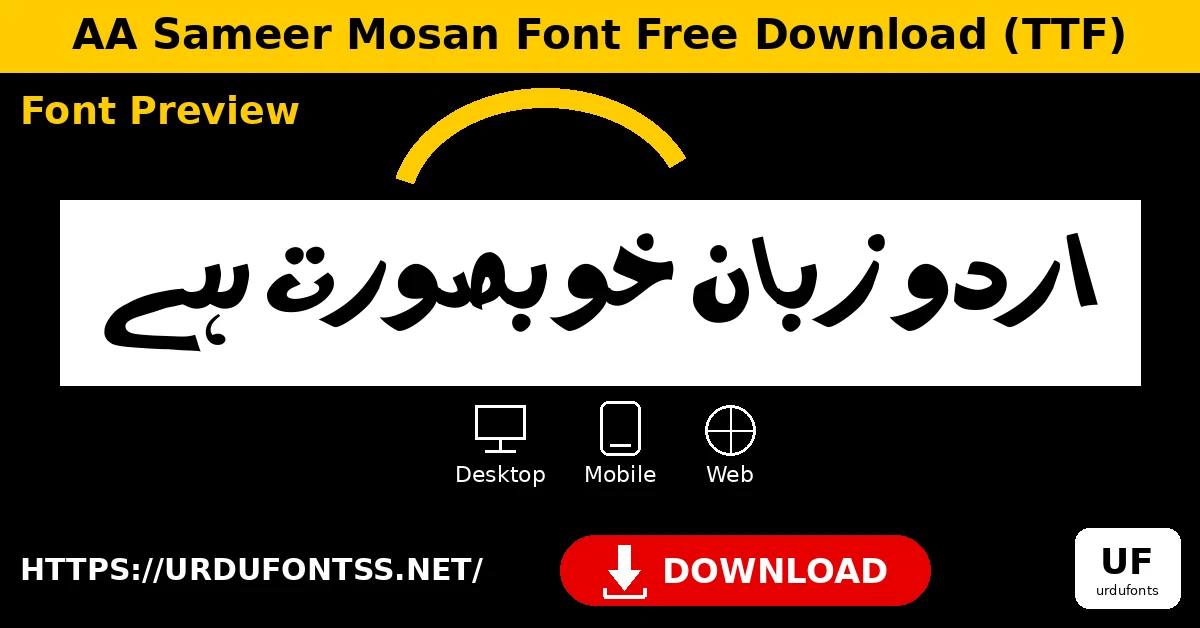
AA Sameer Mosan Font Free Download (TTF)

AA Sameer Mosan font download is a free Urdu font in TTF format for desktop, mobile and web use. Use the download button below to get the verified TTF file, then follow the install notes in this guide for Windows, Mac, mobile apps and websites.
Font Overview
| Feature | Details |
|---|---|
| Font Name | AA Sameer Mosan |
| Format | TTF |
| Language | Urdu |
| Works With | MS Word, InPage, Photoshop, Illustrator, PixelLab, Canva |
| Platforms | Windows, Mac, Android (in apps), iPhone/iPad (via a font installer app) |
| Glyph Count | 431 |
By KG · Font file verified 24 Oct 2026: family name, format and glyph count (431) checked from the font file itself.
File verified 24 Oct 2026: AA Sameer Mosan, TTF format, linked at the top of this page. See the install notes below before installing.
Table of Contents
- What Is AA Sameer Mosan?
- Features of AA Sameer Mosan
- How to Use AA Sameer Mosan on Desktop (PC & Mac)
- How to Use AA Sameer Mosan on Mobile Apps
- How to Use AA Sameer Mosan on a Website
- Best Uses for AA Sameer Mosan
- AA Sameer Mosan vs Jameel Noori Nastaleeq
- Frequently Asked Questions (FAQs)
- Final Words
What Is AA Sameer Mosan?
AA Sameer Mosan font download provides an Urdu font supplied as a TTF file, with the font family name AA Sameer mosan. It is made for Urdu text in documents, design apps and on the web, and it can be installed directly on Windows and macOS.
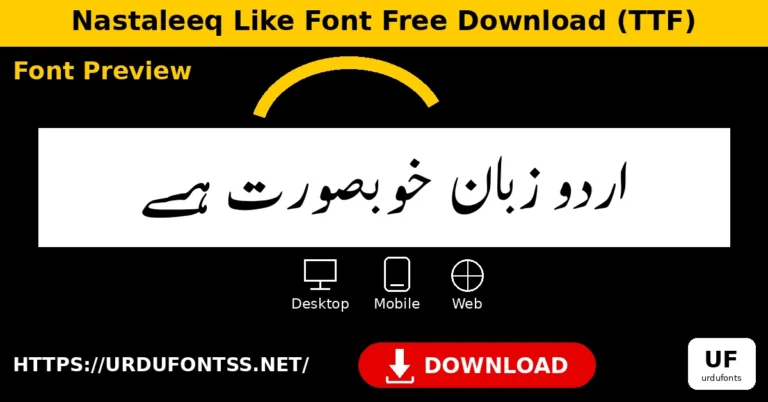
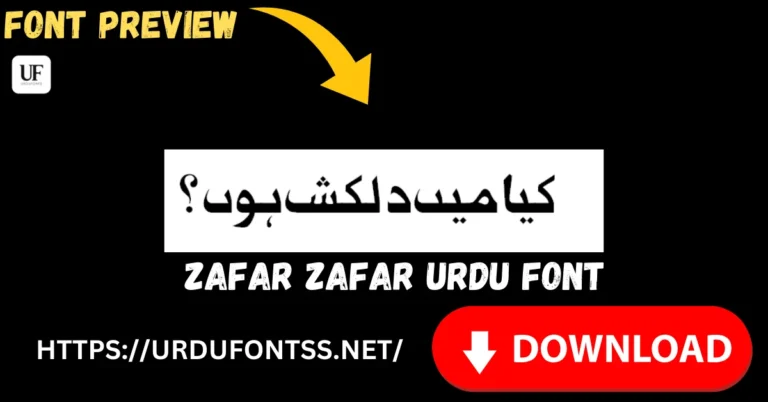
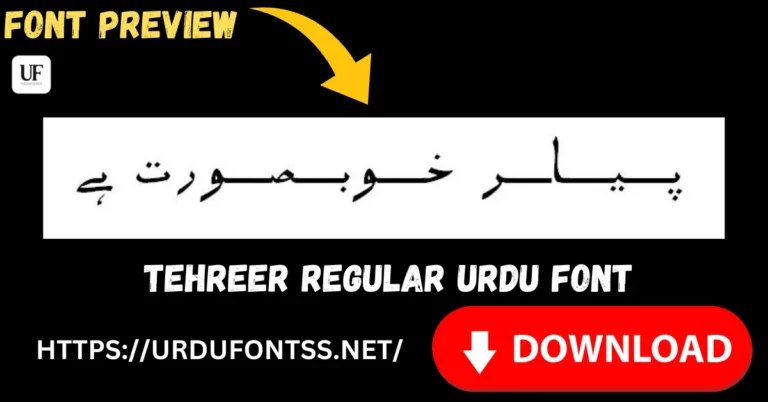
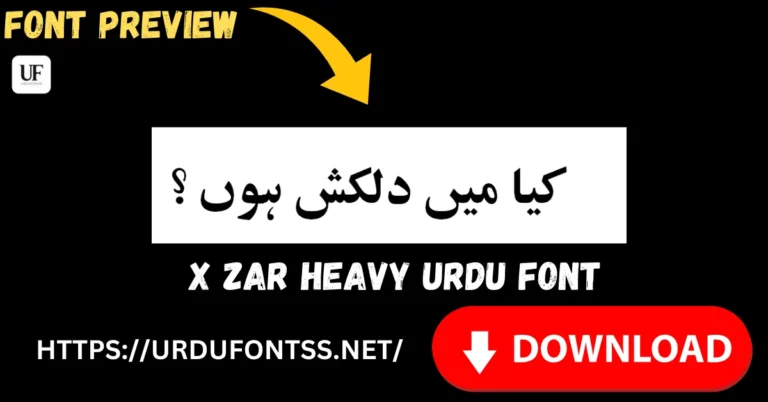
The sample below shows how the font looks in use, so you can judge its letter shapes and spacing before you download it, and the history of Urdu Nastaliq fonts explains the style behind it.
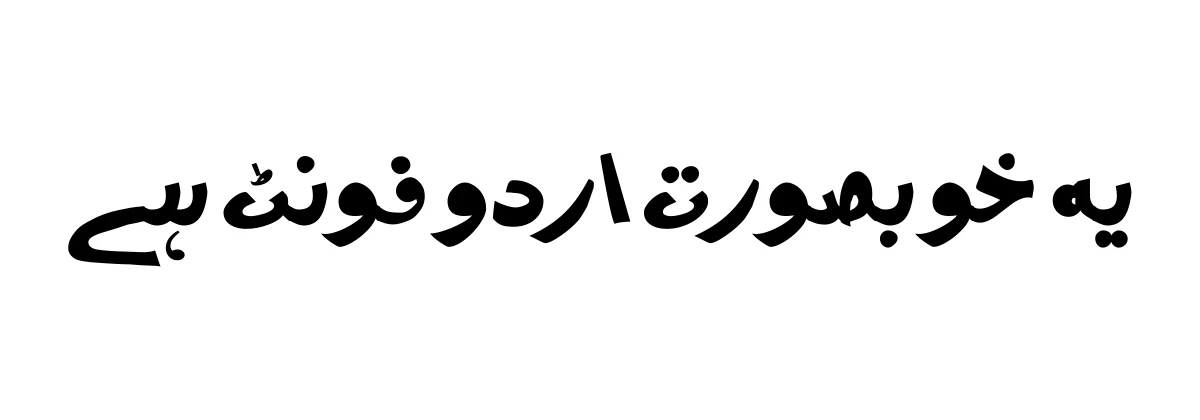
Because it is a standard TTF file, AA Sameer Mosan works in the apps most Urdu writers and designers already use, without any special converter. Browse the full Urdu Fonts category for more Urdu options, or preview this font live first.
Features of AA Sameer Mosan
- TTF format — installs directly on Windows and macOS.
- Urdu text support — made for Urdu documents and designs.
- Works in common apps — MS Word, InPage, Photoshop, Illustrator, PixelLab and Canva.
- Good for headings and body text — legible at both sizes.
- 431 glyphs — a broad character set for everyday Urdu typing.
- Clear letterforms — suitable for reading, printing and on-screen design.
How to Use AA Sameer Mosan on Desktop (PC & Mac)
Use the AA Sameer Mosan font download from the button at the top of this page. On Windows, right-click the TTF file and choose Install, then restart your app before the font appears in the font list. On Mac, double-click the TTF file and choose Install Font in Font Book, then restart your app.
After installation, select AA Sameer Mosan from the font menu in MS Word, InPage, Photoshop or Illustrator and type your Urdu text as normal. For a step-by-step Mac setup, see the Mac install guide.
If the font does not appear straight away, close and reopen the app, and check that you have selected the correct font name, AA Sameer mosan, rather than a similarly named font. For documents you plan to share, keep a copy of the TTF file with the project so the text displays correctly on another computer. If it still does not appear, see common Urdu font problems for fixes.
How to Use AA Sameer Mosan on Mobile Apps
Mobile phones do not install TTF files system-wide in the same way as a computer, so on mobile you use AA Sameer Mosan inside apps that support custom fonts. This dedicated mobile section covers the apps most readers use. For Android setup steps, see the Android install guide.
- Android — PixelLab: download the TTF file, open PixelLab, add your text, and import the font from your downloads folder, then select AA Sameer Mosan for that text layer.
- Android — Canva: in the Canva app, open your design, add text, and choose a custom or uploaded font where the app supports it, following the app’s own font-upload steps.
- Android — other design apps: apps such as PicsArt and KineMaster that support custom fonts can import the same TTF file in a similar way, from the app’s font or text settings.
- iPhone and iPad: import the TTF via a font-installer app, then use it in apps that support custom fonts. The exact steps depend on the installer app you choose, so follow its on-screen instructions.
On mobile, always test a short line of Urdu text first, including joined letters, before you design a full poster or video, so you can confirm the font renders correctly in that app.
How to Use AA Sameer Mosan on a Website
To use the AA Sameer Mosan font download on a website, host the TTF file on your own site and load it with a CSS @font-face rule, then apply the family name in your stylesheet, for example font-family: ‘AA Sameer mosan’, sans-serif. Keep the file in a web-accessible folder, test the page in more than one browser, and provide a fallback font for visitors whose browser cannot load the custom file.
Check the terms that apply to your use before you publish a font on a public website. For documents rather than websites, see using Urdu fonts in Google Docs.
Best Uses for AA Sameer Mosan
- Urdu documents and books — see the book publishing guide for print tips.
- Social and poster graphics.
- Poetry and quote pages.
- Websites and blogs with Urdu content.
- School, office and community notices.
- Video titles and thumbnails made in mobile design apps.
AA Sameer Mosan vs Jameel Noori Nastaleeq
Jameel Noori Nastaleeq is the classic, widely recognised Nastaleeq style used for formal Urdu books, newspapers and long-form reading, with its sloping, calligraphic joins. AA Sameer Mosan is a separate Urdu font family with its own letterforms, and it is a practical alternative when you want a different Urdu look for documents, posters and social graphics, or when you are working in apps where a TTF file is easier to install.
Choose Jameel Noori Nastaleeq for traditional, formal Nastaleeq reading, and choose the AA Sameer Mosan font download when you want this font’s own style and its straightforward TTF installation across desktop and mobile apps.
Try both with the same sample sentence before a large project, so you can compare readability at the size you will actually publish.
Frequently Asked Questions (FAQs)
Is the AA Sameer Mosan font download free?
Yes — the TTF file linked at the top of this article (Google Drive) was verified on 24 Oct 2026.
What format is the AA Sameer Mosan download?
TTF — the standard desktop and mobile font format. It installs directly on Windows and macOS and works in apps that support custom fonts.
Can I use AA Sameer Mosan in MS Word?
Yes — install the TTF from the button above, restart Word, and it will appear in the font list under its family name, AA Sameer mosan.
Does AA Sameer Mosan work on mobile?
Yes — on Android use it inside apps such as PixelLab and Canva, and on iPhone use a font-installer app in apps that support custom fonts.
How many glyphs does AA Sameer Mosan have?
431 glyphs, as checked from the font file itself on 24 Oct 2026.
Can I use AA Sameer Mosan on a website?
Yes — host the TTF file and load it with a CSS @font-face rule, then test the page in more than one browser and keep a fallback font in place.
Can I use AA Sameer Mosan for commercial work?
We could not verify a commercial-use licence statement from a primary source for this font, so check the terms that apply to your use before commercial use.
Final Words
AA Sameer Mosan font download is a straightforward choice when you need a free Urdu TTF font for documents, designs, mobile apps and web content: download it from the button at the top of this page and install it with the notes above. For more ideas, browse the top 10 Urdu fonts for designers.