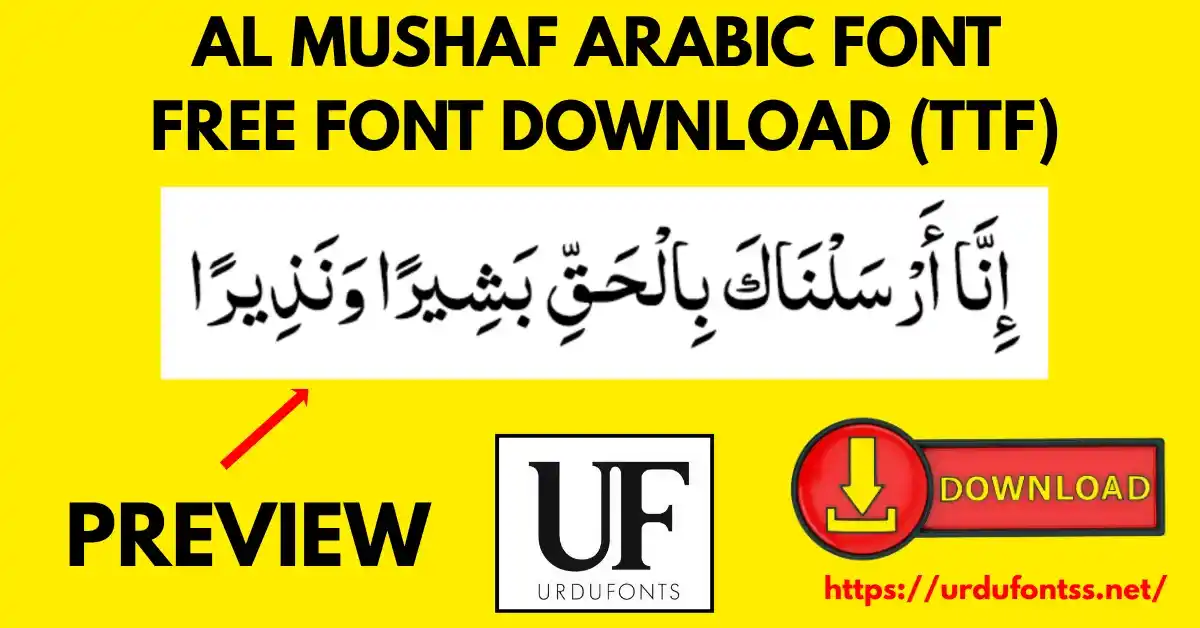
Al Mushaf – Complete Guide to Download and Install Arabic Font

Al Mushaf is a TrueType Arabic font in the Mushaf script tradition, designed for Quranic text and Islamic publications. Created in September 2008, it remains a lightweight, dependable choice for Quran printing, religious books and Arabic typography. Download the TTF file free below and install it on Windows, Mac, Android or iPhone.
Table of Content
Table of Contents
Al Mushaf Free Download
| Feature | Details |
|---|---|
| Font Name | Al Mushaf |
| Style | Mushaf (Quranic) script |
| Format | TTF (delivered in a ZIP of about 107 KB) |
| Created | September 2008 |
| Language | Arabic |
| Works With | MS Word, InPage, Photoshop, Illustrator and all TTF-supported software |
| Platforms | Windows, Mac, Android (in apps), iPhone/iPad (via a font installer app) |
Before you download, you can also preview Al Mushaf with your own text in our Live Urdu Font Previews tool — for Quranic text, check the rendered marks carefully before you commit to print.
Font Preview
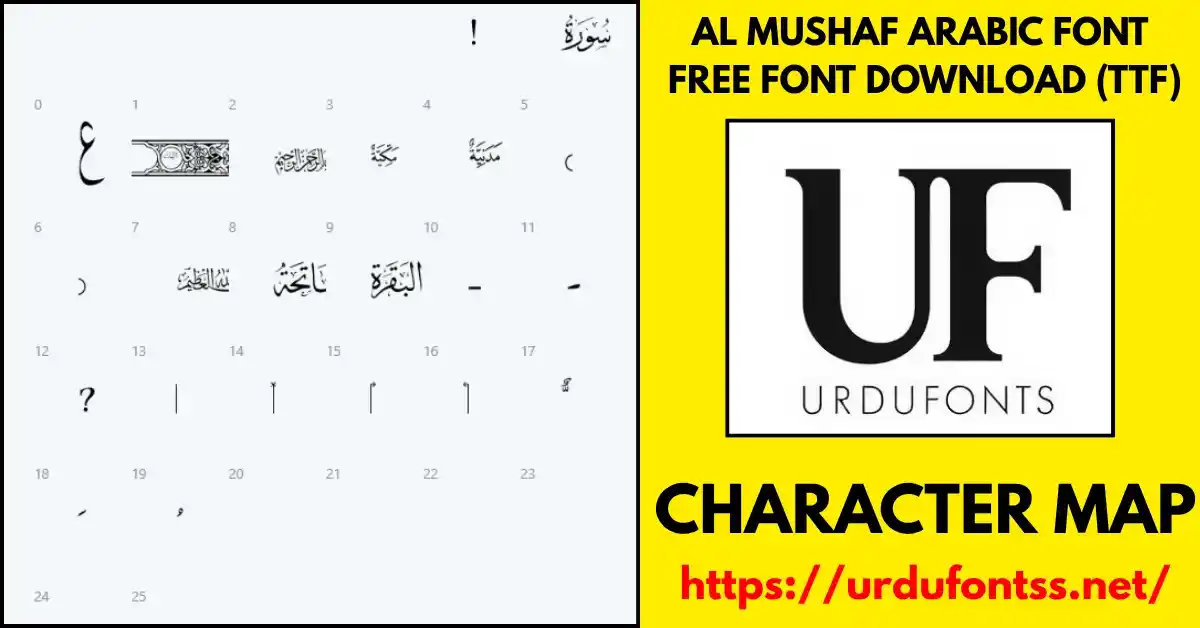
The character map above shows Al Mushaf’s glyphs and calligraphy style. The font takes its name from mushaf — the written Quran — and its letterforms follow the conventions readers expect from printed Quranic text.
What Makes Al Mushaf Different
- Built for the Quran, not adapted to it: the Mushaf script style is made for Quranic text first — Islamic books and religious publications are its home ground, not an afterthought.
- A settled, traditional design: created in September 2008, the font has the familiar look readers of printed mushafs already know — no learning curve for the eye.
- Lightweight: at about 107 KB the file downloads fast and embeds easily in documents and e-books.
- Print-first readability: the design holds up at the 14–18 pt sizes recommended for comfortable Quranic reading (see the tips under Best Uses).
Best Uses for Al Mushaf
- Quranic text — verses and passages in the Mushaf script style.
- Islamic books and religious publications — its primary, intended use.
- Arabic typography — professional designs that need a traditional Arabic face.
- Digital media — websites, apps and e-books carrying Arabic content.
Expert tips from experience with this font: use Al Mushaf for Quranic text rather than general decoration; keep the size between 14 and 18 pt for the most comfortable reading; test the output on more than one device before a final publication; and keep a backup of the TTF file for future use. More Arabic and Quranic styles are collected in the Arabic fonts category.
How to Download and Install
On Windows
Click the download button at the top of this page, extract the ZIP, right-click the TTF file and choose Install. Restart your app and Al Mushaf appears in its font list. The full walkthrough is in our PC install guide for Urdu fonts.
On Mac
Download and extract the ZIP, double-click the TTF file, and Font Book opens — click Install Font. Al Mushaf then appears in Font Book and is available in all your Mac applications.
On Android
Modern Android phones do not allow free system-wide font changes, so use the TTF inside apps: download the file, then load it through the app’s own font option (for example “Add Font” in PixelLab, KineMaster or CapCut) and select it there. Our Android install guide shows the in-app method step by step, and the CapCut font installation guide covers that app in detail.
On iPhone / iPad
Save the TTF file, import it with a font installer app (such as iFont), then install the profile it creates via Settings → Profile Downloaded → Install. The font is then available in apps that support custom fonts.
Al Mushaf vs Similar Fonts
| Font | How It Differs |
|---|---|
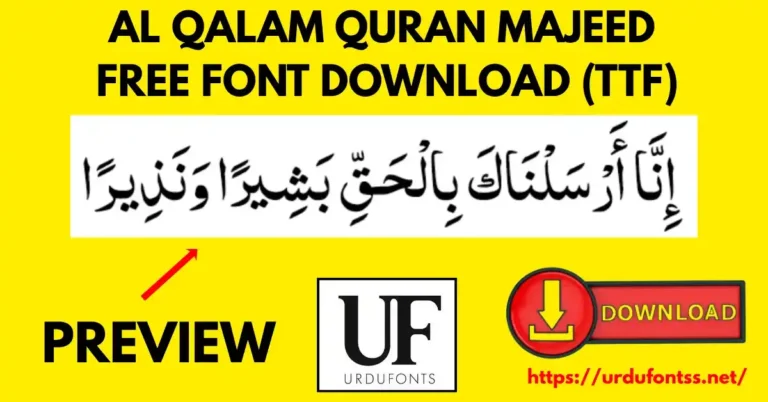
| Al Qalam Quran Majeed | Another Quranic text font with full marks — the closest alternative; compare both with your own passage before a print project. |
| Muhammadi Quranic | A Quranic style widely used for verses and religious books — a different visual flavour of the same job. |
| Scheherazade | A Naskh text font for Arabic and academic work — better for general Arabic prose; Al Mushaf is the Quran-specific choice. |
These fonts and their roles are compared in our Islamic and calligraphy fonts guide.
Troubleshooting
| Problem | Solution |
|---|---|
| Font not showing after installation | Restart the device and the app — fonts register on a fresh start |
| Arabic letters not connecting properly | Make sure an Arabic keyboard/layout is enabled and RTL text direction is on |
| Download fails | Check your internet connection and try again — the ZIP is only about 107 KB |
| Boxes instead of Arabic text | Check your Unicode/language support settings, or reinstall the TTF |
For the full fix list, see our common Urdu font problems and fixes guide.
Licence Information
| Usage Type | Licence Status |
|---|---|
| Personal Use | ✅ Free to download |
| Commercial Use | Check the font’s licence terms before using it in commercial work |
Al Mushaf is provided here free to download for personal use. All rights to the font belong to its original creator; we do not claim ownership. If you are the copyright owner and believe your rights have been affected, or any information here needs correction, contact us at urdufontss@gmail.com and we will act on it promptly.
Final Words
For Quranic text and Islamic publications, Al Mushaf does one job and does it in the traditional style readers trust — in a file light enough to download in seconds and install on almost anything. Preview a passage, install it, and keep the TTF backed up for your next project.
Frequently Asked Questions (FAQs)
What is the Al Mushaf font?
Al Mushaf is a TrueType Arabic font in the Mushaf script style, designed for Quranic text and Islamic publications.
What is the Al Mushaf font’s file size?
About 107 KB for the downloadable ZIP containing the TTF — a lightweight file that downloads and installs quickly.
When was the Al Mushaf font created?
September 2008, according to the font’s specification details.
Is Al Mushaf free to download?
Yes — it is free to download from this page for personal use. For commercial use, check the font’s licence terms first.
How do I install Al Mushaf on Android?
Download the TTF, then load it inside your app through its font option (such as “Add Font” in PixelLab or CapCut). Modern Android does not allow free system-wide font installation, so the in-app method is the reliable route.
Can I install Al Mushaf on iPhone or iPad?
Yes — import the TTF with a font installer app such as iFont and install the profile via Settings → Profile Downloaded. The font then works in apps that support custom fonts.
How is Al Mushaf different from Al Qalam Quran Majeed?
Both are Quranic fonts; they differ in letterform flavour. Preview the same passage in each — using the Live Urdu Font Previews tool — and choose the rendering you find clearer for your publication.

10 Comments