Zafar Free Urdu Font Download (TTF)

Zafar is a clean, easy-to-read Urdu font designed for everyday writing — a Unicode TrueType (TTF) font whose simple, traditional letterforms keep long texts legible on screens and in print. It is a favourite for documents, blogs and educational content where clarity matters more than decoration. Download the TTF free below and install it on Windows, Mac or Android.
Table of Content
Table of Contents
Zafar Free Download
| Feature | Details |
|---|---|
| Font Name | Zafar |
| Style | Clean traditional Urdu — Nastaliq-inspired, Regular weight |
| Format | TTF, Unicode (delivered in a ZIP of about 68 KB) |
| Glyphs | 497 (verified in the font file) |
| Embedding | Editable — documents can embed the font |
| Works With | MS Word, WordPress, Google Docs, Photoshop and all TTF-supported software |
| Platforms | Windows, Mac, Android (in apps) |
Before you download, you can also preview Zafar with your own text in our Live Urdu Font Previews tool — type a paragraph and check the reading line before you install anything.
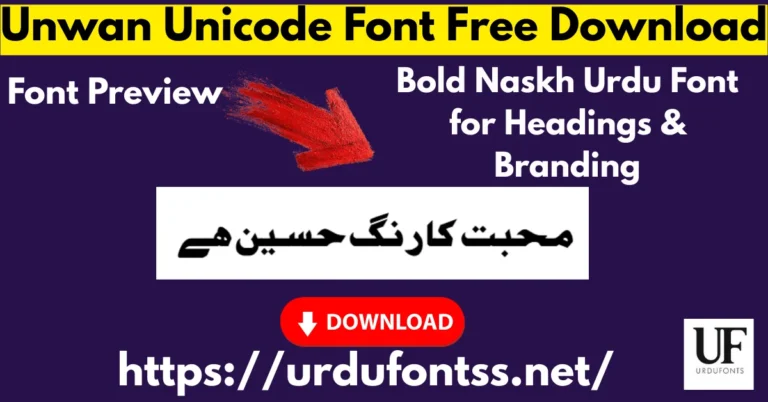
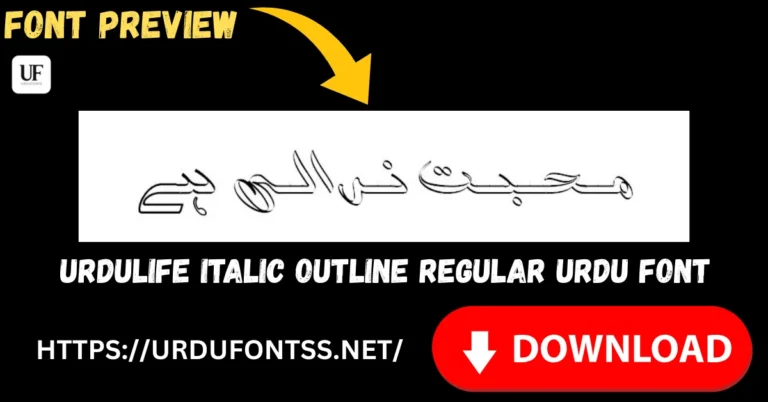
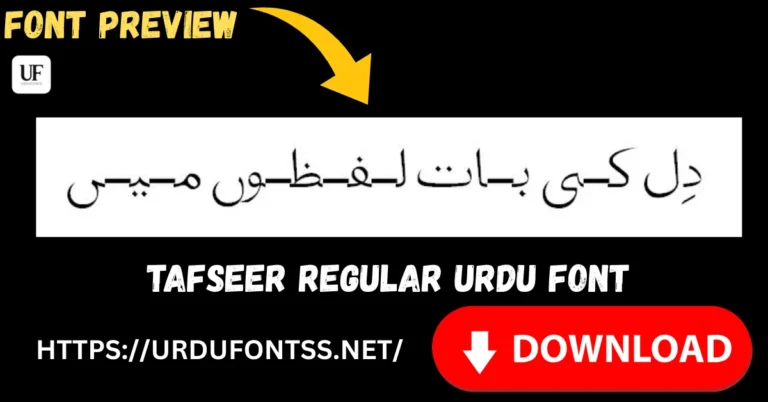
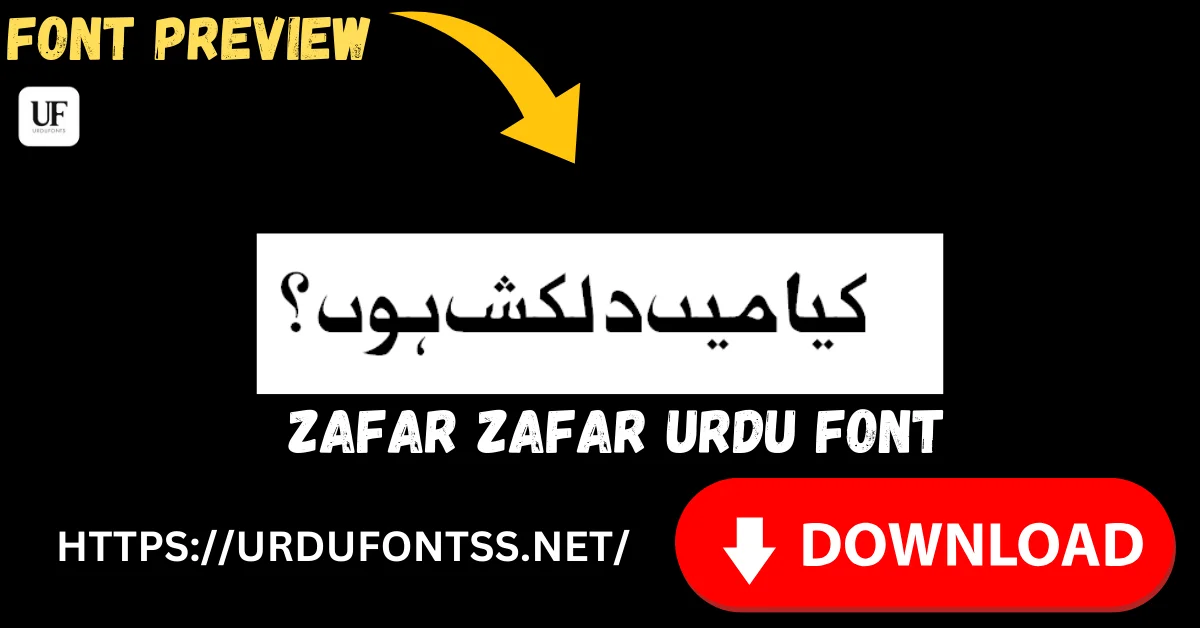
Font Preview
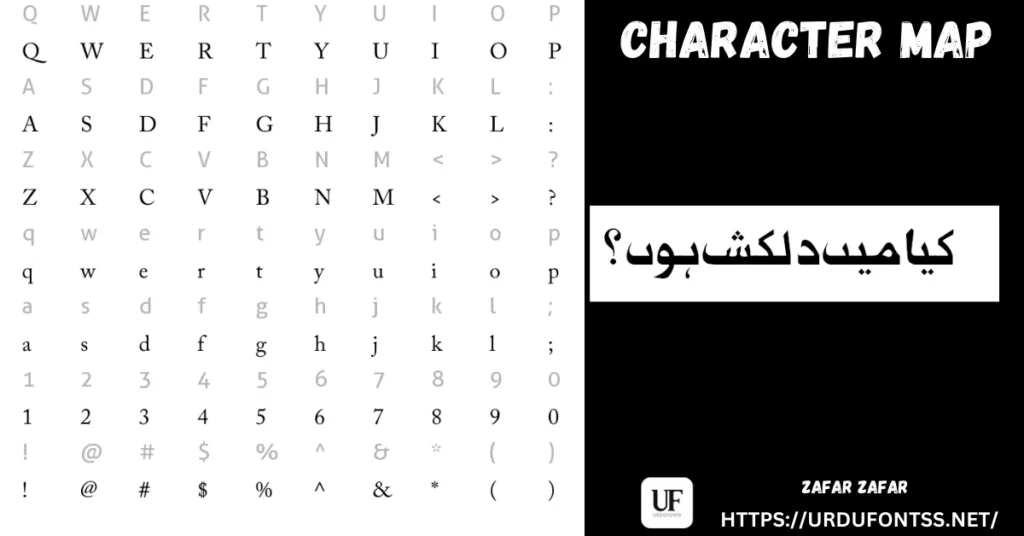
The panel above pairs the character set with a set sample line in the font. Below is the same face doing design work — poetry lines set large on a finished graphic, which is where its clean traditional forms show best.
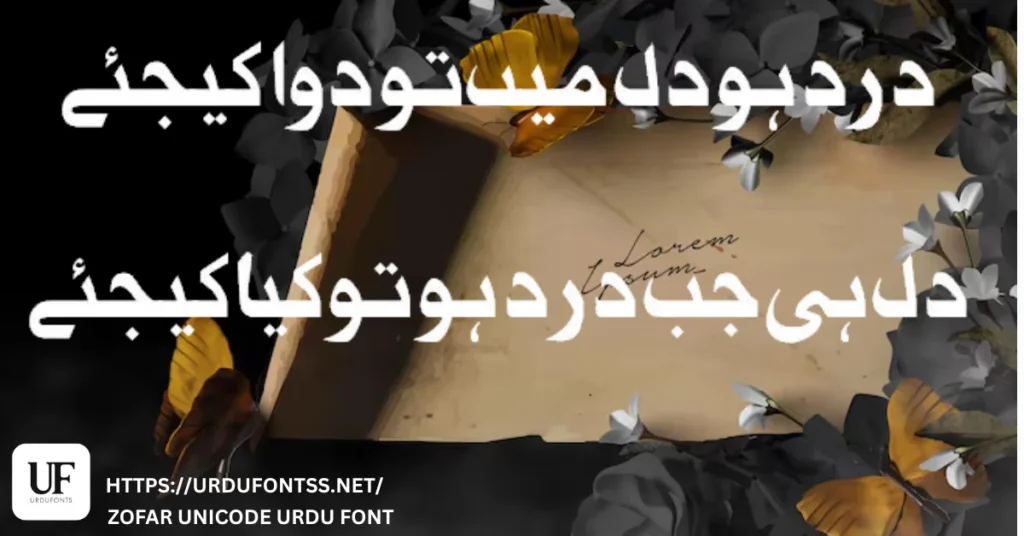
What Makes Zafar Different
- Readability before decoration: the design brief is clarity — simple, traditional forms with a smooth text flow, so articles, essays and book-length text stay comfortable to read.
- Unicode structure: the font is Unicode-based, so text copies, pastes, searches and moves between WordPress, Word, Google Docs and mobile apps as real text.
- 497 glyphs, verified in the file: the glyph count on this page was confirmed against the downloaded TTF itself — coverage the page used to leave unstated.
- Beginner-friendly weight: one Regular weight, a ZIP of about 68 KB, nothing to configure — install it and it behaves like a normal system font everywhere.
- A traditional look that stays modern: Nastaliq-inspired elegance without the steep slope that makes true Nastaliq hard to set in documents — a practical middle ground.
Best Uses for Zafar
- Long articles and essays — legibility that holds across extended reading.
- Official and personal documents — letters, resumes, certificates and reports.
- Educational content — class notes, textbooks and online tutorials.
- WordPress blogs and websites — consistent Urdu text across posts and pages.
- Graphic design — posters, flyers and social media posts with a polished, traditional look.
- Mobile reading apps and e-books — clarity that survives small screens.
A pro tip from the original page is worth keeping: for long Zafar paragraphs, increase the line spacing slightly — the clean forms reward a little air. More text and display styles are in the Urdu fonts category.
How to Download and Install
On Windows
Click the download button at the top of this page, extract the ZIP, right-click the TTF file and choose Install. Restart your app and Zafar appears in its font list. The full walkthrough is in our PC install guide for Urdu fonts.
On Mac
Extract the ZIP, double-click the TTF and choose Install Font in Font Book. If the font does not appear in an app’s list, restart the app — font lists refresh on launch.
On Android
Modern Android phones do not allow free system-wide font changes, so use the TTF inside apps such as PixelLab, CapCut, KineMaster or Canva through each app’s Add Font option — our Android install guide shows the in-app method step by step.
Zafar vs Similar Fonts
| Font | How It Differs |
|---|---|
| X Zar Heavy | The display opposite: heavy strokes for headlines and banners. Use X Zar Heavy for the title line and Zafar for everything underneath it. |
| Shifa Italic Unicode | A slanted, stylish Unicode face for quotes and emphasis. Zafar is the upright reading font; Shifa Italic is the accent you set inside it. |
| UL Amjad Outline | Hollow Nastaliq display lettering for covers and cards — decoration, not reading. Zafar is the one you write the document in. |
Troubleshooting
| Problem | Solution |
|---|---|
| Font not showing in software | Restart the application after installation — most apps only reload their font list at startup |
| Letters not joining properly | Enable right-to-left (RTL) text settings and the Urdu or Arabic keyboard layout |
| Boxes instead of Urdu text | Install the Urdu language pack on your system or check the app’s Unicode support |
| Long text looks tight on screen | Increase the line spacing slightly — Zafar’s clean forms are designed to be read with a little extra air between lines |
For the full fix list, see our common Urdu font problems and fixes guide.
Licence Information
| Usage Type | Licence Status |
|---|---|
| Personal Use | ✅ Free to download |
| Commercial Use | Check with the developer before commercial use |
Zafar is free to download from this page for personal use. We do not claim ownership of this font, and this page is provided for preview and informational purposes. If you are the copyright owner and believe any information here needs correction, contact us at urdufontss@gmail.com and we will act on it promptly.
Final Words
For Urdu writing that simply has to read well — documents, blogs, study material and long articles — Zafar is the quiet, dependable pick: 497 verified glyphs, a Unicode build and a ZIP of about 68 KB. Download it, set a real page of your own text in it, and judge the reading line yourself.
Frequently Asked Questions (FAQs)
Is Zafar a free Urdu font?
Yes. The TTF is free to download from the button at the top of this page for personal use. For commercial projects, check with the developer first.
What type of font is Zafar?
A TrueType (TTF) Unicode Urdu font in a clean, traditional style with Nastaliq-inspired letterforms — a single Regular weight, verified in the font file itself.
How large is the Zafar font file?
The download is a ZIP of about 68 KB containing the TTF — quick to download and light on any device.
How many glyphs does Zafar include?
497 glyphs, counted in the downloaded font file — the coverage behind its smooth handling of long Urdu texts.
Does Zafar support long Urdu texts?
Yes — that is its home ground. Its simple, legible forms are made for articles, essays, books and educational material rather than short display lines.
Is Zafar compatible with WordPress and Google Docs?
As a Unicode TTF it works with WordPress content and, once installed on your system, with desktop editors. In Google Docs, web fonts are limited to Google’s own library, so use Zafar in local documents and designs.
Can I use Zafar on Android devices?
Yes, inside apps: modern Android does not allow free system-wide font changes, so load the TTF through the Add Font option in apps such as PixelLab, CapCut or Canva.