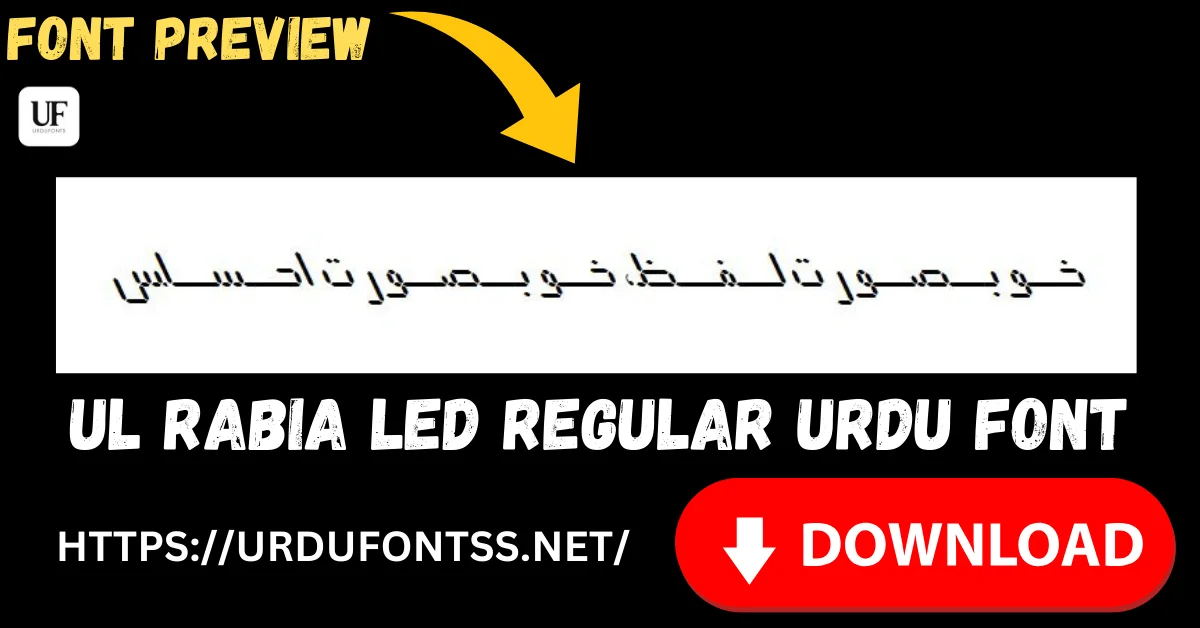
UL Rabia Led Regular Free Urdu Font Download (TTF) 2026

UL Rabia Led Regular is a clean, readable Urdu font for everyday work — and at about 38 KB it is the lightest font download on this site. There is no decoration to fight with: just clear letterforms that behave in documents, study material and phone apps, and a file so small it downloads and installs almost instantly. Download the TTF file free below and install it on Windows, Mac or Android.
Table of Content
Table of Contents
UL Rabia Led Regular Free Download
| Feature | Details |
|---|---|
| Font Name | UL Rabia Led Regular |
| Style | Regular — clean, plain, screen-friendly |
| Format | TTF (delivered in a ZIP of about 38 KB) |
| Works With | MS Word, InPage, Photoshop, Illustrator, Canva and all TTF-supported software |
| Platforms | Windows, Mac, Android (in apps) |
Before you download, you can also preview UL Rabia Led with your own text in our Live Urdu Font Previews tool — type a sentence from your document and check its clarity at your real reading size.
Font Preview
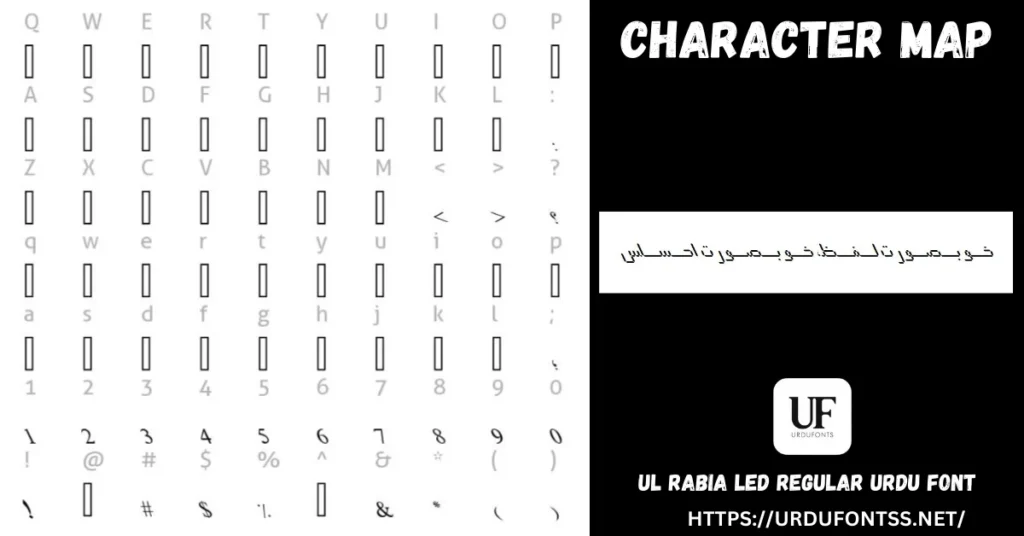
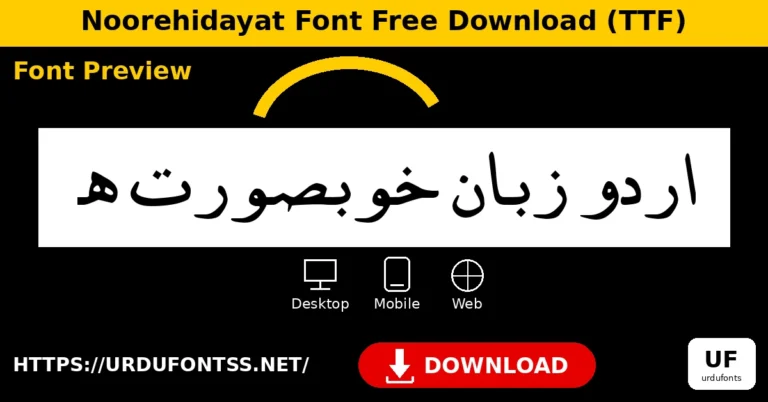
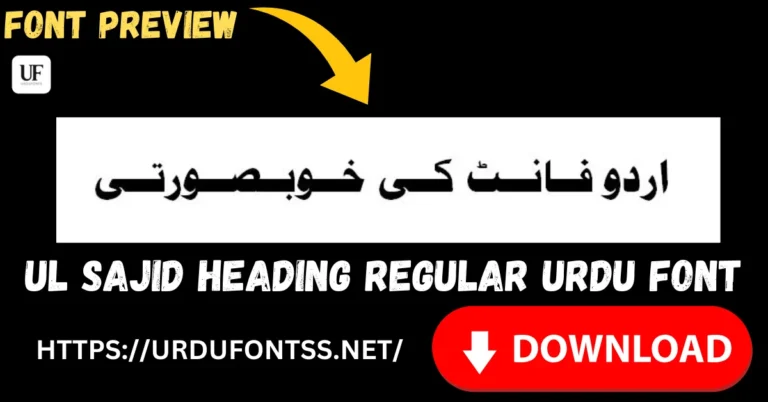
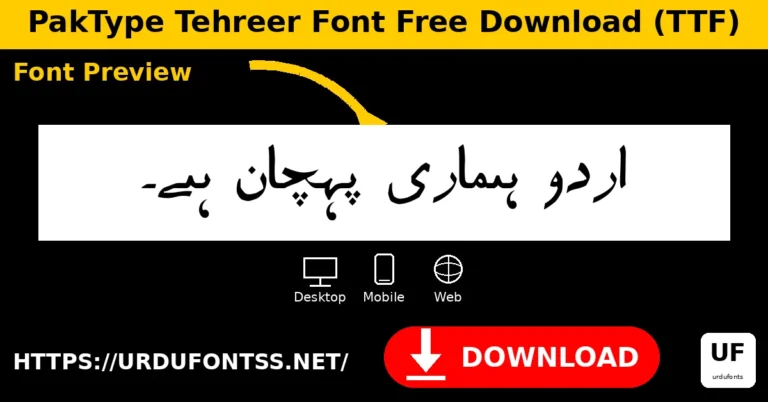
The character map above shows the font’s glyph set and its Urdu sample line. Nothing in the design is there for show — every stroke is spent on keeping the letters open and easy to read.
What Makes UL Rabia Led Regular Different
- The lightest file here: at about 38 KB the ZIP is smaller than a single phone photograph. On a slow connection, inside an app, or on an older phone, this is the Urdu font that never makes you wait.
- Light documents, too: a small font adds almost nothing when it is embedded in a PDF or document — worth having when you email files or publish e-books on limited hosting.
- Plain on purpose: no shading, no outline, no calligraphic sweep. The design spends everything on legibility, which is what everyday text — notes, lessons, messages, forms — actually needs.
- Screen-first manners: as its name hints (Led), this is a font at home on digital displays: clean shapes that hold together in app interfaces, captions and study apps rather than only on printed paper.
- Know its limit: plain cuts both ways. For a wedding card, a book cover or a poster heading you will want a font with presence — pair this one with a display font for titles, or browse the shaded and outline styles compared below.
Best Uses for UL Rabia Led Regular
- Everyday documents — letters, assignments, notes and office writing in clear Urdu.
- Study material — worksheets, handouts and slides where students must read without strain.
- Phone-first content — app text, captions and social posts read on small screens.
- E-books and PDFs — a featherweight font keeps embedded files small and quick to share.
- Websites and blogs — a light Unicode font file is kinder to page speed than a heavy one.
How to Download and Install
On Windows
Click the download button at the top of this page, extract the ZIP, right-click the TTF file and choose Install. Restart your app and UL Rabia Led appears in its font list. The full walkthrough is in our PC install guide for Urdu fonts.
On Mac
Extract the ZIP, double-click the TTF and choose Install Font in Font Book.
On Android
Modern Android phones do not allow free system-wide font changes, so use the TTF inside apps such as PixelLab, CapCut or Canva — our Android install guide shows the in-app method step by step. A file this small loads into apps quickly even on budget phones.
UL Rabia Led Regular vs Similar Fonts
| Font | How It Differs |
|---|---|
| TITUS Cyberbit Basic Regular | The opposite end of the scale: an 824 KB multilingual font carrying many scripts. Choose TITUS for mixed-language coverage; Rabia Led when you want one Urdu font that weighs almost nothing. |
| Tafseer Regular | Another light, clean text font (about 27 KB ZIP) with a more contemporary finish — the closest alternative; preview both with your own paragraph to decide. |
| UL Noreen Shaded Regular | A decorative shaded display font from the same UL family — for headings that shout. Rabia Led is the quiet text font you pair underneath it. |
Browse the complete shelf in the Urdu fonts category, or compare the main reading styles in our Urdu Nastaliq fonts guide.
Troubleshooting
| Problem | Solution |
|---|---|
| Font not showing in software | Restart the application after installation |
| A special character shows as a box | This is a compact font — check the character map above; if the glyph is not included, set that character in a fuller font |
| Letters not joining properly | Enable RTL (right-to-left) text settings in your app |
| Text looks plain next to a decorated heading | That contrast is correct — keep Rabia Led for the text and let a display font carry the title |
For the full fix list, see our common Urdu font problems and fixes guide.
Licence Information
| Usage Type | Licence Status |
|---|---|
| Personal Use | ✅ Free to download |
| Commercial Use | Check the font’s licence terms before using it in commercial work |
UL Rabia Led Regular is free to download from this page. All rights to the font belong to its respective owner; we do not claim ownership, and this page is provided for preview and informational purposes. If you are the copyright owner and believe any information here needs correction, contact us at urdufontss@gmail.com and we will act on it promptly.
Final Words
Not every font needs to perform. UL Rabia Led Regular is the one you install once and forget — small, clear and ready in every app whenever plain Urdu text is the job. Download it, and save the decorative fonts for the headings above your text.
Frequently Asked Questions (FAQs)
Is UL Rabia Led Regular free to download?
Yes. The TTF is free to download from the button at the top of this page, in a ZIP of only about 38 KB. For commercial projects, check the font’s licence terms first.
Why is the UL Rabia Led file so small?
It is a single, plain Regular style with no decorative variants — the file carries what everyday Urdu text needs and nothing extra, which keeps downloads, installs and embedded documents light.
What is UL Rabia Led best used for?
Everyday readable text: documents, assignments, study material, app content and e-books — anywhere clean Urdu matters more than decoration.
Is UL Rabia Led a Nastaliq font?
It is a clean, straightforward Urdu text style rather than a traditional flowing Nastaliq. If you need the classic Nastaliq look for books and poetry, choose a Nastaliq font and keep Rabia Led for plain digital text.
How do I install UL Rabia Led on Windows?
Download and extract the ZIP, right-click the TTF file, and choose Install. Restart your app and the font appears in its font list.
Can I use UL Rabia Led on Android?
Yes, inside apps. Modern Android does not allow free system-wide font changes, so load the TTF in an app such as PixelLab, CapCut or Canva — its small size loads quickly even on budget phones.
Can I preview UL Rabia Led with my own text before downloading?
Yes — open the Live Urdu Font Previews tool on urdufontss.net, type your own words, and check the clarity at your reading size before you install anything.

2 Comments