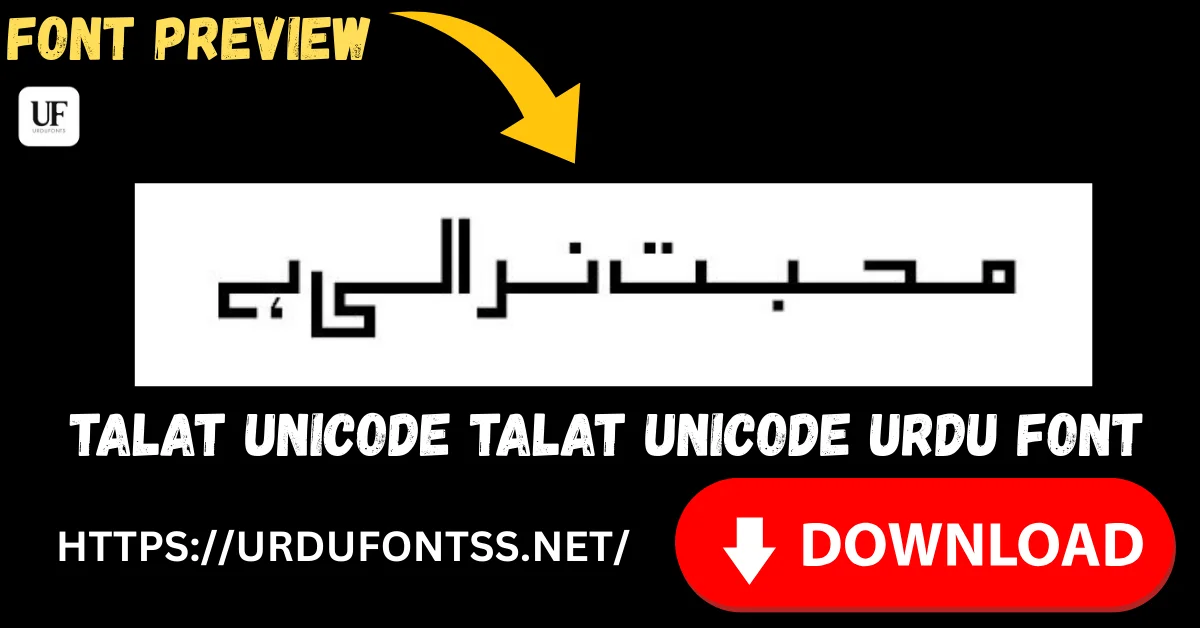
Talat Unicode Free Urdu Font Download (TTF) 2026

Talat Unicode is a clean, legible Urdu font that brings elegance and readability to documents, websites and creative projects — a TrueType font that renders Urdu script accurately across platforms. Download the TTF file free below and install it on Windows, Mac or Android.
Table of Content
Table of Contents
Talat Unicode Free Download
| Feature | Details |
|---|---|
| Font Name | Talat Unicode |
| Style | Talat Unicode — clean, elegant, readable |
| Format | TTF (delivered in a ZIP of about 60 KB) |
| Unicode | Yes — text stays searchable and renders consistently across devices |
| Works With | MS Word, InPage, Photoshop, Illustrator, Canva and all TTF-supported software |
| Platforms | Windows, Mac, Android (in apps) |
Before you download, you can also preview Talat Unicode with your own text in our Live Urdu Font Previews tool.
Font Preview
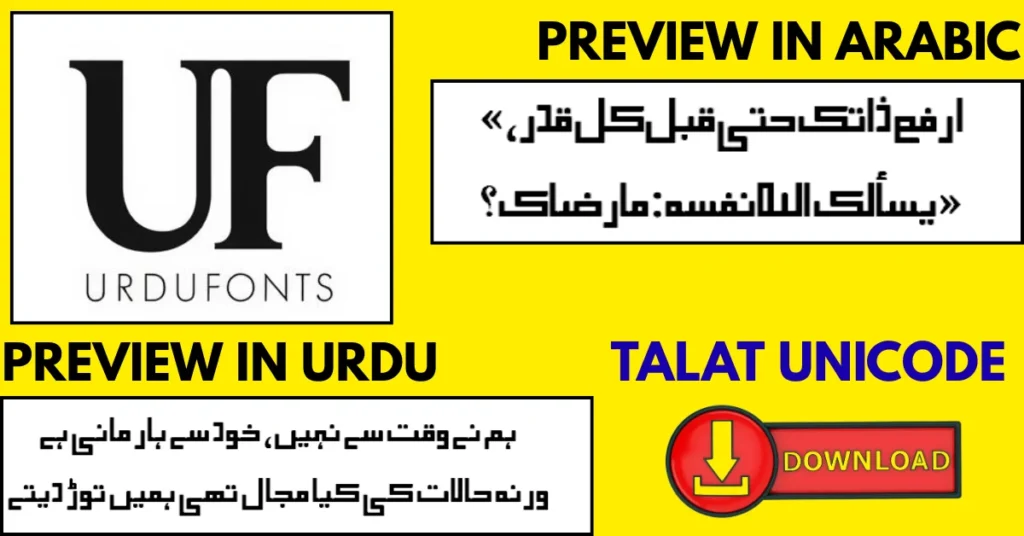
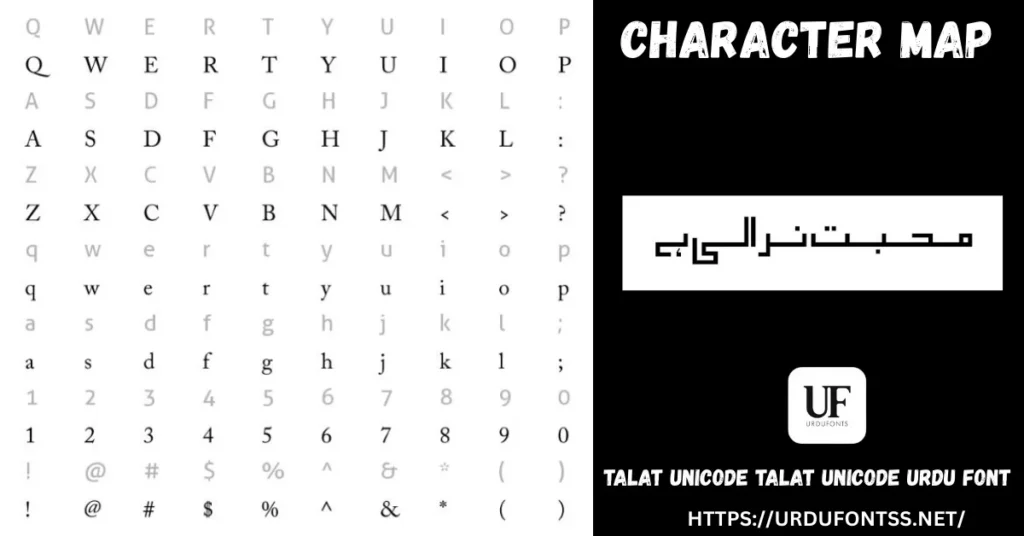
What Makes Talat Unicode Different
- Legibility first: Talat’s design is clean and open, so Urdu text stays easy to read in documents and on screens — the quality the live page’s readers use it for.
- Elegant without being formal: the letterforms have a refined Nastaliq-style grace but none of the heaviness that makes some traditional fonts tiring in everyday projects.
- Accurate Unicode rendering: as a Unicode font, text shapes correctly and stays searchable, copyable and consistent across Windows, Mac and mobile apps.
- Light file: about 60 KB — a quick download that installs in seconds and embeds easily in documents.
- One dependable style: a single, well-finished design that behaves the same everywhere, instead of a family of uneven weights.
Best Uses for Talat Unicode
- Documents — beautiful Urdu letters, reports and everyday writing.
- Graphic design — banners, posters and social media posts that need a clean Urdu face.
- Education — learning materials and assignments with clear, friendly letterforms.
- Websites and blogs — Unicode text that renders and indexes correctly online.
- Mobile projects — use it inside design and editing apps for Urdu titles and text.
How to Download and Install
On Windows
Click the download button at the top of this page, extract the ZIP and right-click the TTF file, then choose Install (or open the file and click Install). The font now appears in Microsoft Word, Photoshop and other applications. The full walkthrough is in our PC install guide for Urdu fonts.
On Mac
Download and extract the ZIP, double-click the TTF to open it in Font Book, and click Install Font. The font is then available in all Mac applications.
On Android
Modern Android phones do not allow free system-wide font changes, so use the TTF inside apps such as PixelLab, CapCut or Canva — download the file, load it through the app’s font option, and select Talat Unicode there. Our Android install guide shows the in-app method step by step.
Talat Unicode vs Similar Fonts
| Font | How It Differs |
|---|---|
| SF Visakh Regular | A softer, handwritten-feel font for poetry and quotes — Talat is the cleaner, more document-like of the two. |
| Nafees Nastaleeq | A tidy traditional Nastaliq for blogs and digital reading — a close alternative; preview both with your own text to decide. |
| Urdu Nastaliq Unicode Regular | A light, open-source Nastaliq built for long reading under the GPL — choose it when an open licence matters. |
Browse more in the Urdu fonts category, or compare the main styles in our Urdu Nastaliq fonts guide.
Troubleshooting
| Problem | Solution |
|---|---|
| Font not showing in software | Restart the application after installation |
| Letters not joining properly | Enable RTL (right-to-left) text settings in your app |
| Boxes instead of Urdu text | Install the Urdu language pack or check your Unicode support settings |
| Font looks different on another device | Make sure the TTF is installed on that device too — fonts do not travel inside plain text |
For the full fix list, see our common Urdu font problems and fixes guide and the Unicode support guide for Urdu fonts.
Licence Information
| Usage Type | Licence Status |
|---|---|
| Personal Use | ✅ Free to download |
| Commercial Use | Check the font’s licence terms before using it in commercial work |
Talat Unicode is free to download from this page. All rights to the font belong to its respective owner; we do not claim ownership, and this page is provided for preview and informational purposes. If you are the copyright owner and believe any information here needs correction, contact us at urdufontss@gmail.com and we will act on it promptly.
Final Words
If you want one clean, reliable Urdu font for everyday work — documents, designs, study material and web text — Talat Unicode is a safe, easy download. Preview it, install it once, and it is ready in Word, Photoshop and your phone apps in minutes.
Frequently Asked Questions (FAQs)
Is Talat Unicode a free Urdu font?
Yes — it is free to download from the button at the top of this page, in a ZIP of about 60 KB. For commercial projects, check the font’s licence terms first.
What type of Urdu font is Talat Unicode?
A TrueType (TTF) Unicode font in the Talat style — clean and legible, designed for readability and wide compatibility across devices and software.
How do I install Talat Unicode on Windows and Mac?
On Windows: extract the ZIP, right-click the TTF and choose Install. On Mac: double-click the TTF and click Install Font in Font Book. Restart your app afterwards.
Can I use Talat Unicode on Android?
Yes, inside apps. Modern Android does not allow free system-wide font changes, so load the TTF in an app such as PixelLab, CapCut or Canva and select it there.
What is Talat Unicode best used for?
Documents and reports, graphic design, educational material, websites and mobile projects — anywhere clean, readable Urdu text is needed.
How is Talat Unicode different from SF Visakh Regular?
Talat has a cleaner, more document-like finish. SF Visakh Regular feels handwritten and is aimed at poetry and quotes. Both are light TTF downloads — preview your own text in each to choose.
Can I preview Talat Unicode with my own text before downloading?
Yes — open the Live Urdu Font Previews tool on urdufontss.net, type your own words, and see exactly how this font renders them before you install anything.