Sharmeen Font – Elegant Urdu Typography for Designers

Sharmeen is an elegant Urdu font with smooth, flowing curves and a clean finish — traditional calligraphy character with modern usability. It is a favourite for wedding cards, invitations and feminine, design-led Urdu projects. Download the TTF file free below and install it on Windows, Mac or Android.
Table of Content
Table of Contents
Sharmeen Free Download
| Feature | Details |
|---|---|
| Font Name | Sharmeen |
| Style | Elegant, flowing Urdu |
| Format | TTF (delivered in a ZIP of about 62 KB) |
| Embedding | Installable |
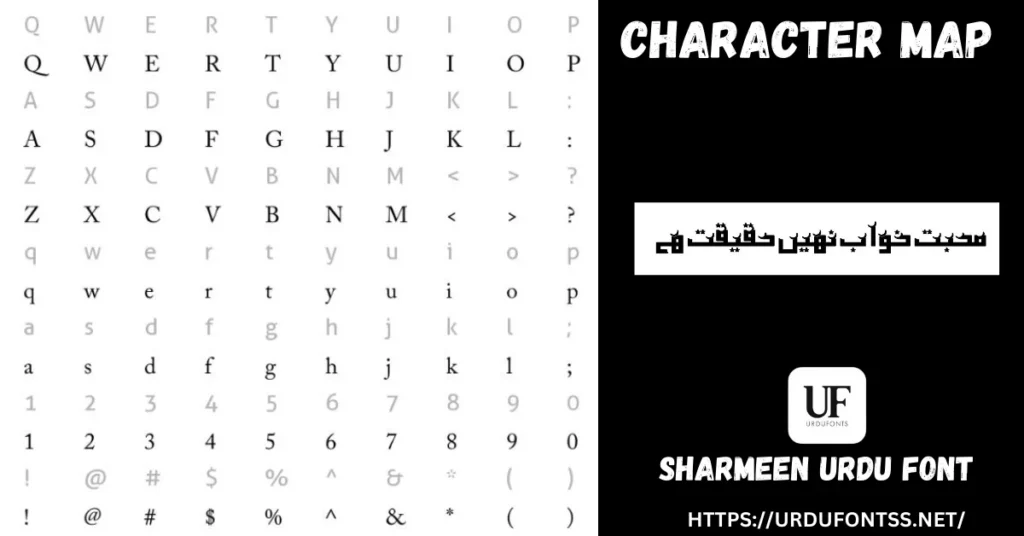
| Character Set | Essential Urdu characters (not an extensive glyph set — see below) |
| Works With | MS Word, Photoshop, Illustrator, InDesign, Canva and all TTF-supported software |
| Platforms | Windows, Mac, Android (in apps) |
Before you download, you can also preview Sharmeen with your own text in our Live Urdu Font Previews tool — type the names or heading from your card and check every letter renders the way you expect.
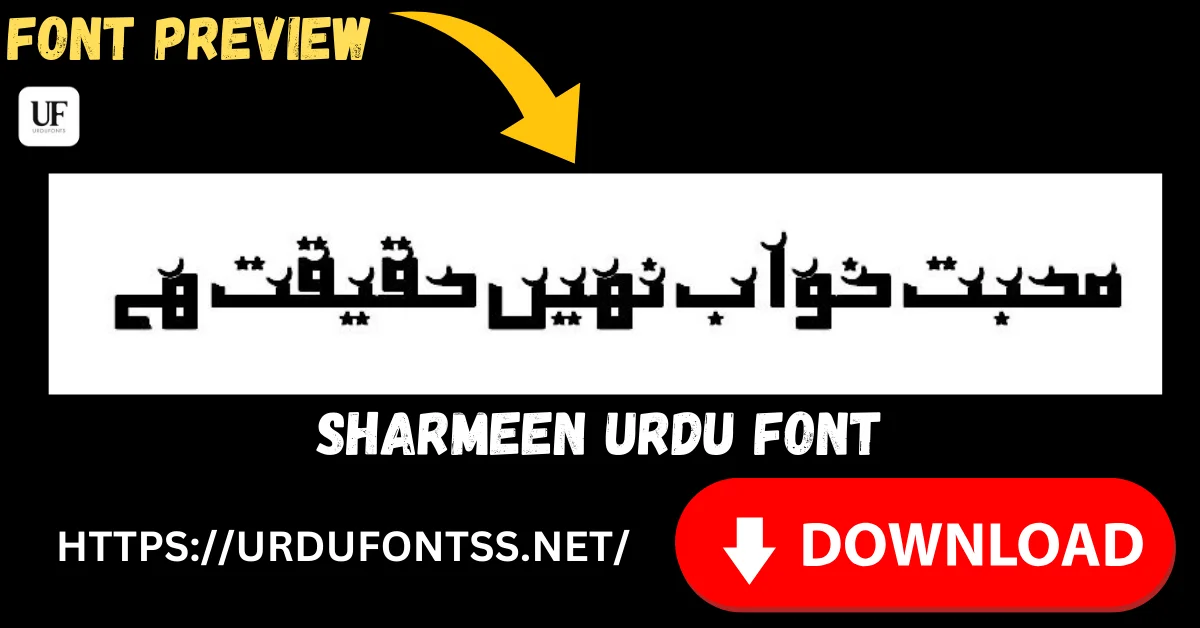
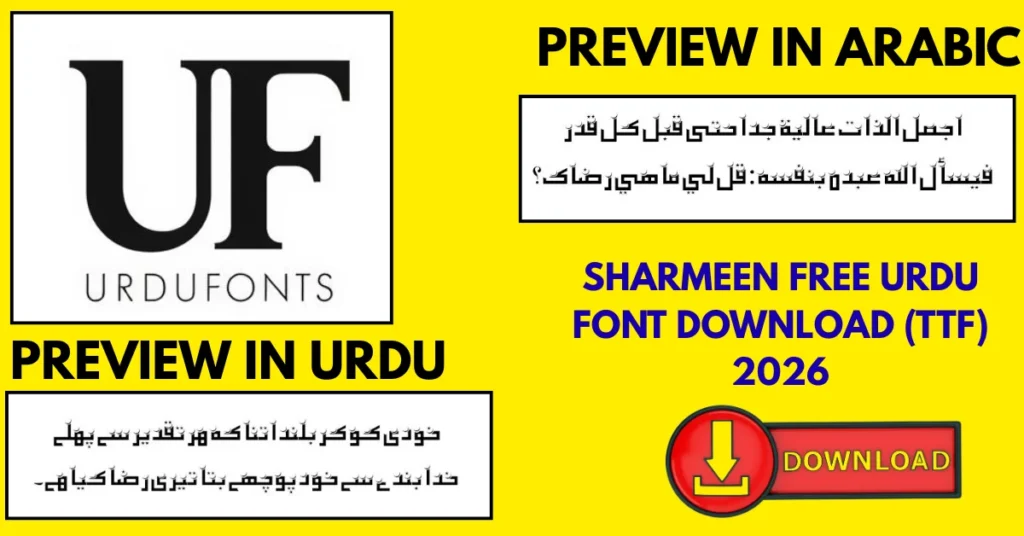
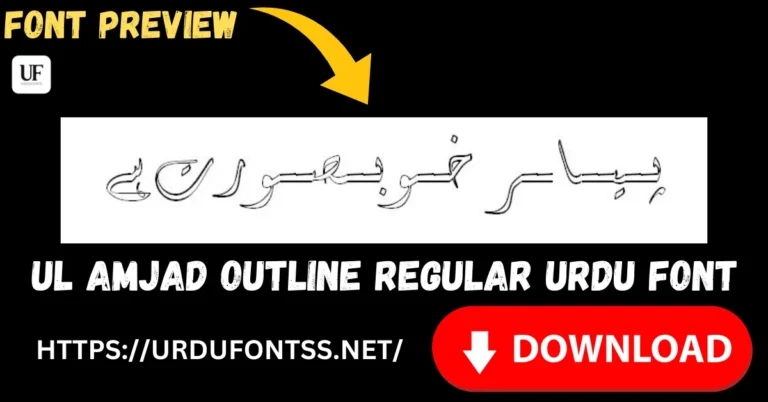
Font Preview
What Makes Sharmeen Different
- Elegance first: the curves are crafted to flow, so even a single line — a name on a card, a heading on a post — looks styled rather than typed.
- Traditional charm, modern finish: Sharmeen keeps classic Urdu calligraphy elements but with a clean, contemporary polish that suits today’s designs.
- Readable at small sizes: despite the decorative feel, the letterforms stay clear when a design is shrunk to a phone screen.
- Smooth connections: letters transition into each other naturally, so connected text flows without awkward breaks.
- One honest limitation: Sharmeen focuses on high-quality essential Urdu characters rather than an extensive glyph set. For standard Urdu text that is all you need — but preview any unusual characters or heavy Arabic quotation before a big print run.
Best Uses for Sharmeen
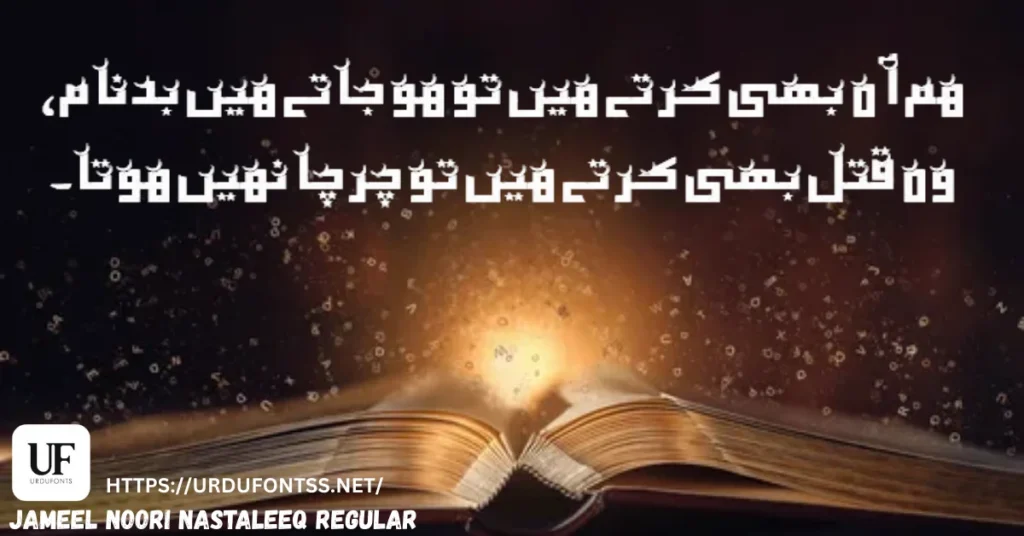
- Wedding cards and invitations — the flowing style was made for names, dates and ceremonial lines.
- Social media graphics — poetry posts, quotes and feminine-themed designs that need a soft, elegant face.
- Branding and logos — boutiques, beauty and cultural brands that want Urdu lettering with a premium feel (check the licence first — see below).
- Posters, banners and flyers — headings that should look designed, not defaulted.
- Educational and creative projects — covers, certificates and presentation titles.
How to Download and Install
On Windows
Click the download button at the top of this page, extract the ZIP, right-click the TTF file and choose Install. Restart your app and Sharmeen appears in its font list. The full walkthrough is in our PC install guide for Urdu fonts.
On Mac
Extract the ZIP, double-click the TTF and choose Install Font in Font Book.
On Android
Modern Android phones do not allow free system-wide font changes, so use the TTF inside apps such as PixelLab, CapCut or Canva — our Android install guide shows the in-app method step by step. For Canva specifically, our Urdu fonts in Canva guide covers the Brand Kit upload on paid plans.
Sharmeen vs Similar Fonts
| Font | How It Differs |
|---|---|
| Sulus Unicode | Classical Thuluth calligraphy — monumental and formal, for mosque artwork and religious headings; Sharmeen is softer and more personal. |
| Shamsheer Unicode | A clean, modern everyday style — choose it for neutral projects; Sharmeen when the design should feel elegant and feminine. |
| Jameel Noori Nastaleeq Kasheeda | The stretched classic for wide, formal headings — pair it with Sharmeen body lines, or use Sharmeen alone for a lighter look. |
More elegant options are compared in our top 10 Urdu fonts for graphic designers, and the full shelf is in the Urdu fonts collection.
Troubleshooting
| Problem | Solution |
|---|---|
| Font not showing in software | Restart the application after installation |
| An unusual character renders oddly | Sharmeen’s set focuses on essential Urdu characters — preview special characters first, or set that line in a fuller text font |
| Letters not joining properly | Enable RTL (right-to-left) text settings in your app |
| Boxes instead of Urdu text | Install the Urdu language pack or check your Unicode support settings |
For the full fix list, see our common Urdu font problems and fixes guide.
Licence Information
| Usage Type | Licence Status |
|---|---|
| Personal Use | ✅ Free to download |
| Commercial Use / Branding | Check the font’s licence terms before using it in logos, branding or other commercial work |
Sharmeen is free to download from this page. All rights to the font belong to its respective owner; we do not claim ownership, and this page is provided for preview and informational purposes. If you are the copyright owner and believe any information here needs correction, contact us at urdufontss@gmail.com and we will act on it promptly.
Final Words
Some fonts are tools; Sharmeen is a mood — the one you reach for when the card, post or cover has to feel graceful. Download it, preview your exact wording first, and let the lettering do the decorating. For the story behind styles like this, read the history of Urdu Nastaliq fonts.
Frequently Asked Questions (FAQs)
Is the Sharmeen font free to download?
Yes. The TTF is free to download from the button at the top of this page, in a ZIP of about 62 KB. Before using it in commercial work, check the font’s licence terms.
Which software supports Sharmeen?
Any software that accepts TTF fonts — Microsoft Word, Photoshop, Illustrator, InDesign, Canva and most modern design applications, on Windows, Mac and (in apps) Android.
Can I use Sharmeen for branding purposes?
Its elegant style suits logos and brand lettering well — but check the font’s licence terms before using it commercially, since branding is a commercial use.
What file format is Sharmeen available in?
TrueType (TTF), with installable embedding — install it once and it is available across your system and design apps.
How can I install Sharmeen on my PC or Mac?
Download and extract the ZIP, then right-click the TTF → Install on Windows, or double-click → Install Font in Font Book on Mac. Restart your app afterwards.
Does Sharmeen include every Urdu and Arabic character?
It focuses on high-quality essential Urdu characters rather than an extensive glyph set. Standard Urdu text is fully covered; preview any unusual character or long Arabic quotation before printing.
Can I preview Sharmeen with my own text before downloading?
Yes — open the Live Urdu Font Previews tool on urdufontss.net, type your own words, and see exactly how this font renders them before you install anything.

10 Comments