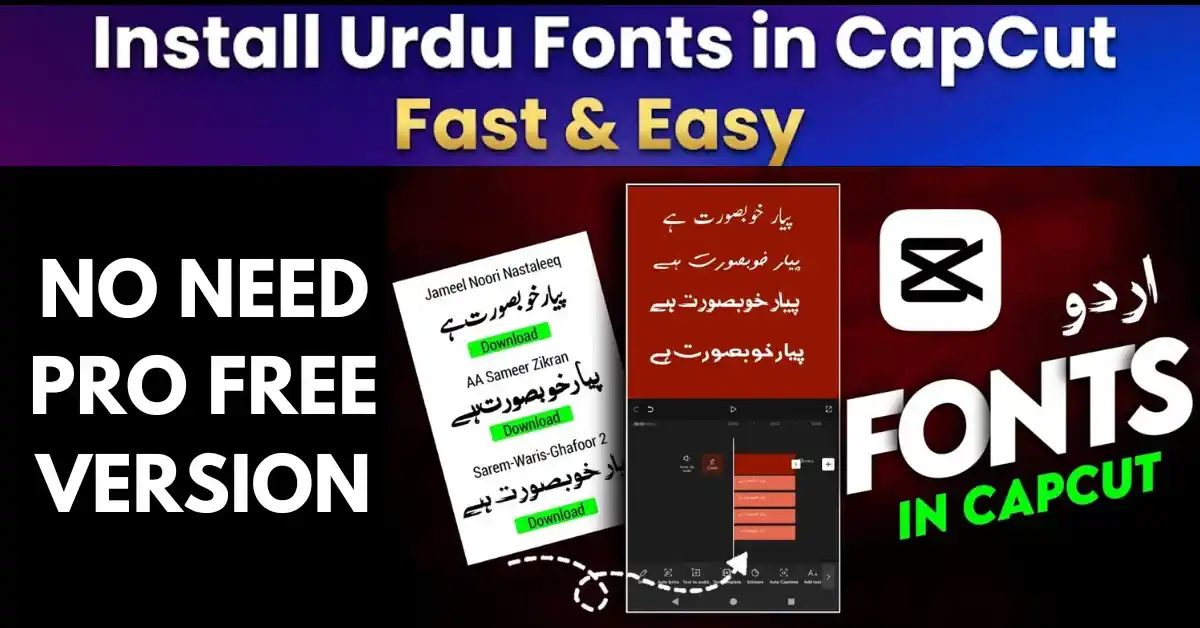
Install Urdu Fonts in CapCut Fast & Easy – Complete 2026 Pro Guide

Table of Content
Table of Contents
Introduction
In this guide, you will learn exactly how to install Urdu fonts in CapCut on PC, Android, and iPhone without errors. CapCut is one of the most popular video editing apps used worldwide. Whether you are creating videos for YouTube, Instagram Reels, or any other social media platform, adding text is an important part of video editing. If you create content in Urdu, installing and using Urdu fonts in CapCut becomes essential.
In this complete 2026 guide, you will learn step-by-step how to install Urdu fonts in CapCut on Windows PC, Android, and iPhone (iOS). Simply follow the instructions below and start using beautiful Urdu fonts in your videos.
📌 Before You Download – Useful Resources
Before installing Urdu fonts in CapCut, these resources can help you:
- 🎨 Live Urdu Font Preview Tool – Check how a font looks with your text before downloading.
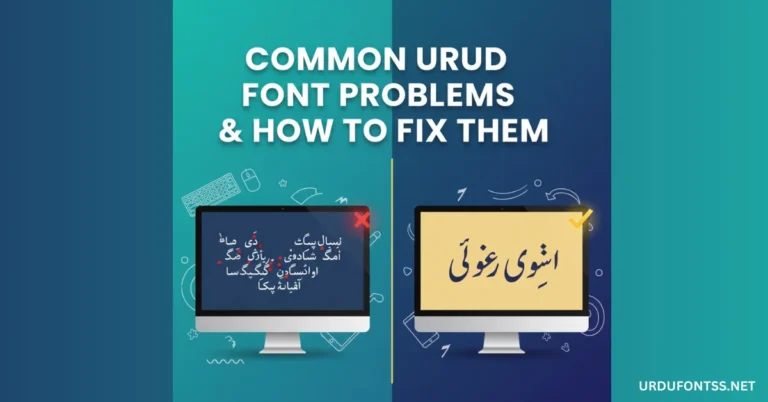
- 🔧 Common Urdu Font Problems & Fixes – Solutions if a font does not install or display properly.
- 📖 Proper Unicode Support Guide – Fix rendering issues if Urdu text appears broken.
Important Things to Know Before Installing Urdu Fonts in CapCut
Before you begin, keep these points in mind:
1. Font Format
CapCut only supports:
- TTF (TrueType Font)
- OTF (OpenType Font)
Make sure the font file is in .ttf or .otf format. ZIP files must be extracted first.
2. File Size
On Android devices, large font files may fail to import. Fonts under 2MB usually work best.
3. Trusted Source
Always download fonts from trusted websites to avoid corrupted or unsafe files.
4. License Check
Some fonts are for personal use only. If you plan to use them commercially (YouTube monetization, client projects, etc.), check the license first.
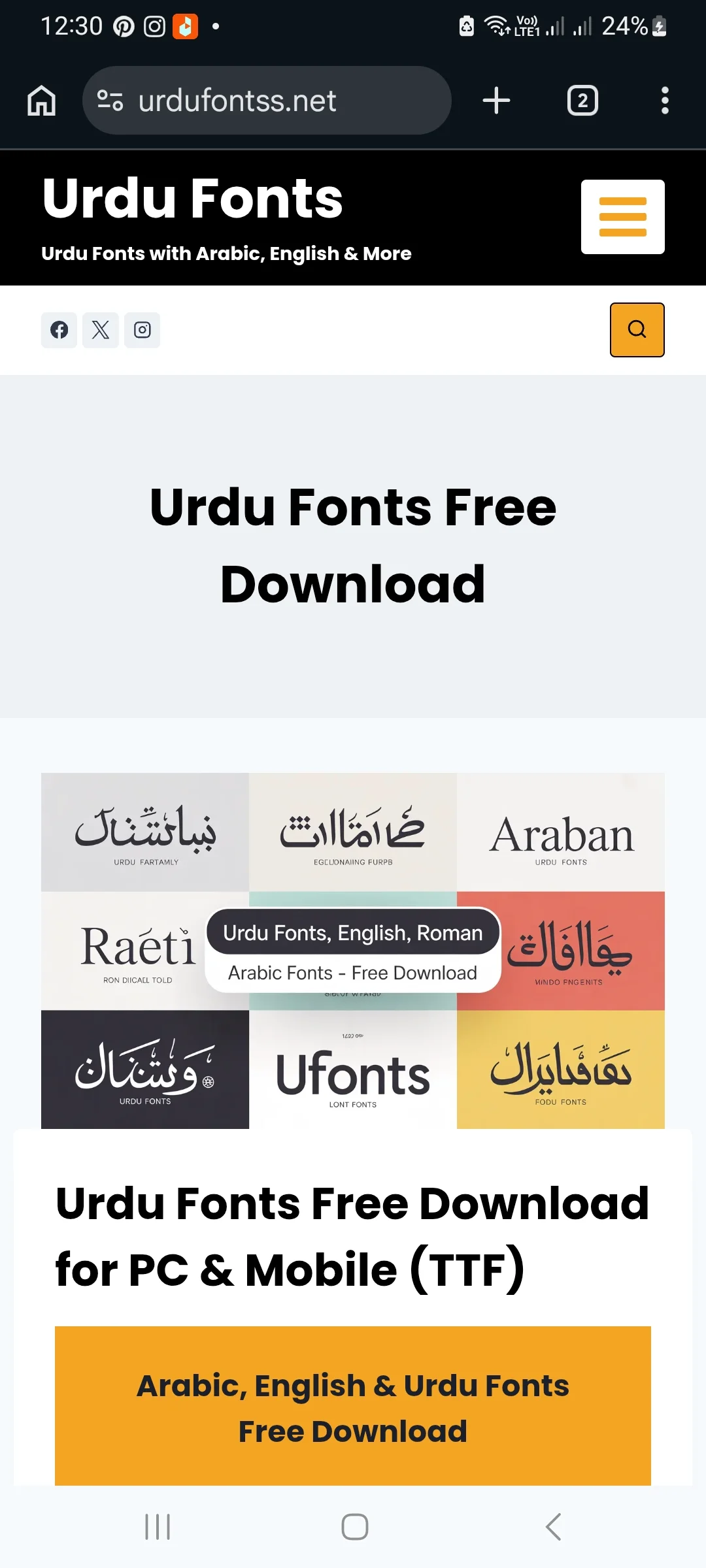
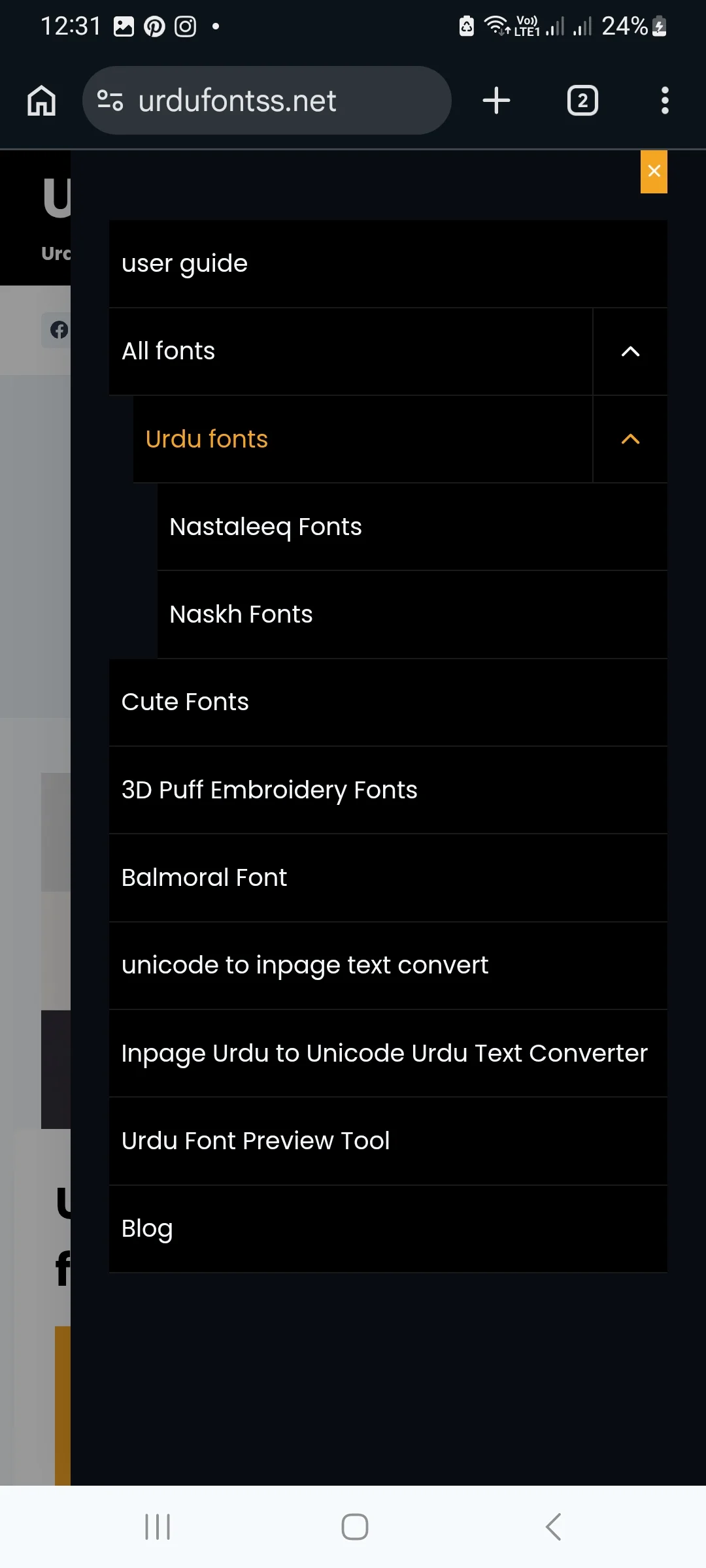
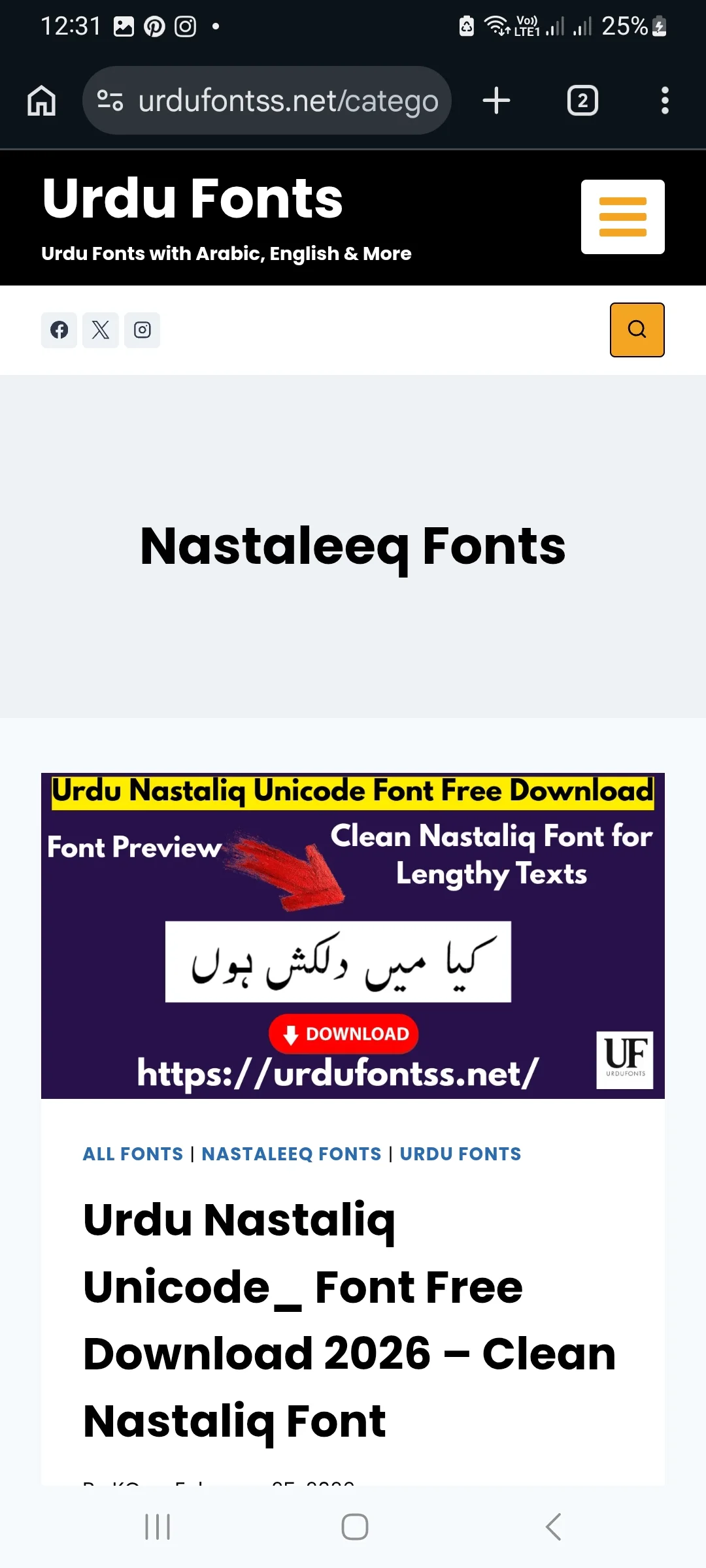
Step 1: Download the Urdu Font (Free & Safe)
- Visit your preferred Urdu font website.
- Choose your desired font (e.g., Jameel Noori, Urdu Khush Khati, Zohra Unicode, etc.).
- Click the Download button.
- The file will usually download in ZIP format.
- Extract the ZIP file:
- On Android: Use the built-in extractor.
- On Windows: Right-click → Extract Here.
- After extraction, you will get a
.ttffile — this is the actual font file.
To download and install this font on PC and mobile devices, click the button below.
Download & Installation GuideHow to Install Urdu Fonts in CapCut on Windows PC
Follow these steps carefully to install Urdu fonts in CapCut on Windows PC.
Step 1: Install the Font in Windows
You must first install the font into your Windows system.
Method 1: Right-Click Install (Easiest)
- Right-click on the extracted
.ttffile. - Click Install.
- The font will automatically be added to Windows.
Method 2: Drag & Drop to Fonts Folder
- Open Control Panel.
- Go to Fonts.
- Drag and drop the
.ttffile into the Fonts folder.
Step 2: Use the Font in CapCut PC
- Open CapCut.
- Open your project or create a new one.
- Click Text from the top toolbar.
- Select Add Text.
- Type your Urdu text.
- Open the font dropdown menu.
- Scroll and find your newly installed Urdu font.
- Select it — your text will now appear in Urdu style.
Common PC Problems & Solutions
| Problem | Solution |
|---|---|
| Font not appearing in list | Restart CapCut or restart your PC |
| Urdu text appears broken | Use a Unicode font and check RTL typing |
| Font not installing | Make sure ZIP is extracted and file is not corrupted |
How to Install Urdu Fonts in CapCut on Android
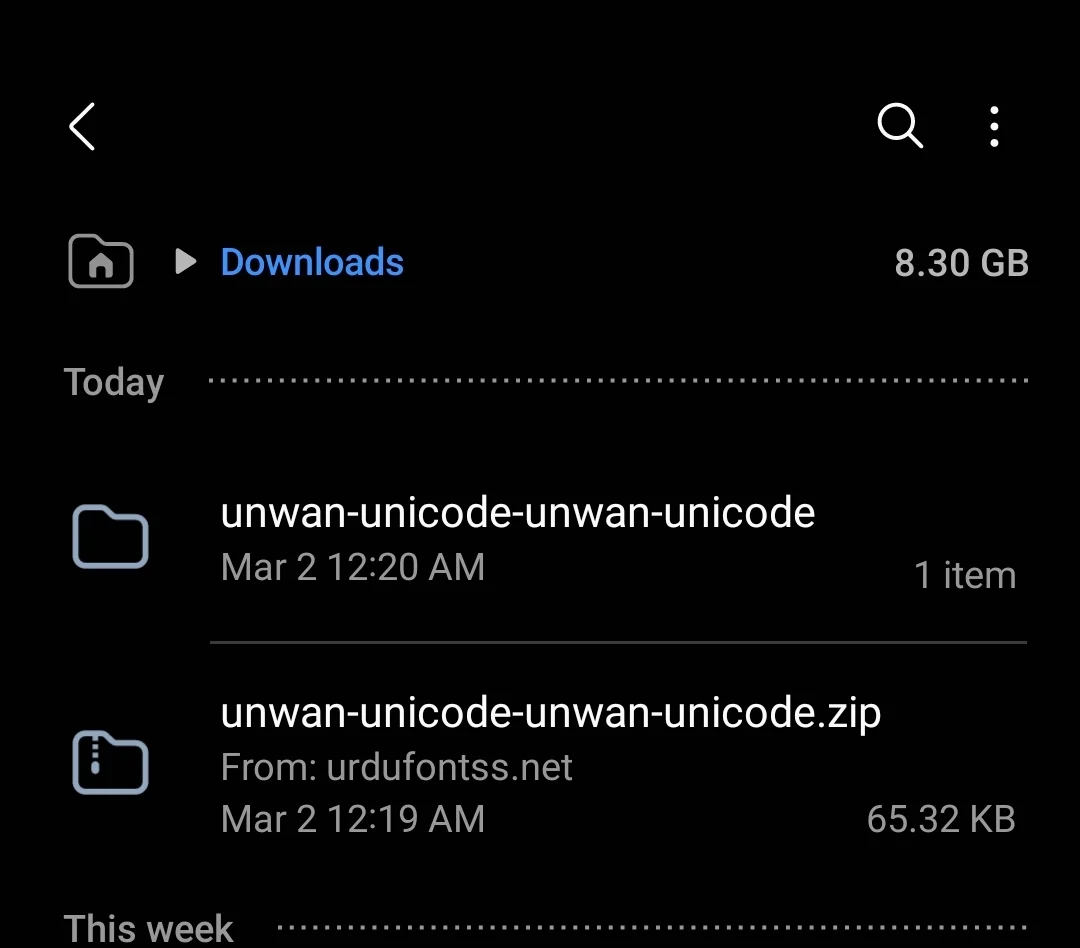
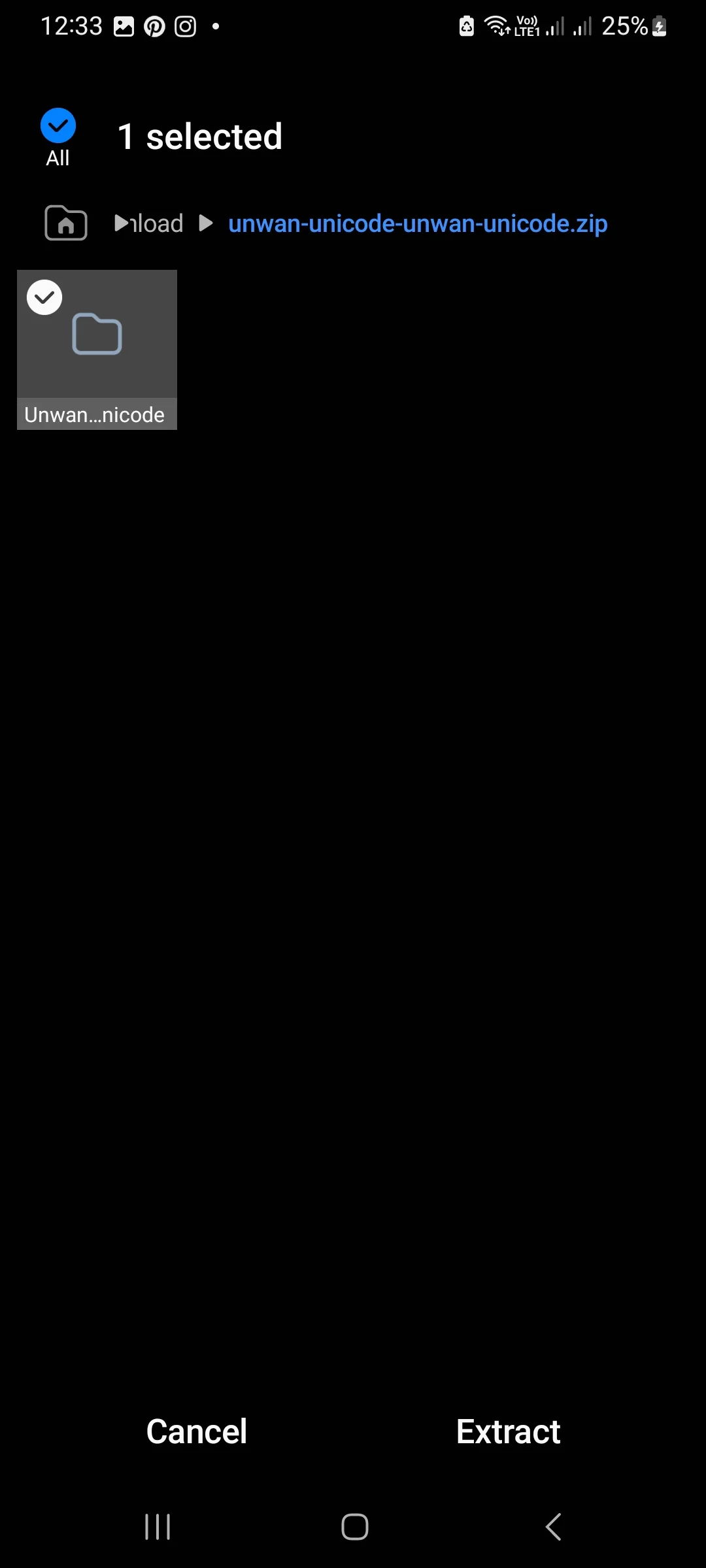
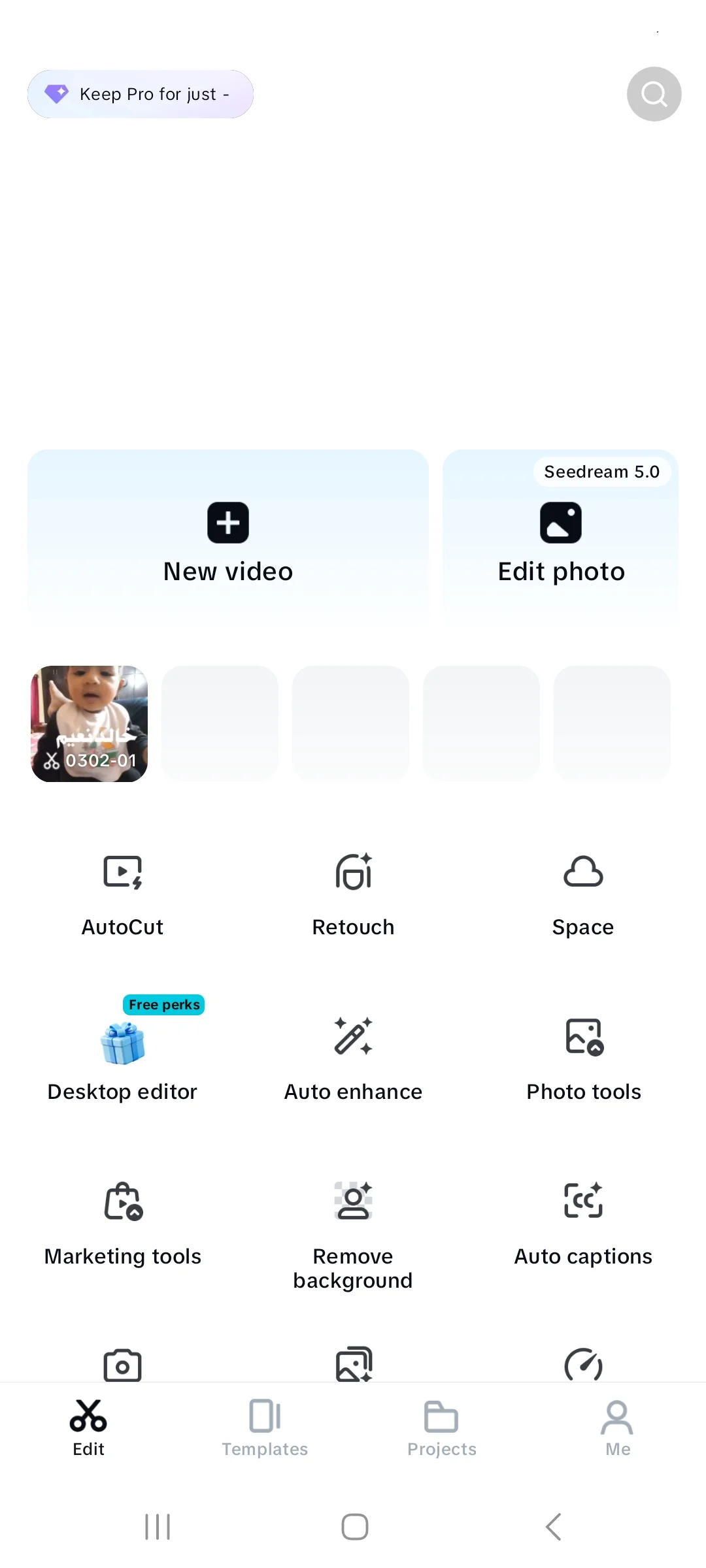
If you want to install Urdu fonts in CapCut on Android, the direct import method is the easiest. first of all download urdu urdu fonts complete guide available above after that open dowload folder in mobile, extract font folder. finally u got ttf font file in mobile. after that
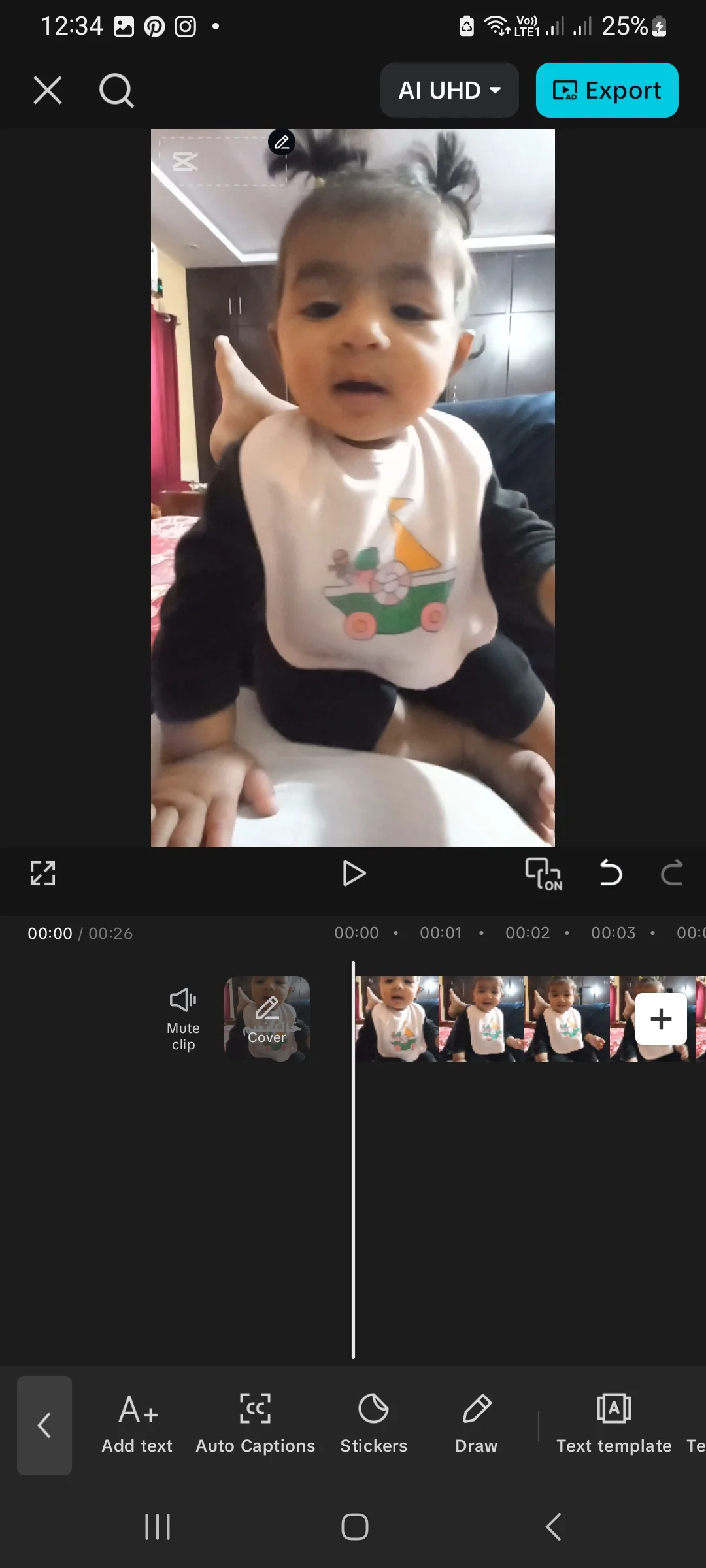
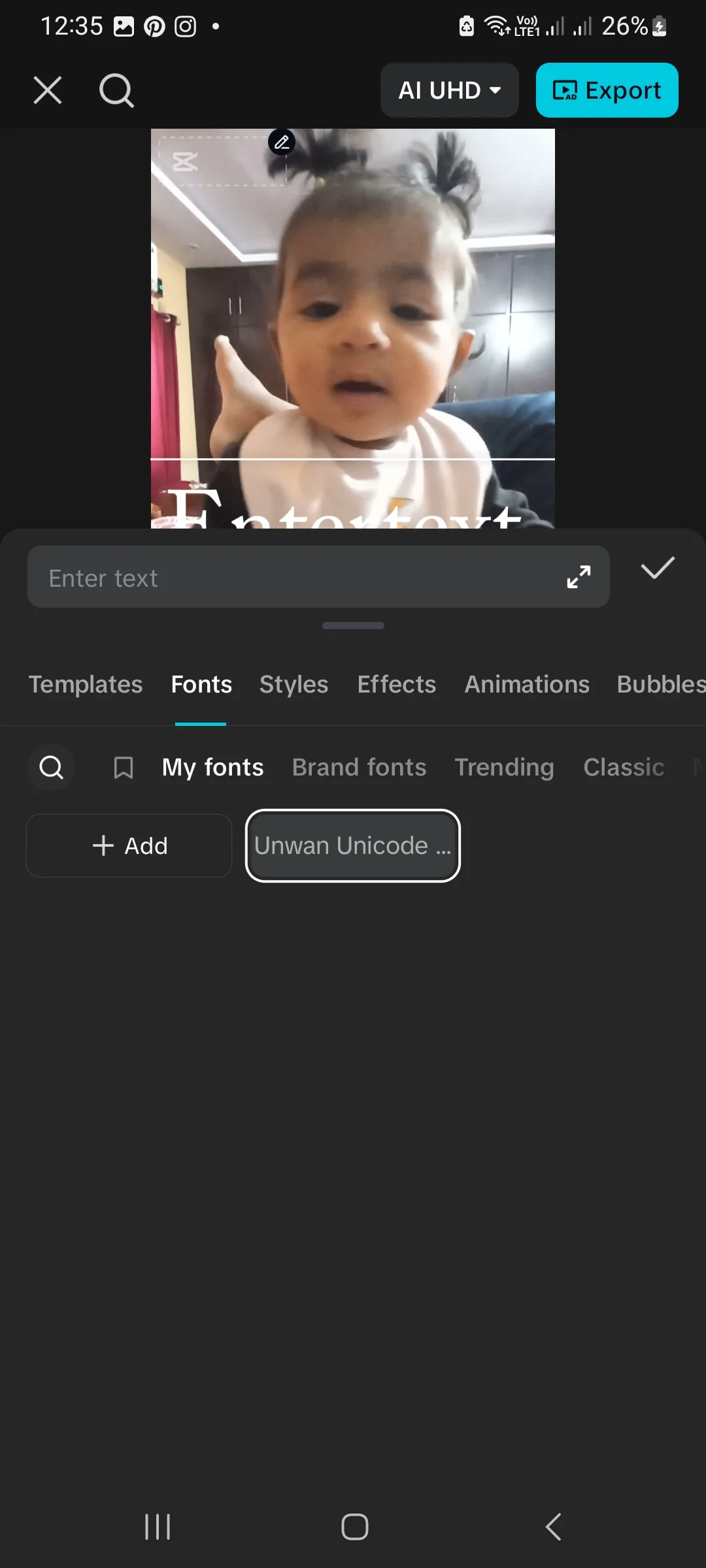
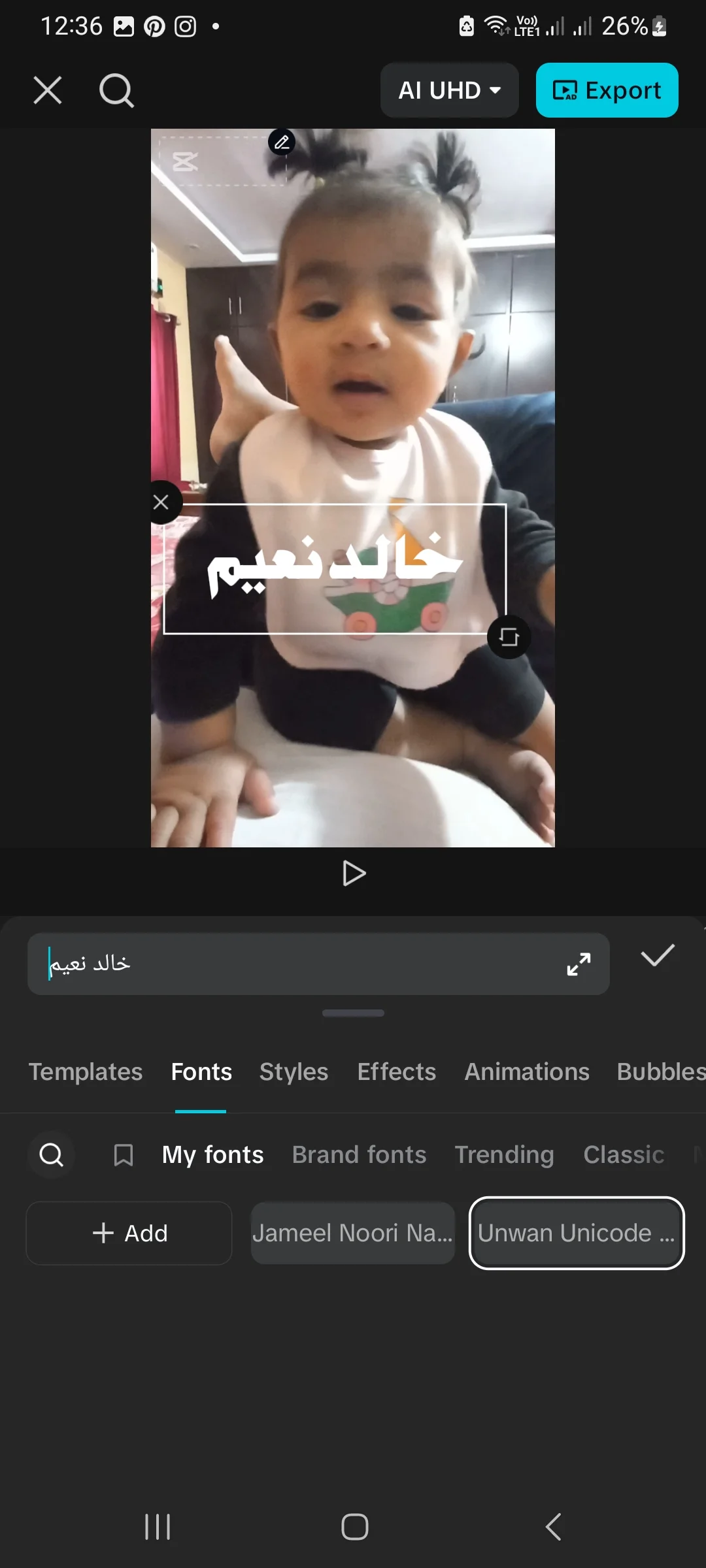
There are three methods:
Method 1: Direct Import in CapCut (Easiest)
- Open CapCut.
- Create or open a project.
- Tap Text.
- Tap Add Text.
- Type your Urdu text.
- Tap the font name area.
- Scroll down and tap Add Font or the ➕ icon.
- Select your downloaded
.ttffile. - The font will import and be ready to use.
Method 2: Open With CapCut (File Manager Method)
- Open your File Manager.
- Go to the Downloads folder.
- Tap the extracted
.ttffile. - Choose Open with.
- Select CapCut.
- The font will import automatically.
Method 3: Using Third-Party Apps (zFont / iFont)
If direct import does not work:
- Download zFont or iFont from Play Store.
- Import your font file inside the app.
- Install it.
- Restart CapCut.
- The font should now appear in the list.
Common Android Problems & Solutions
| Problem | Solution |
|---|---|
| “Add Font” option missing | Update CapCut to latest version |
| Font imported but not showing | Force stop and reopen CapCut |
| Text appears broken | Try a different Unicode font |
| Nothing happens after selecting font | Restart phone |
How to Install Urdu Fonts in CapCut on iPhone (iOS)
iOS users can also easily install Urdu fonts in CapCut using the Files app or iFont. On iPhone, fonts must be installed at the system level.
Method 1: Install via Files App
- Open the Files app.
- Locate your downloaded
.ttffile. - Tap the file.
- Tap Install Font.
- Go to Settings.
- Tap Install Profile.
- Confirm installation.
Method 2: Install Using iFont App (Recommended)
- Download iFont from the App Store.
- Import your font file.
- Tap Install.
- Complete profile installation in Settings.
- Restart CapCut.
Use the Font in CapCut (iOS)
- Restart CapCut.
- Add text.
- Open the font list.
- Select your installed Urdu font.
Common iOS Problems & Solutions
| Problem | Solution |
|---|---|
| Font not appearing | Fully close and reopen CapCut |
| Profile not installing | Go to Settings > General > VPN & Device Management |
| File not downloading | Use Safari browser |
How to Fix RTL (Right-to-Left) Issue in CapCut
CapCut does not have native RTL support.
Solution:
- Use an Urdu keyboard (like Gboard).
- Type in Urdu directly.
- If text appears incorrectly:
- Press space first, then type.
- Or type English, delete it, then type Urdu.
Most Unicode fonts like Jameel Noori Nastaleeq work properly without extra settings.
Best Urdu Fonts for CapCut
| Font Name | Style | Best For |
|---|---|---|
| Jameel Noori Nastaleeq | Nastaliq | Poetry, quotes |
| Urdu Khush Khati | Calligraphy | Stylish titles |
| Xebec Unicode | Dotted | Kids content |
| Unwan Unicode | Bold Naskh | Thumbnails |
| Zohra Unicode | Clean Naskh | Subtitles |
| Urdu Emad Nastaliq | Oblique Nastaliq | Traditional look |
Troubleshooting: Urdu Font Not Installing in CapCut?
If you cannot install Urdu fonts in CapCut, make sure the file format is TTF or OTF.
Sometimes users fail to install Urdu fonts in CapCut because the ZIP file is not extracted.
Font Not Showing?
- Restart CapCut
- Restart device
- Check format (TTF/OTF only)
Font Not Installing?
- Extract ZIP file first
- Redownload if corrupted
- Check storage space
Urdu Text Broken?
- Use Unicode fonts
- Update CapCut
- Use Urdu keyboard
Alternatives to CapCut for Urdu Fonts
If CapCut causes issues, try:
- Kinemaster
- Inshot
- Alight Motion
- VN Editor
- PowerDirector
All support custom font imports.
Other Urdu Fonts You May Like
Frequently Asked Questions (FAQs)
Can I install Urdu fonts in CapCut on Android and PC?
Yes, CapCut supports TTF and OTF Urdu fonts on PC, Android, and iOS.
Is installing Urdu fonts in CapCut free?
Yes, if you download free fonts, installation is completely free.
Why is my Urdu text broken?
You may be using a non-Unicode font. Try a Unicode-compatible font.
Can I use multiple Urdu fonts?
Yes, you can import multiple fonts and use them in one project.
What format does CapCut require?
Only TTF and OTF formats are supported.
Conclusion
Installing Urdu fonts in CapCut is simple once you understand the process:
- On Windows, install the font in the system first.
- On Android, import the font directly inside CapCut.
- On iPhone, install the font profile using Files or iFont.
Always download fonts from trusted sources and ensure they are in TTF or OTF format. Follow this guide and give your videos a professional and beautiful Urdu typography style.


12 Comments